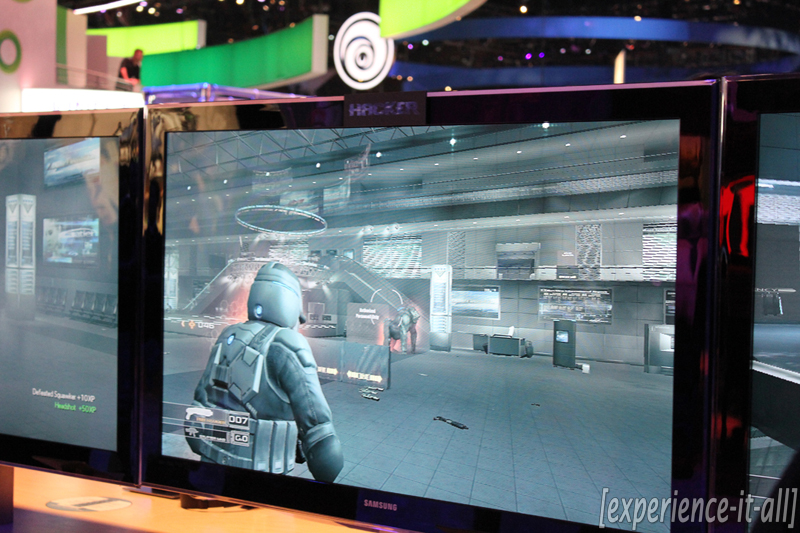
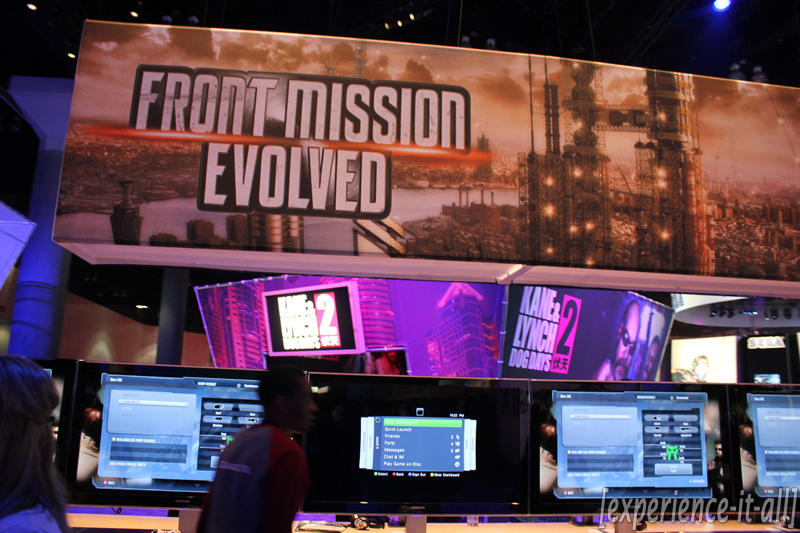
Farewell, E3 2010


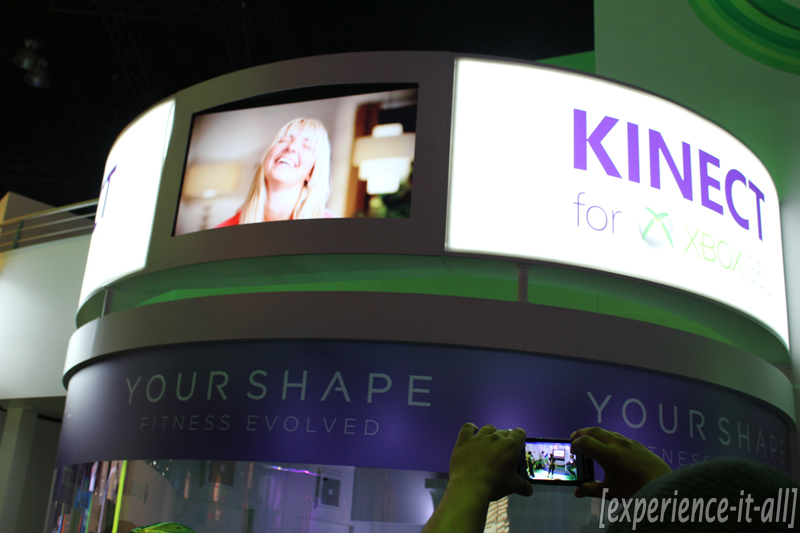
And just like that E3 2010 has come to a close. Oh, was it a wonderful three days of gaming. Things kicked off with Microsoft’s bizarre “Project Natal for Xbox 360 Experience” Cirque du Soleil event where we learned Natal’s true name, Kinect. The Big Three’s press conferences proved to be eventful and packed with awesome new games. Microsoft showed off exciting trailers and demos for Call of Duty: Black Ops, Metal Gear: Rising, Gears of War 3, Halo: Reach, and Fable III. Kinect was finally detailed at length, and we got a sneak peek at the Kinect Hub and many of the casual launch titles including Kinect Adventures!, Kinect Sports, Kinect Joy Ride, Kinectimals, Dance Central, and Your Shape: Fitness Evolved. Sports fanatics were happy to hear news that ESPN content is coming to Xbox Live. And to conclude the conference Microsoft unvield a refreshed Xbox 360 model that features a sleek, black finish and “whisper quiet” internals. Nintendo harnessed the power of nostalgia to excite the long-time fanboys (and girls). Appearences by The Legend of Zelda: Skyward Sword, GoldenEye 007, Kirby’s Epic Yarn Metroid: Other M, and Donkey Kong Country Returns did not dissappoint. Before Nintendo’s conference could come to a close the Nintendo 3DS was officially unveiled. 3D glasses are not required to experience the 3D effect and Kid Icarus: Uprising is a launch title; I want one. Sony’s press conference pushed for 3D gaming with an impressive demo of Killzone 3 in 3D (glasses (unfortunately) required). Sony’s turn at motion-based gaming with PlayStation Move was demoed and titles like Sorcery and Tiger Woods PGA Tour 11 utilized the new controllers well. The introduction of PlayStation Plus (Sony’s subscription based online gaming service), a fantastic trailer for Portal 2, and demos of LittleBigPlanet 2 and Twisted Metal rounded out the conference. All in all, the Big Three were successful in making gamers ’round the world happy with their upcoming offereings.
After the press conferences ended, the show floor exploded open with hundreds of game demos. Fortunately almost every booth was filled with knowledgable game developers who were kind enough to speak with me about their creations. Games like The Legend of Zelda: Skyward Sword, Donkey Kong Country Returns, SOCOM 4, Fable III, the Kinect games, Super Scribblenauts, Tron: Evolution, and the OnLive service impressed me to no end. But there’s one game that stands out the most. My favorite game of E3 2010 is Epic Mickey. The various types of gameplay, visual style, and controls made for an extremely fun and rewarding experience. I can’t wait for it to release on the Wii this holiday season.
To sum up E3 2010 in so many words–motion-controlled gaming (w/ Kinect & PS Move), 3D gaming (w/ PS3 & 3DS), and fantastic titles (that are both classic and new). I had such a great time attending this event for the very first time, and I hope you found my extensive coverage to be interesting, informing, and engaging. I look forward to attending next year’s show and I already have plans to make my coverage even more exciting and comprehensive! I’d like to give a huge thank you to Regina Durkan and Talia Chriqui for their help on the show floor and behind the scenes.
If there’s any E3 content you missed or like to read/watch again, take a look at the links below. Or you can always click the “[experience-it-all] at E3″ coverage button that’s located at the top right-hand corner of the home page.
Pre- E3
[experience-it-all] @ E3 2010 E3 2010: What to expect Preview: Project Natal for Xbox 360 ExperiencePre- show floor
Day Zero: Project Natal for Xbox 360 Experience E3 2010: We’ve arrived Microsoft press conference highlights: Kinect, ESPN, Xbox slim Nintendo press conference highlights: Nintendo classics make a comeback, plus 3DS handheld Sony press conference highlights: Move, 3D gaming, PS Plus, Portal 2Hands-on
Hands-on: The Legend of Zelda: Skyward Sword Hands-on: Nintendo 3DS Booth tour: Nintendo (plus hands-on) Hands-on: Kinectimals Hands-on: Joy Ride Hands-on: Kinect Adventures! & Kinect SportsInterview + hands-on
Interview + hands-on: Metal Gear Solid: Peace Walker Interview + hands-on: SOCOM 4 (w/ PlayStation Move) Interview + hands-on: TV Superstars (w/ PlayStation Move) Interview + hands-on: The Fight: Lights Out (w/ PlayStation Move) Interview + hands-on: Fable III Interview + hands-on: Super Scribblenauts Interview + hands-on: Epic Mickey Interview + hands-on: Tron: Evolution Interview + hands-on: OnLiveBooth tours
Booth tours: Capcom & Sony Online Entertainment Booth tours: 2K, Konami & Warner Bros. Interactive Entertainment Booth tours: Square Enix, Ubisoft & Disney Interactive Studios Booth tours: Sega, THQ & EA Booth tours: Microsoft & Sony Booth tours: MTV Games/HarmonixBooth tours: Microsoft & Sony
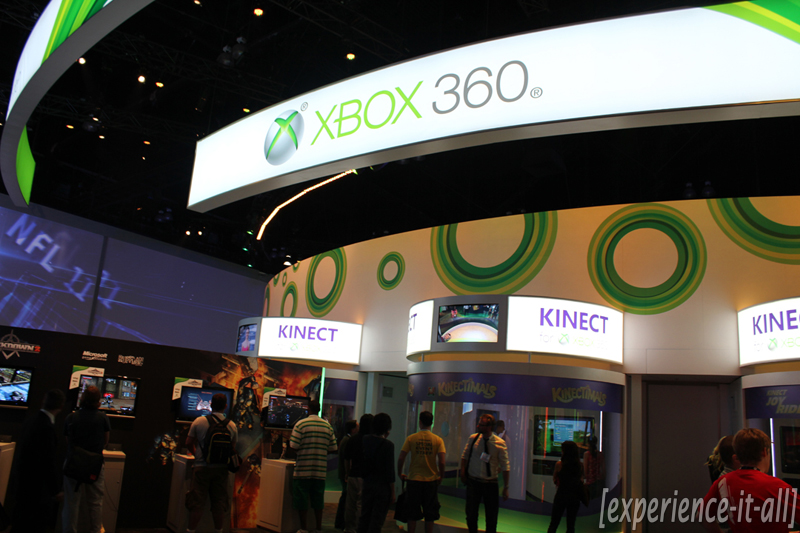
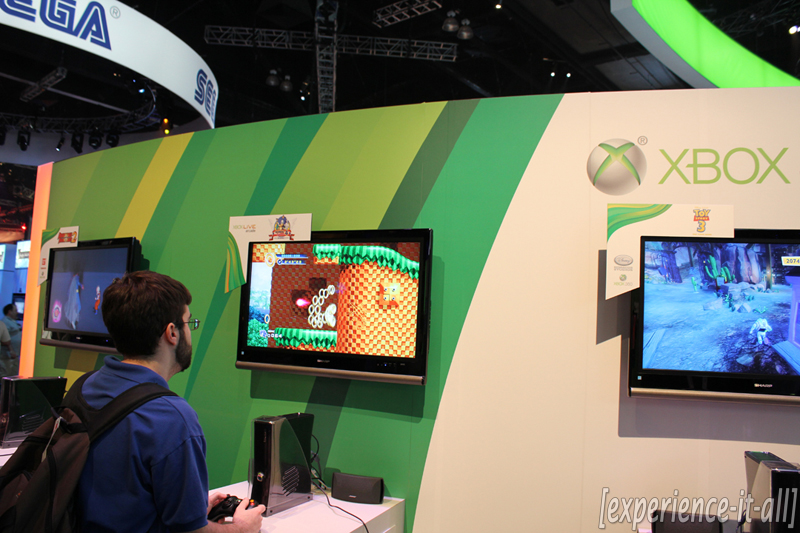
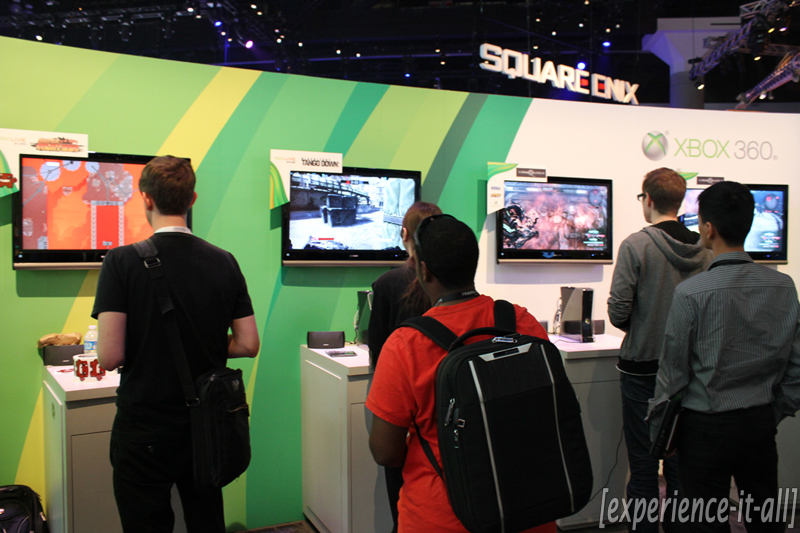
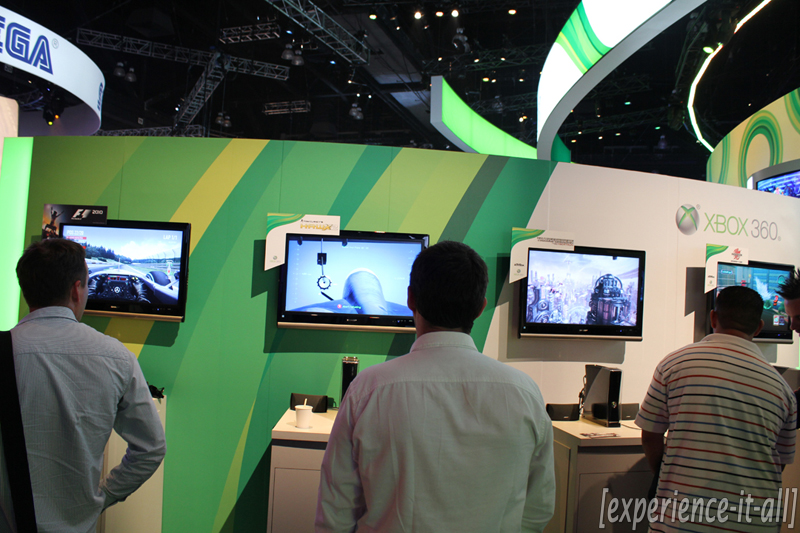
And that marks the end of the interview + hands-on content. Now it’s time for the booth tours! On the last day of E3 2010 I decided to hit record on my camcorder and capture the highlights of almost every booth on the show floor. I did it so you can get a real sense of how each booth was set up and what it all looked like from the perspective of an attendee. Sure E3 is all about the games, but game studios put a ton of effort into making extravagant booths to attract those in attendance; the booths (and requisite booth babes) play a big part in making E3, well, what it has come to be. No, there’s nothing like actually being there and speaking with all the developers and playing all the games. But the following videos and pictures will bring you pretty darn close to the action.
Here’s how the booth tour posts are set up. You’ll find an embedded YouTube video at the top; this video will contain 2-3 booth tours. Below you will see various picture galleries separated by company. Next to each company’s name I hand-picked the most popular games featured at that booth. And that’s it, really. So go ahead and dive into this first one here–it’s Microsoft and Sony, two of the biggest booths on campus.
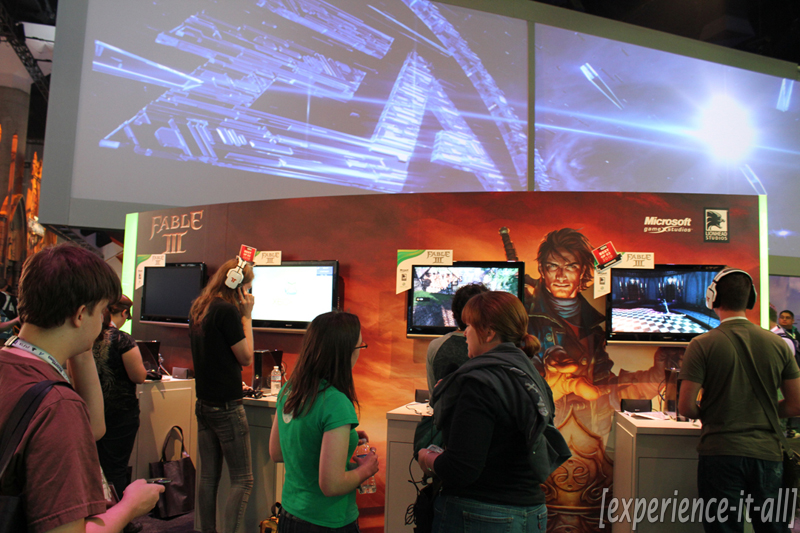
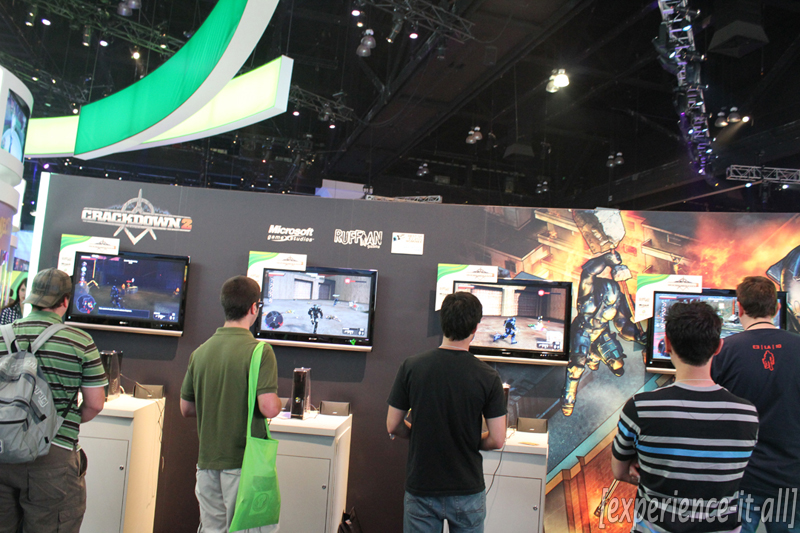
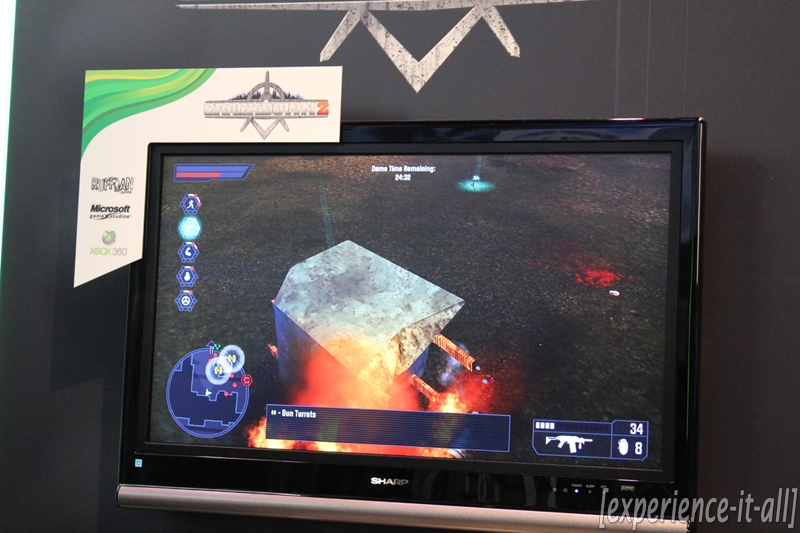
Microsoft: Kinect games, Fable III, Crackdown 2, Halo: Reach, Gears of War 3
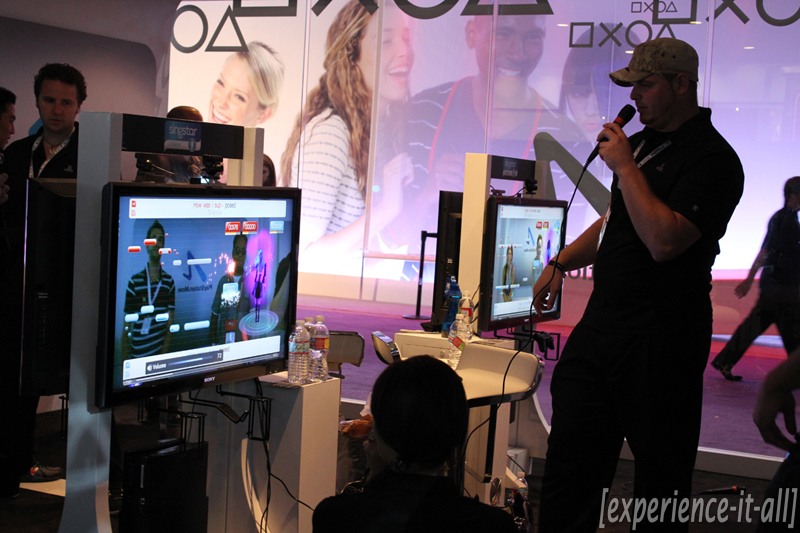
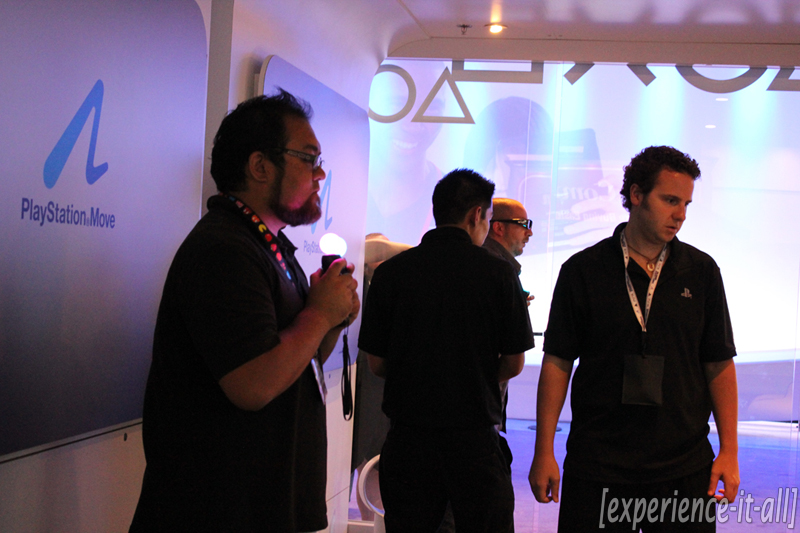
Sony: PlayStation Move games, SOCOM 4, LittleBigPlanet 2, Twisted Metal, Killzone 3
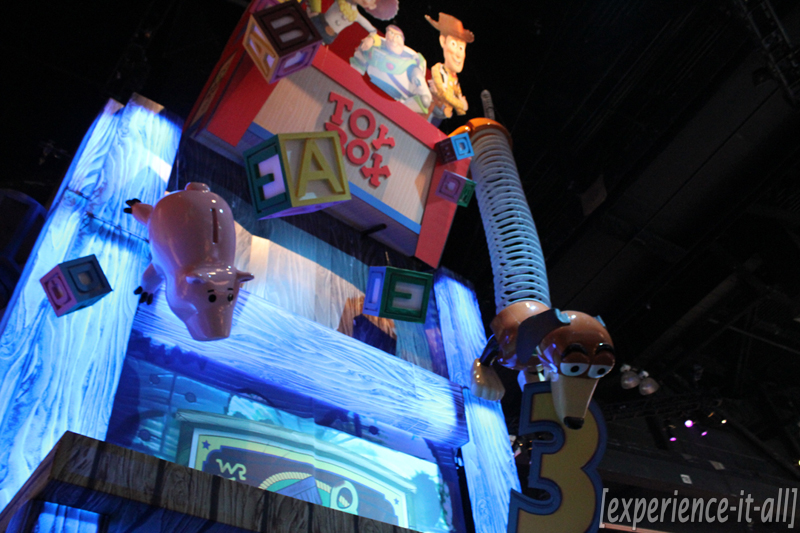
Booth tours: Sega, THQ & EA

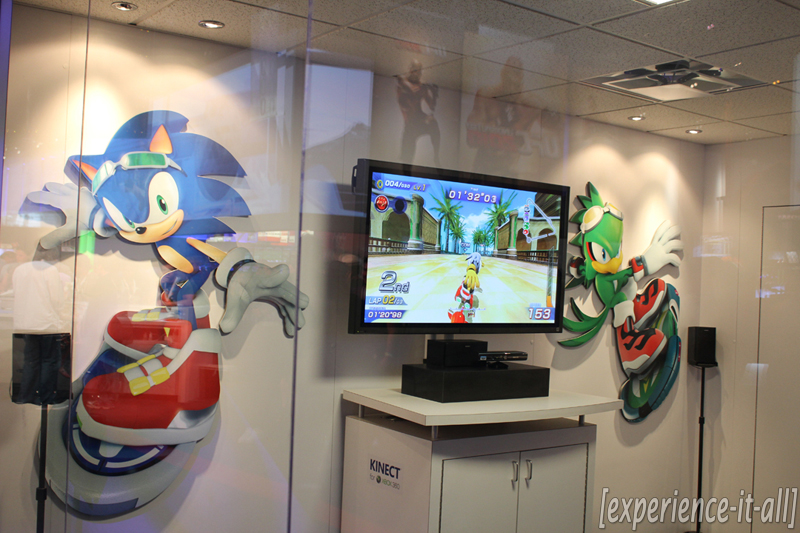
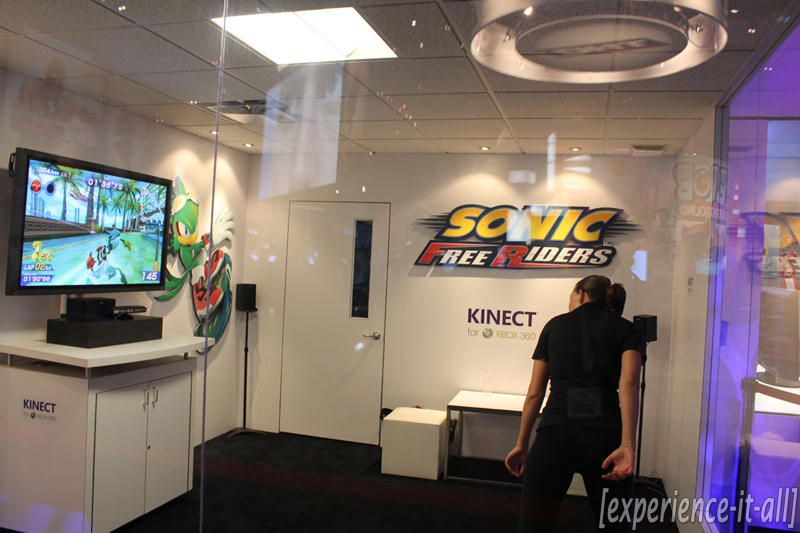
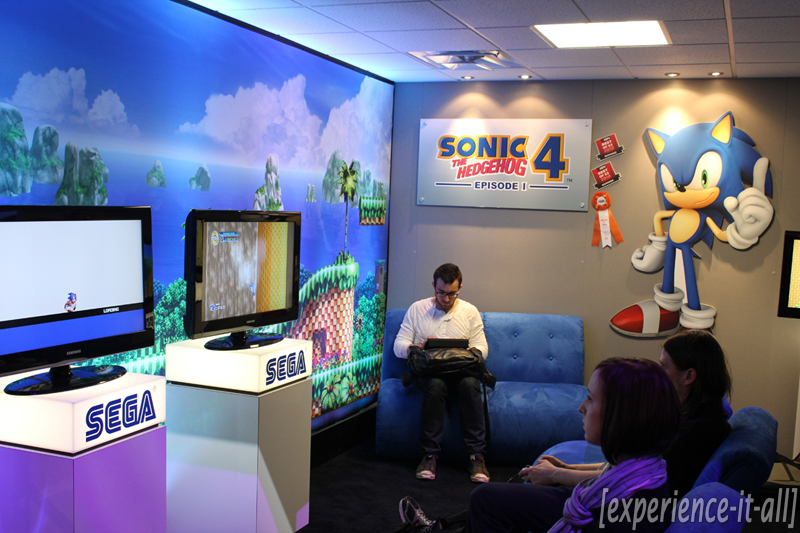
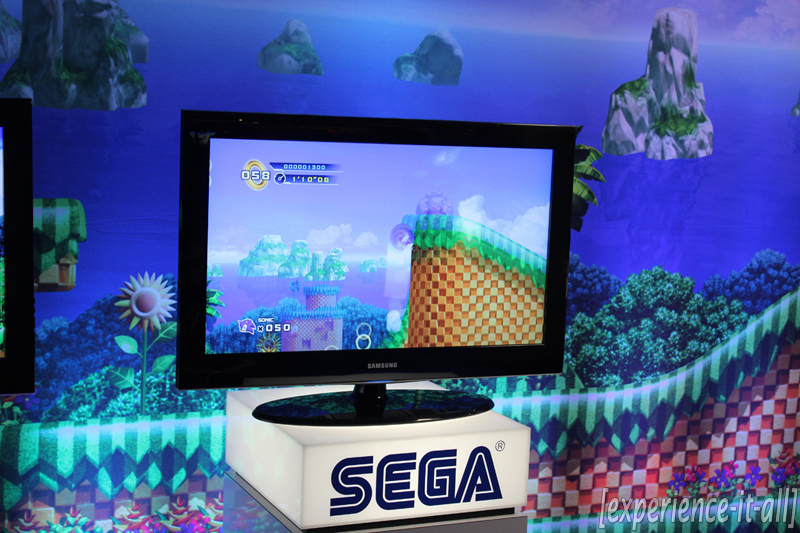
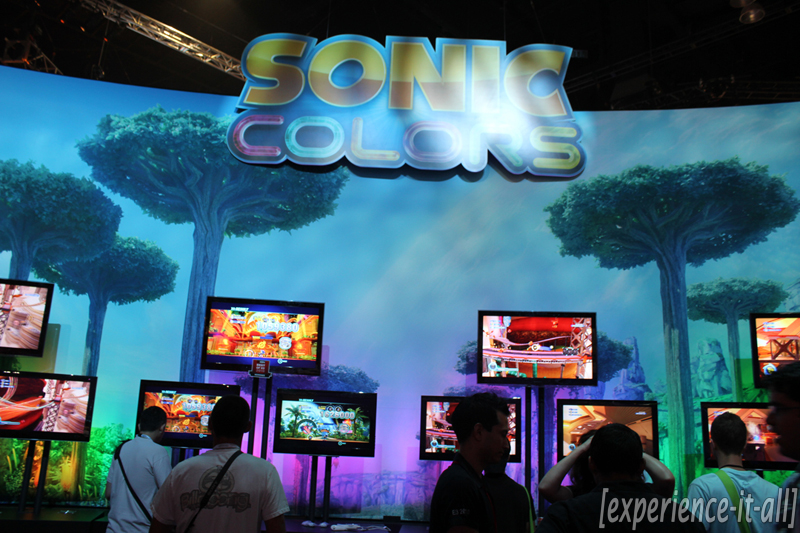
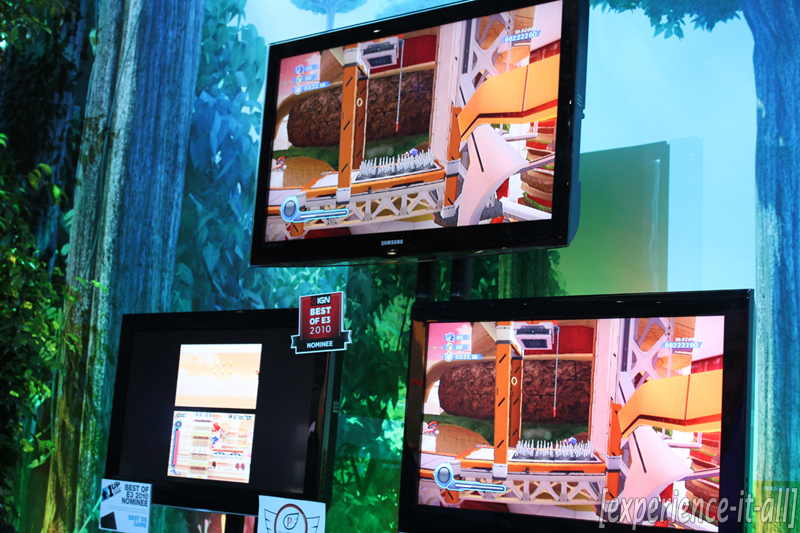
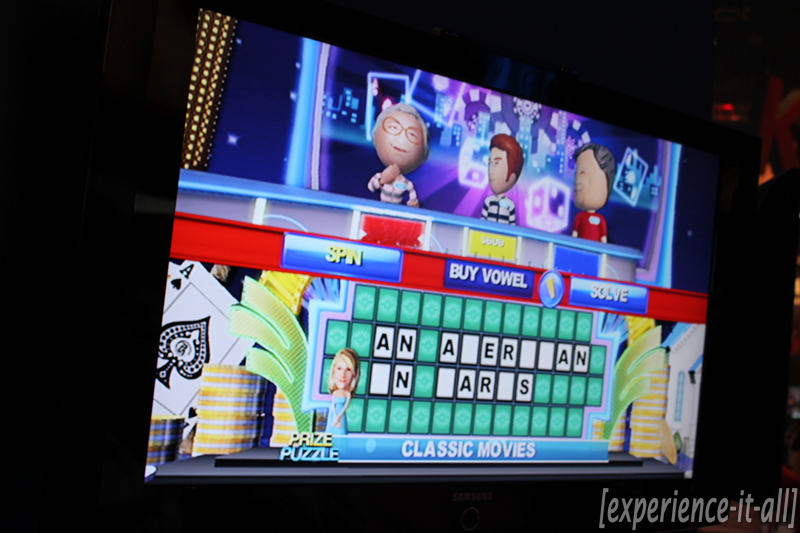
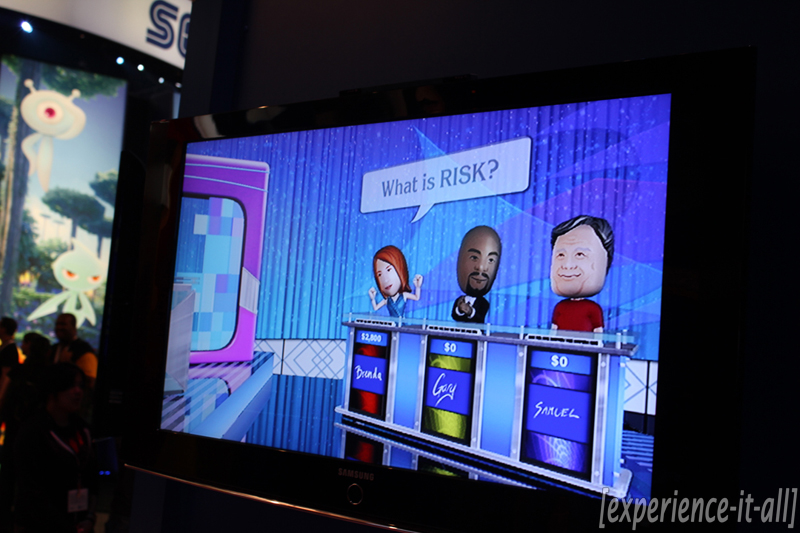
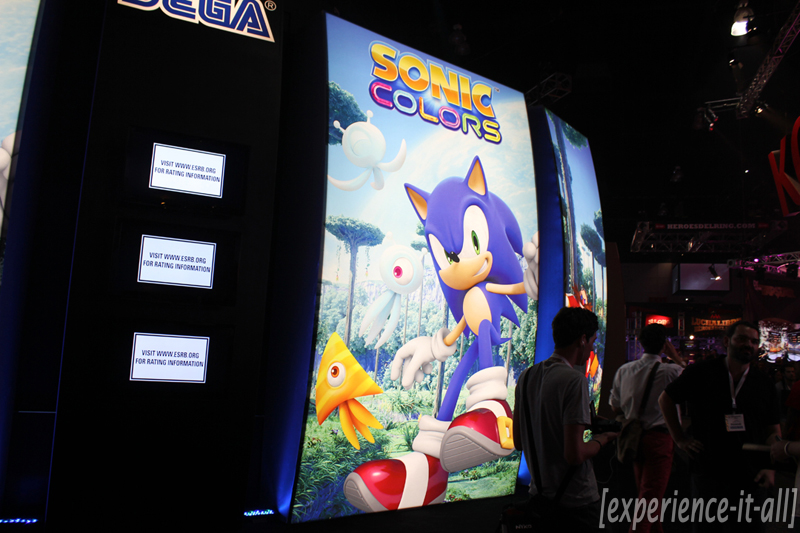
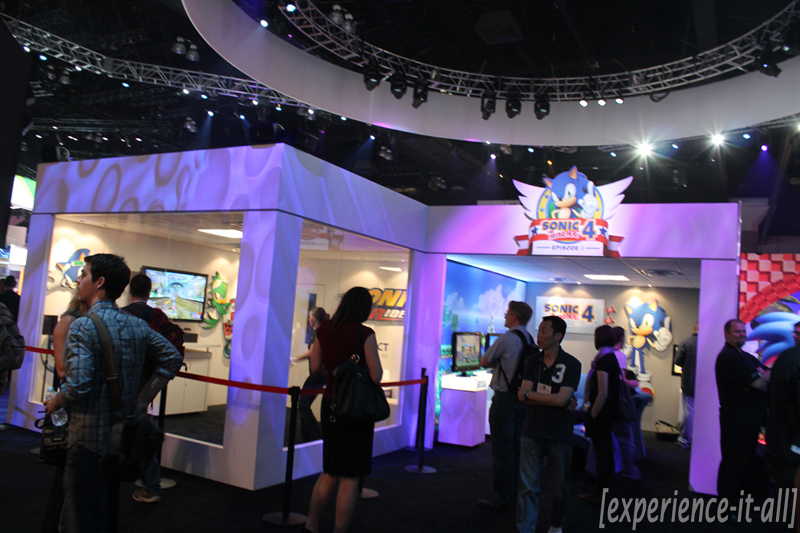
Sega: Sonic Colors, Sonic Free Riders, Sonic The Hedgehog 4: Episode I, Conduit 2, Vanquish
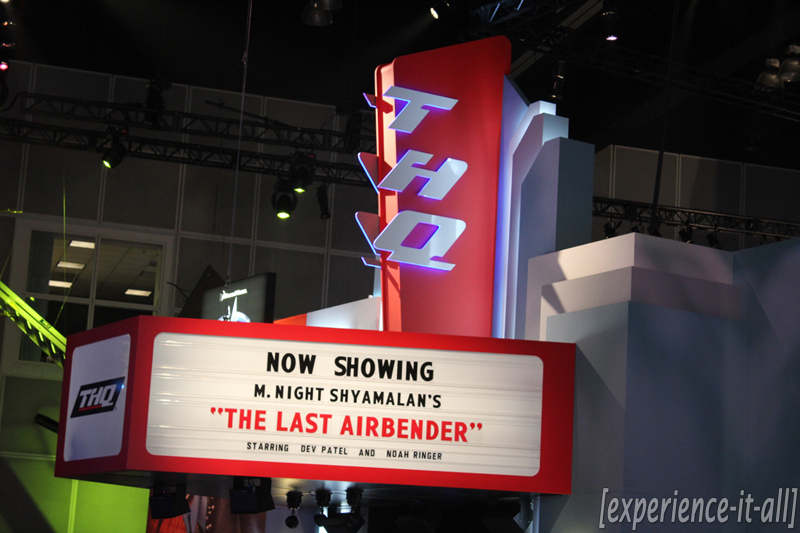
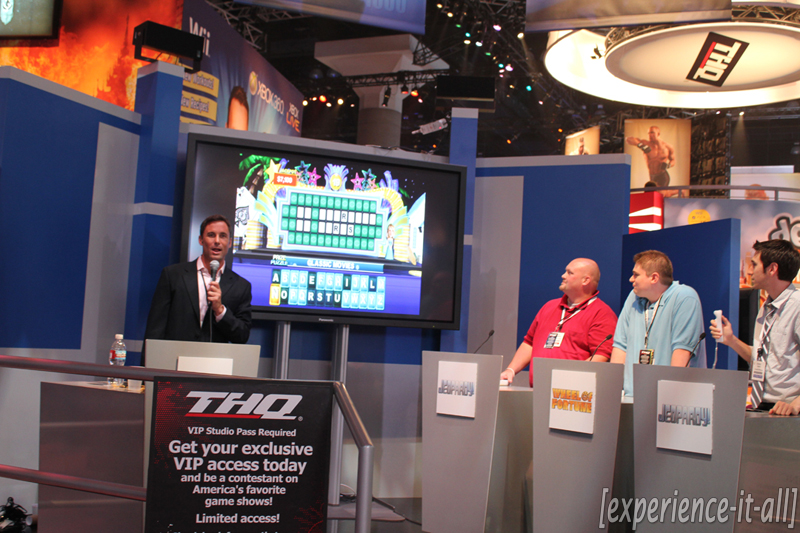
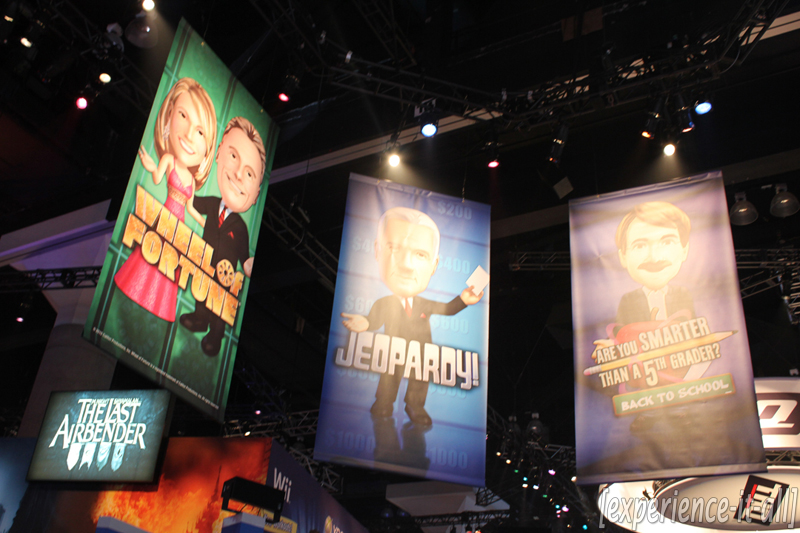
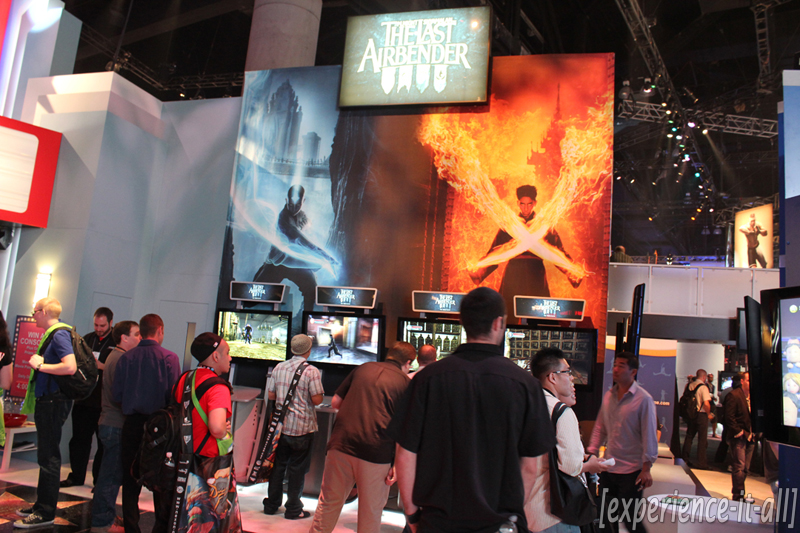
THQ: The Last Airbender: The Videogame, Homefront, Warhammer 40000: Dark Millennium Online, UFC Undisputed 2010
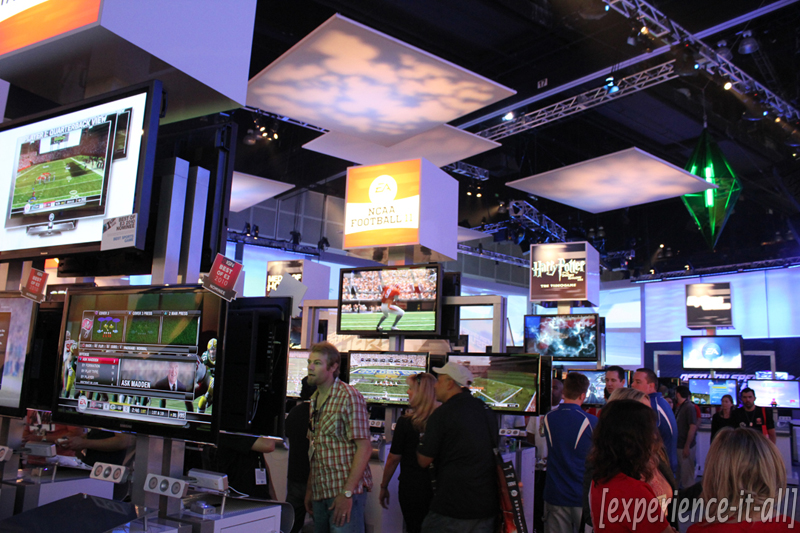
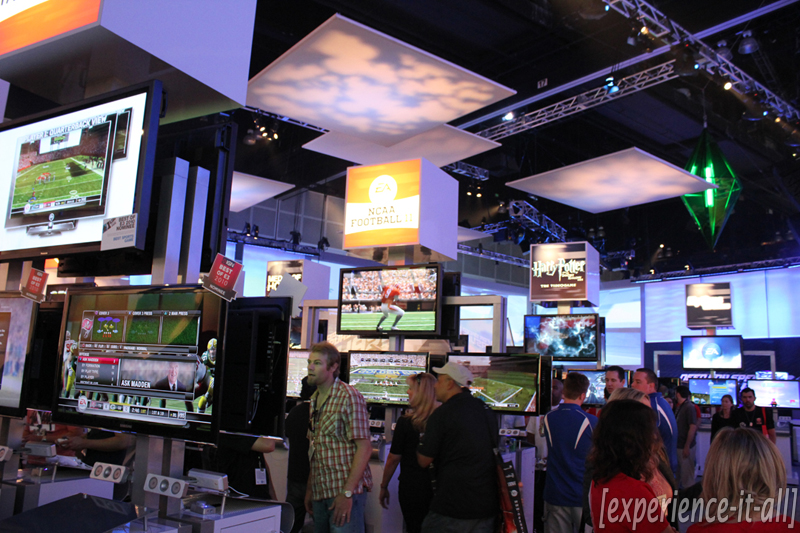
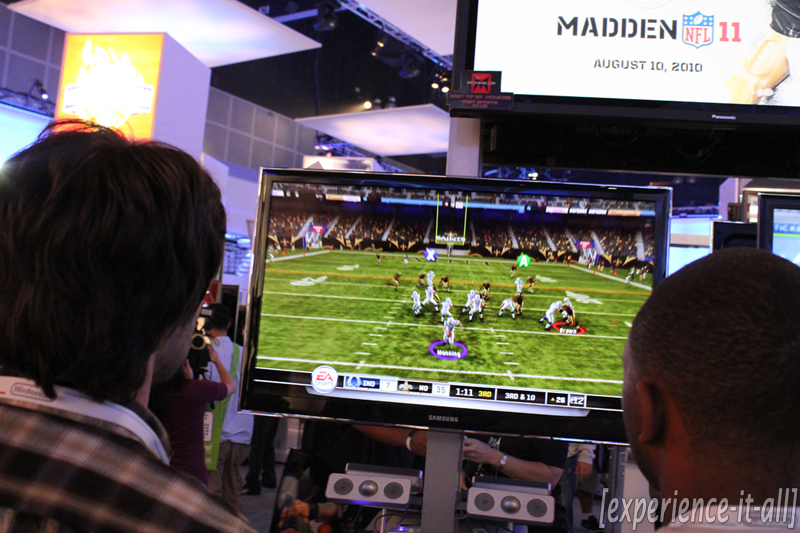
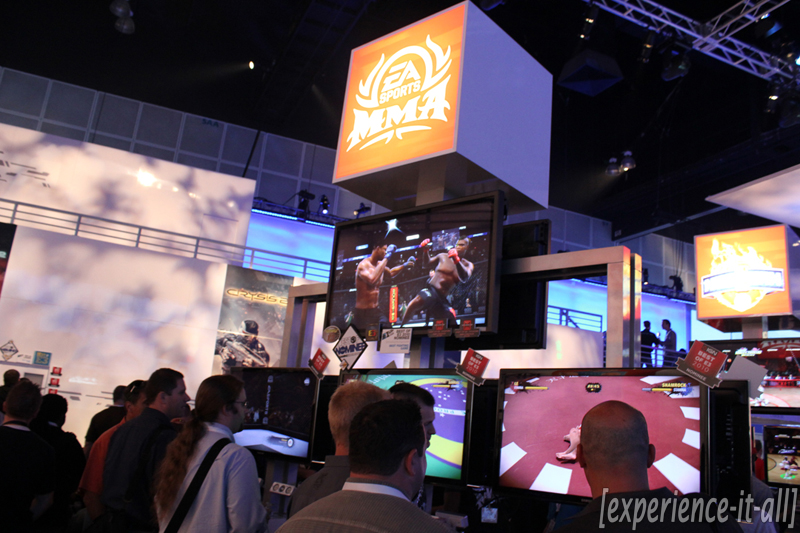
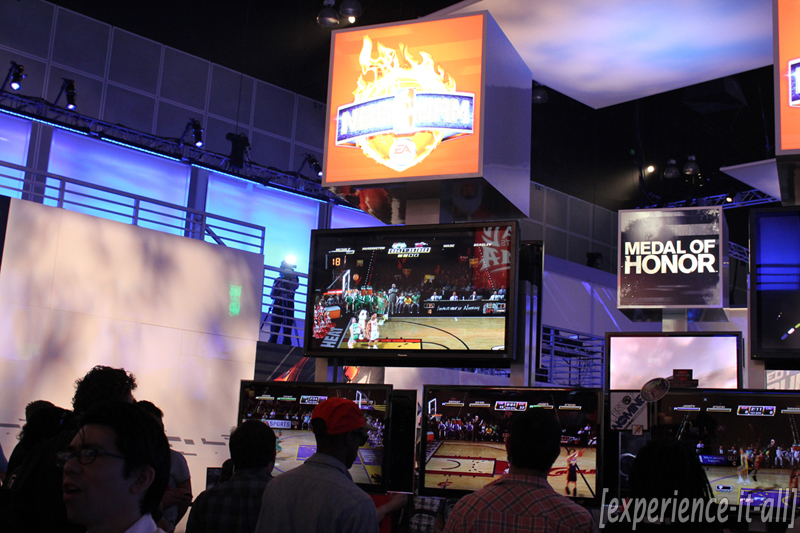
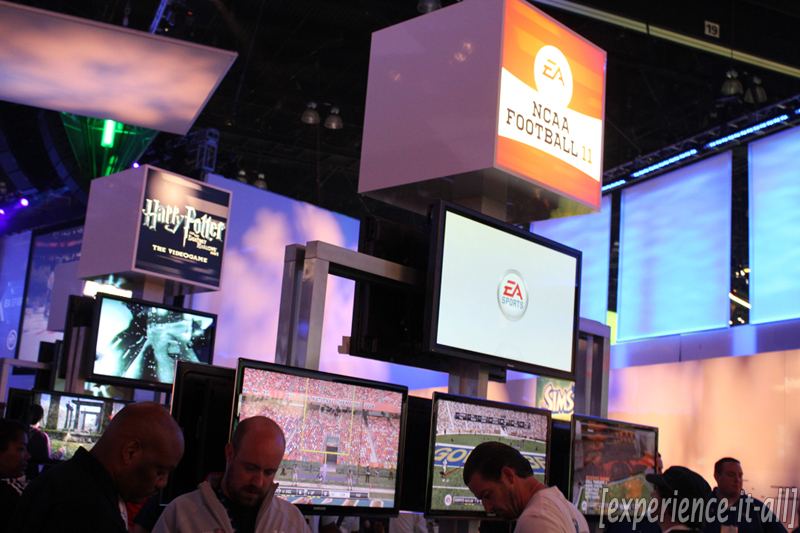
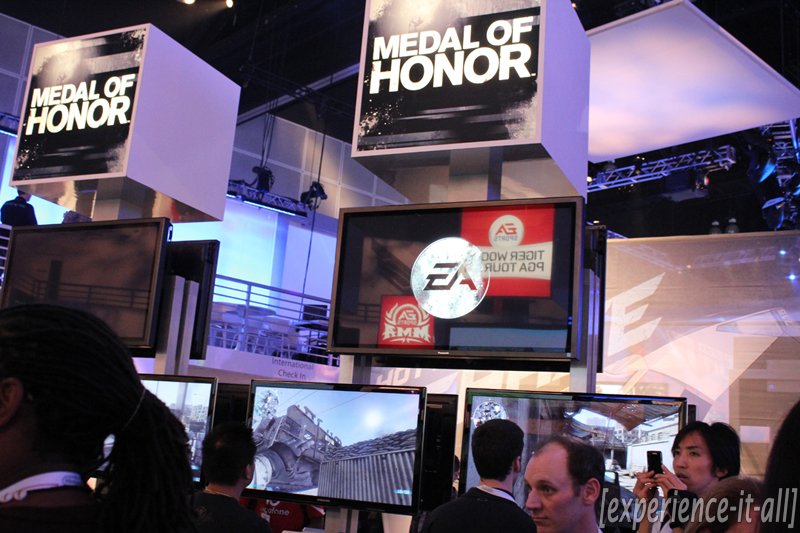
EA: EA Sports, Medal of Honor, Need for Speed: Hot Pursuit, The Sims 3
Booth tours: Square Enix, Ubisoft & Disney Interactive Studios

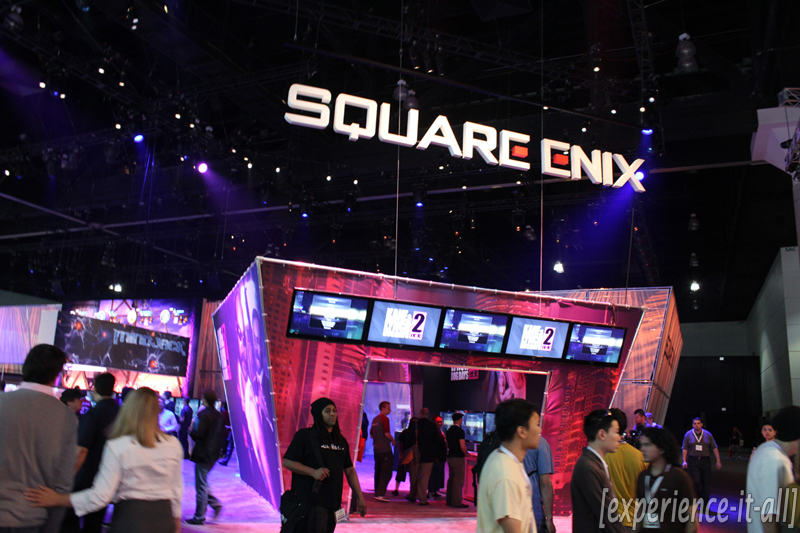
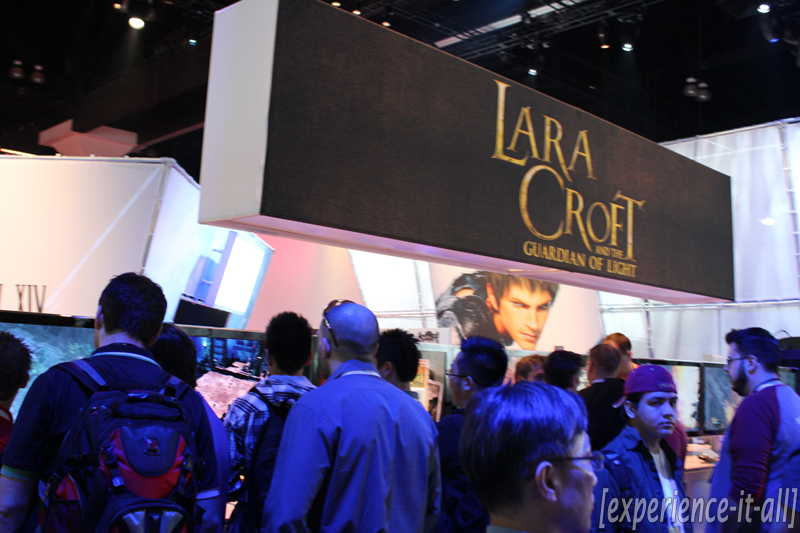
Square Enix: Final Fantasy XIV Online, Kingdom Hearts: Birth by Sleep, Lara Croft and the Guardian of Light
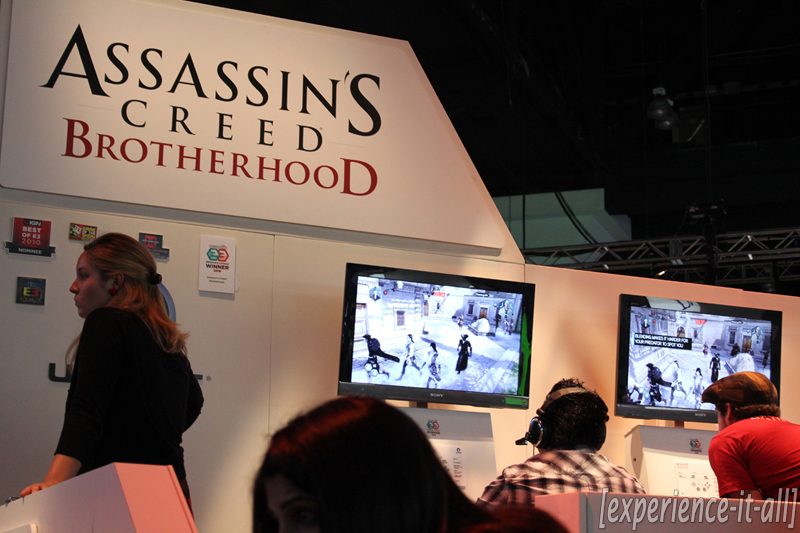
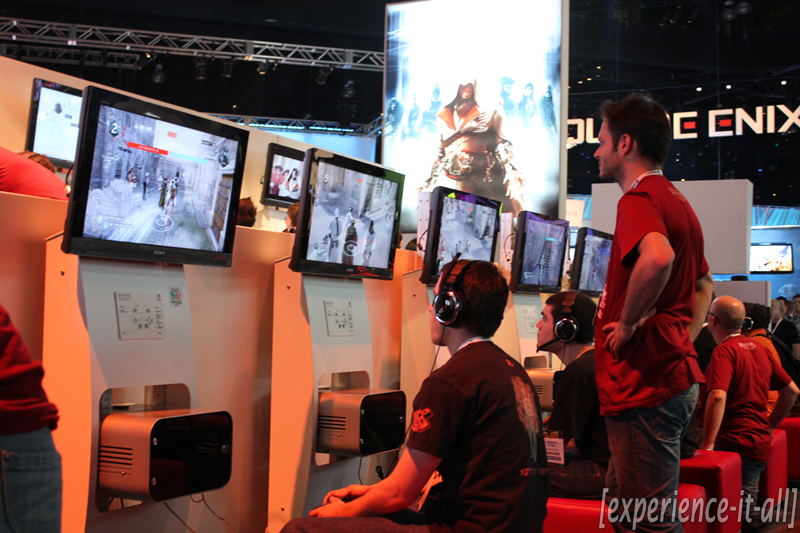
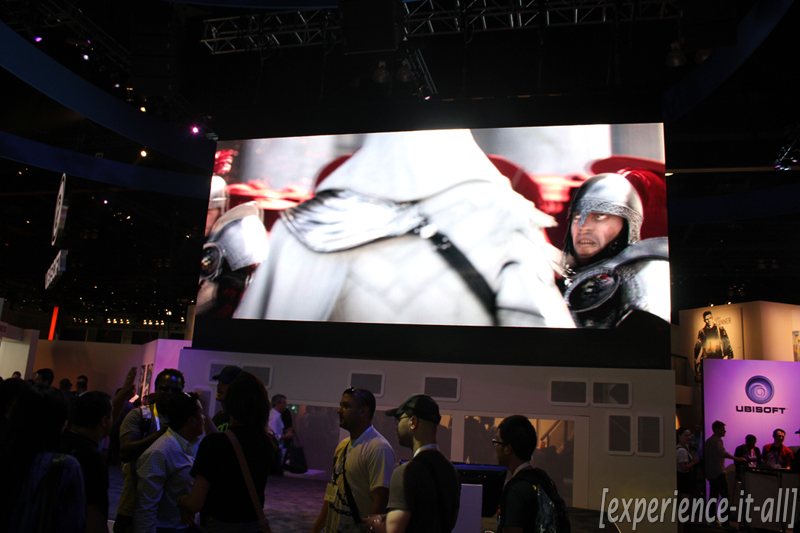
Ubisoft: Assassin’s Creed: Brotherhood, Shawn White Skateboarding, Your Shape: Fitness Evolved
Disney Interactive Studios: Epic Mickey, Tron: Legacy
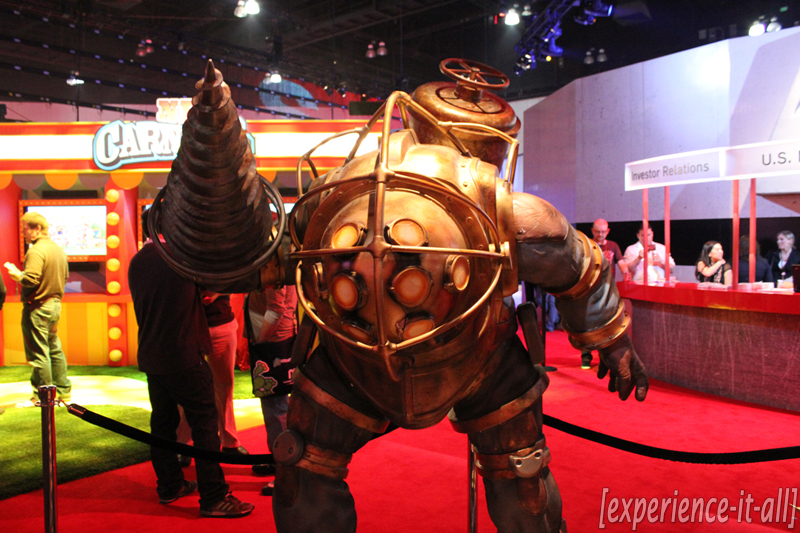
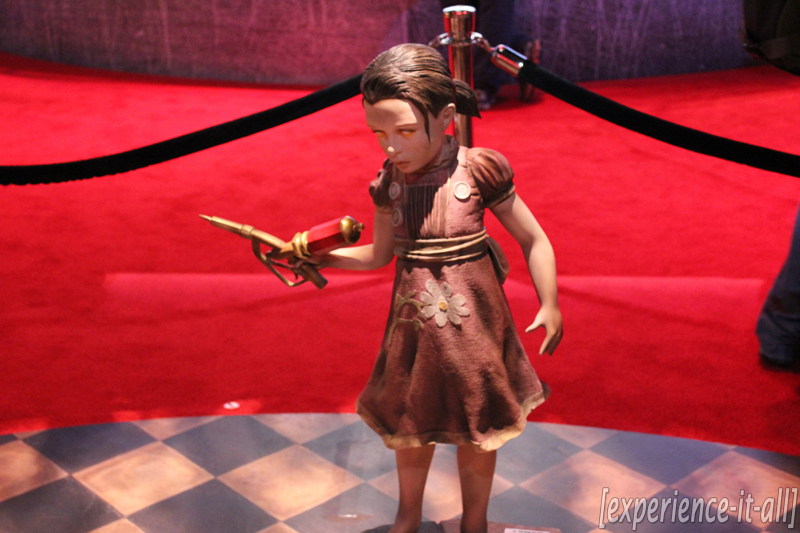
Booth tours: 2K, Konami & Warner Bros. Interactive Entertainment

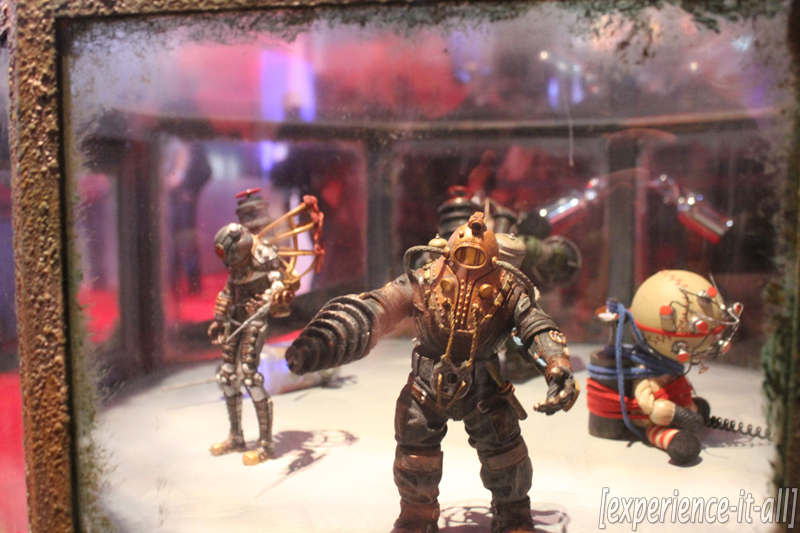
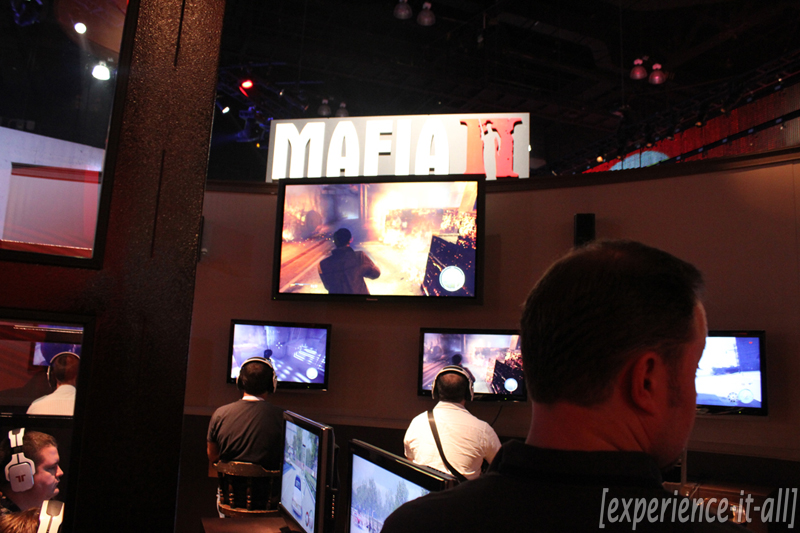
2K: Bioshock, Mafia II, Carnival Games
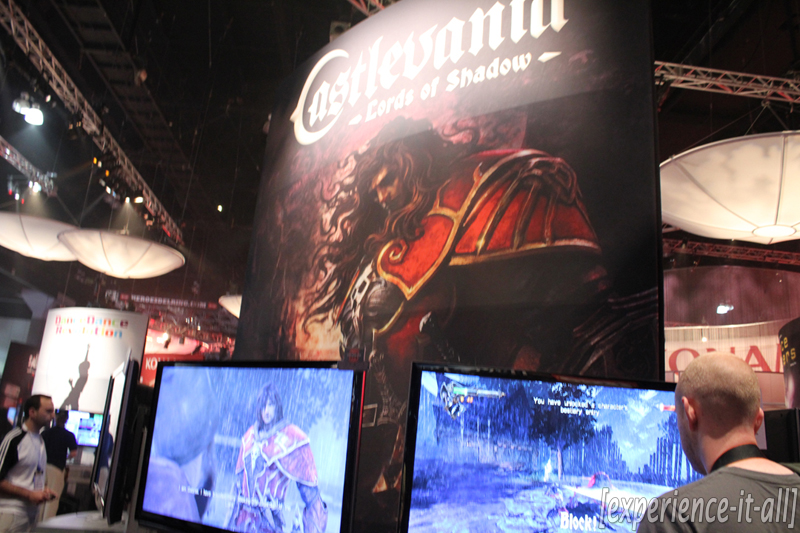
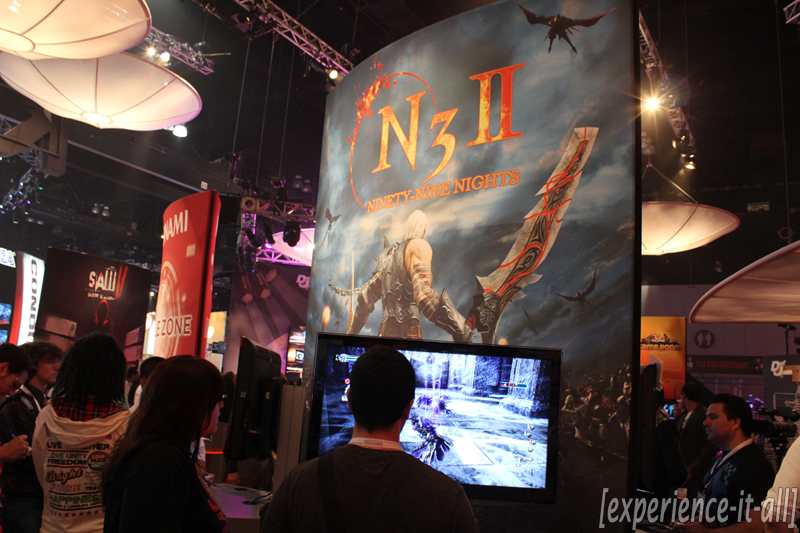
Konami: Metal Gear Solid Peace Walker, N3 II: Ninety-Nine Nights, Saw II: Flesh & Blood, Def Jam Rapstar
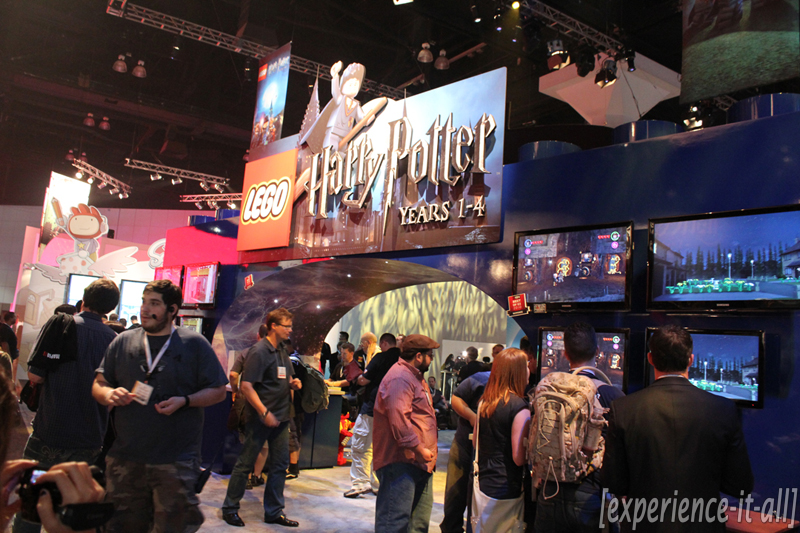
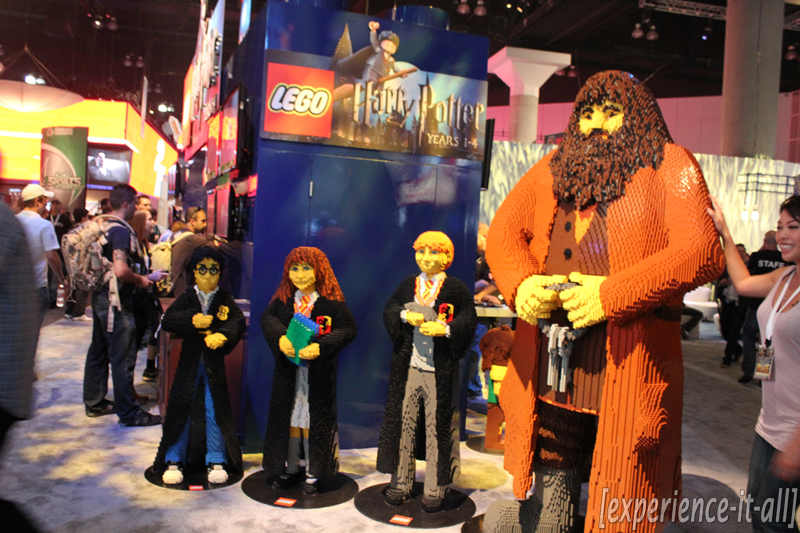
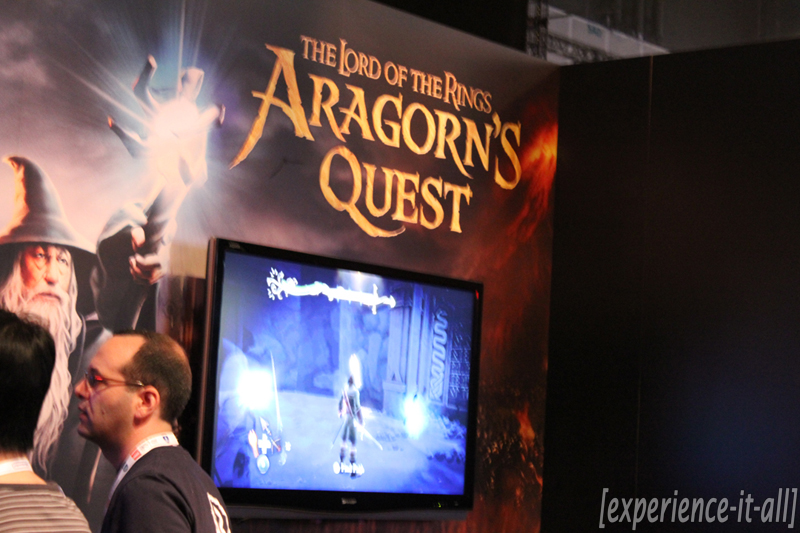
Warner Bros. Interactive Entertainment: LEGO Harry Potter Years 1-4, The Lord of the Rings: Aragorn’s Quest, LOTR: War in the North, Mortal Kombat
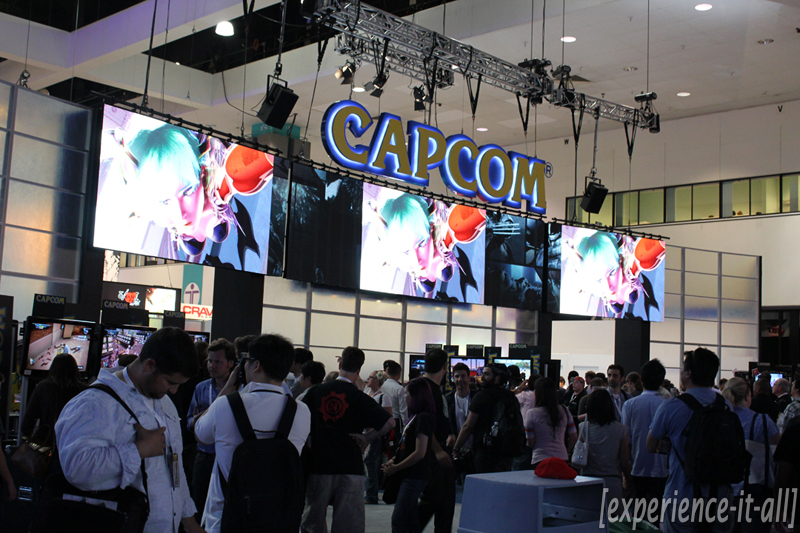
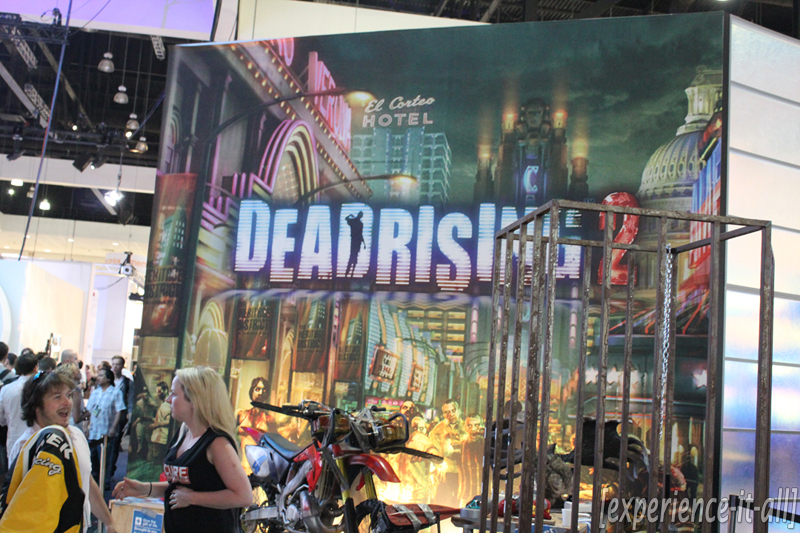
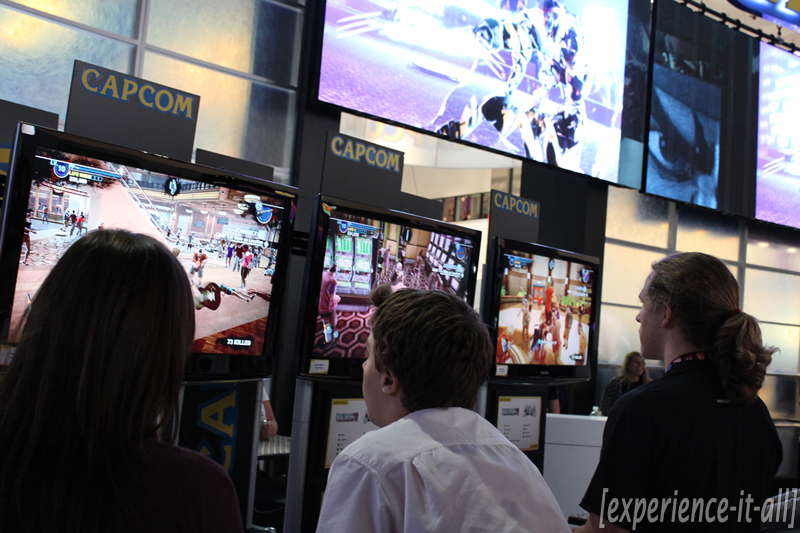
Booth tours: Capcom & Sony Online Entertainment

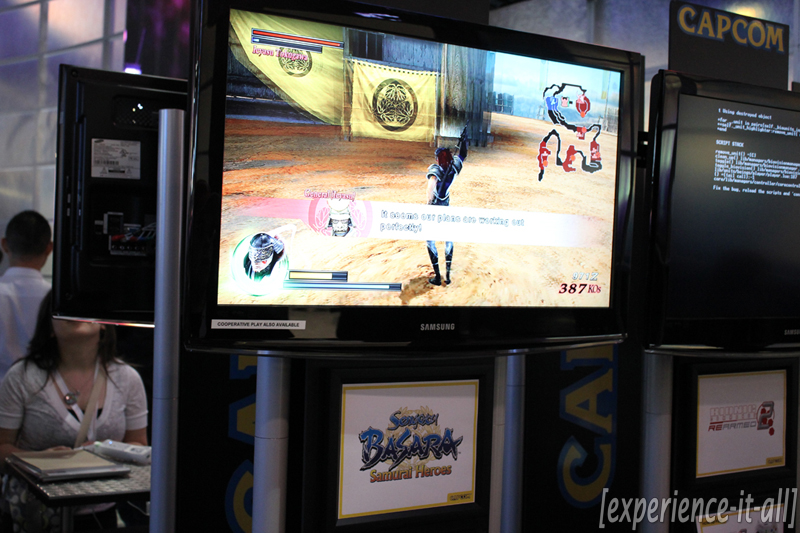
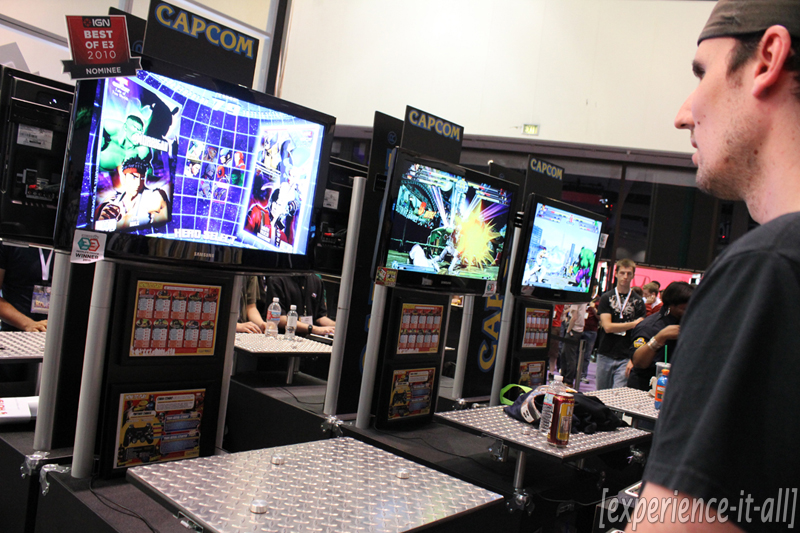
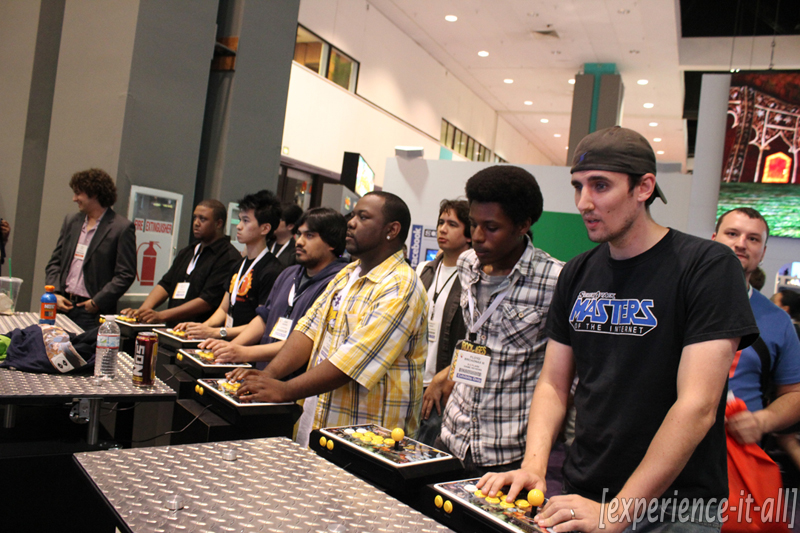
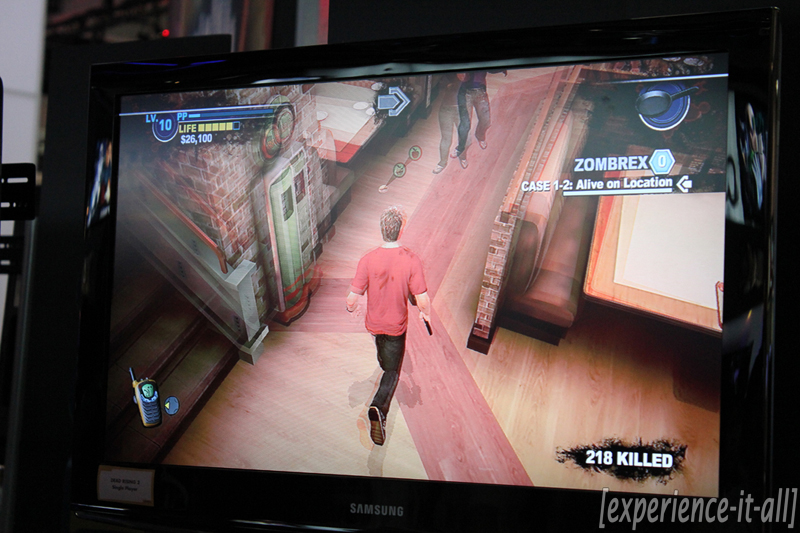
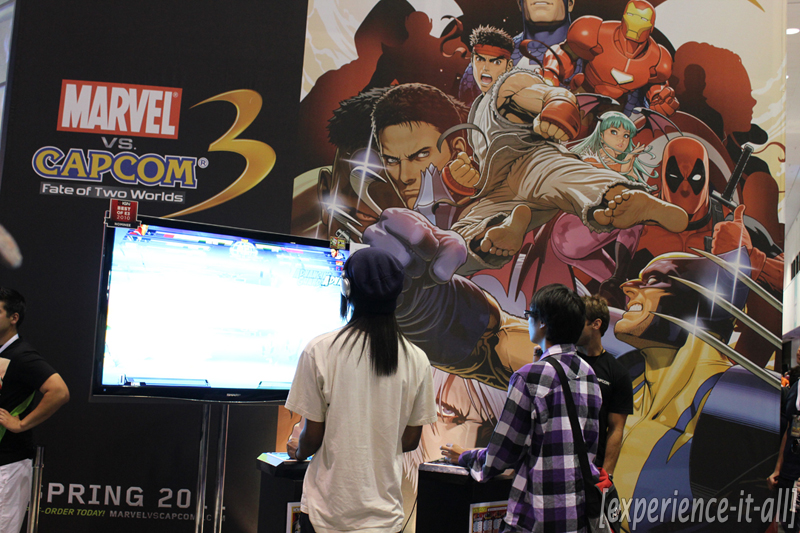
Capcom: Marvel vs. Capcom 3: Fate of Two Worlds – Dead Rising 2
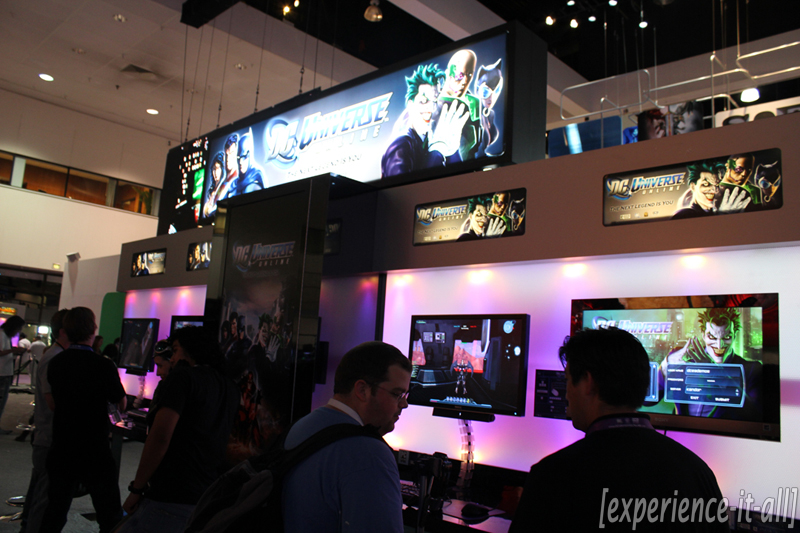
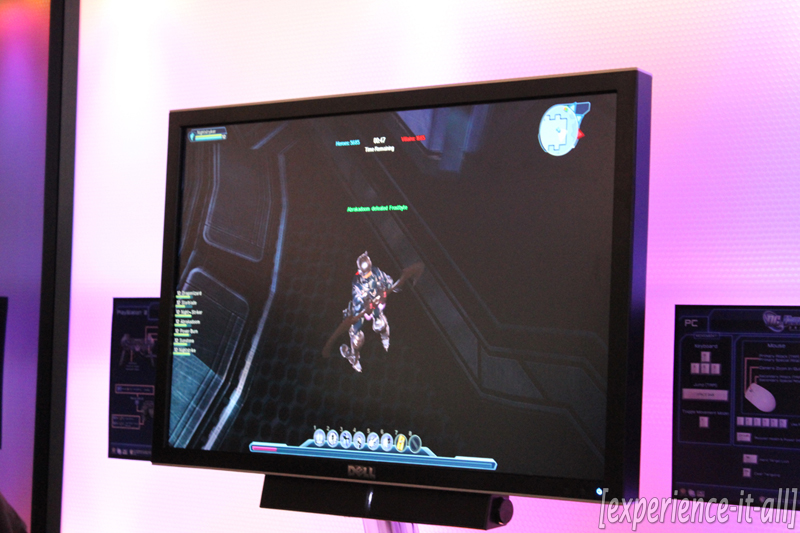
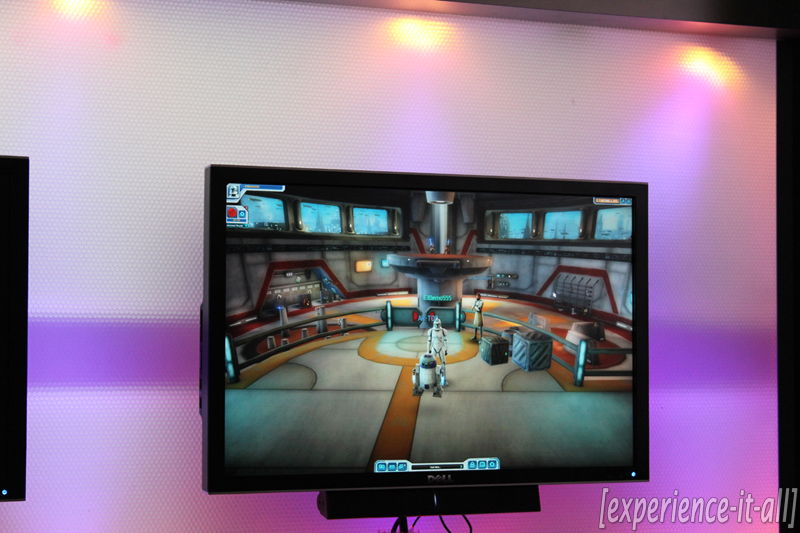
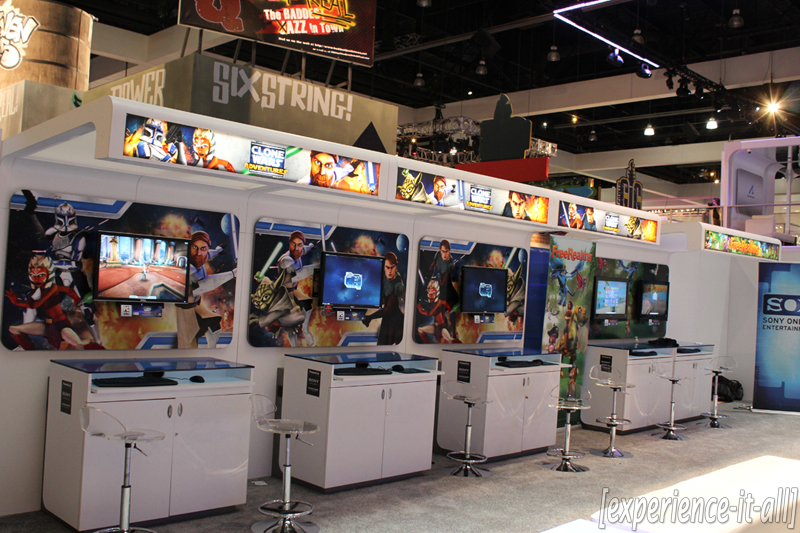
Sony Online Entertainment: The Clone Wars Adventures, DC Universe Online
Booth tours: MTV Games/Harmonix
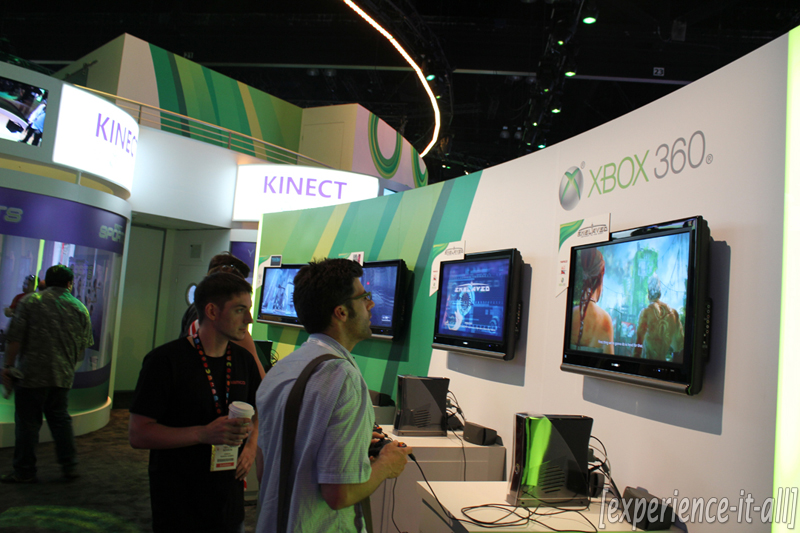
Somehow the video footage from the MTV Games/Harmonix booth got lost in the archives…but I have pictures to put in its place!
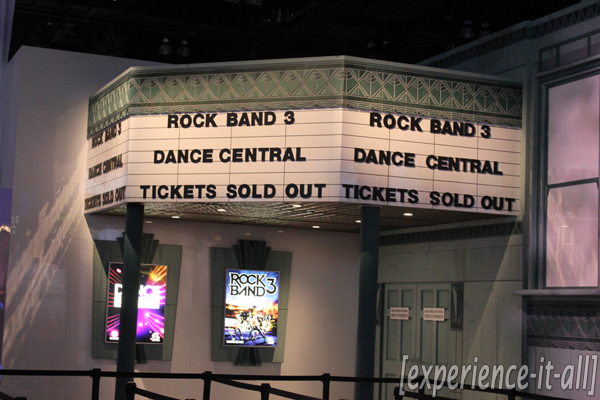
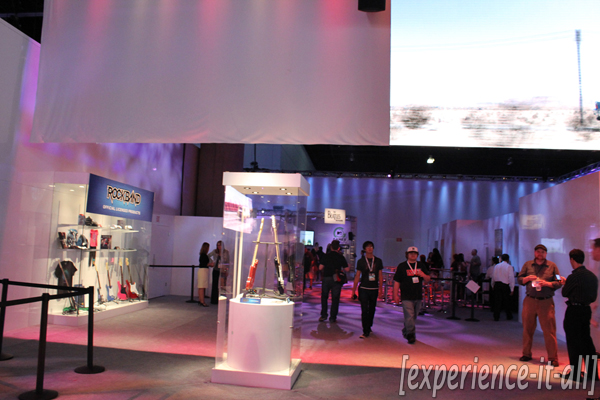
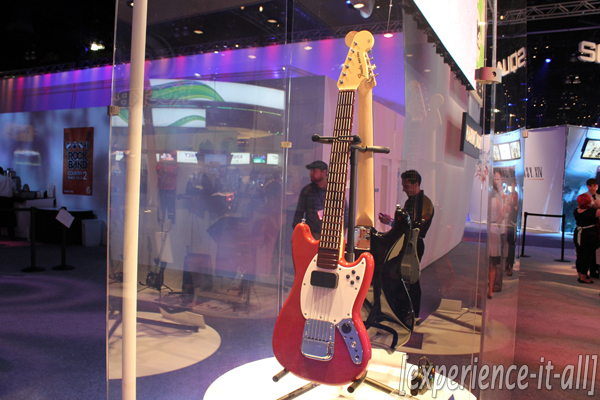
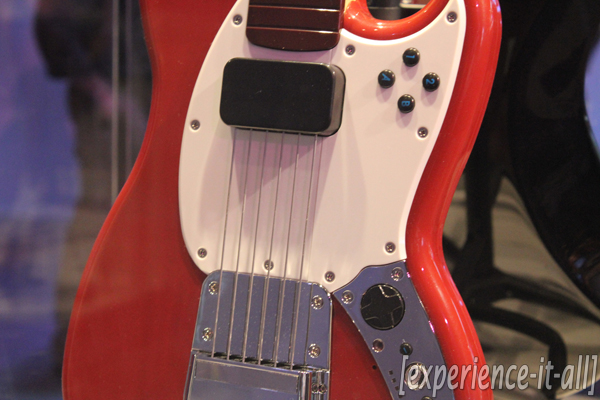
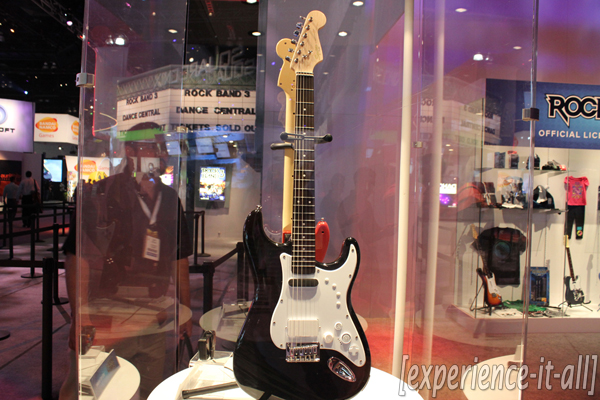
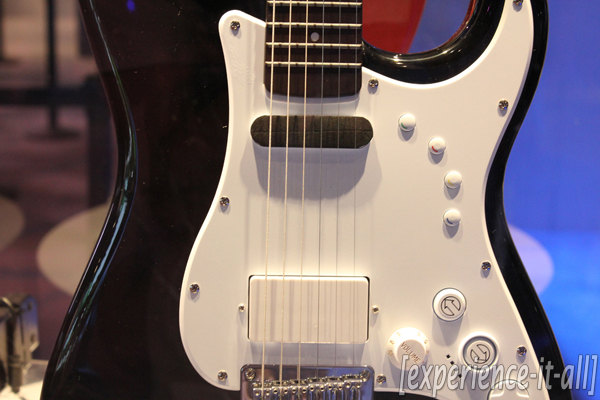
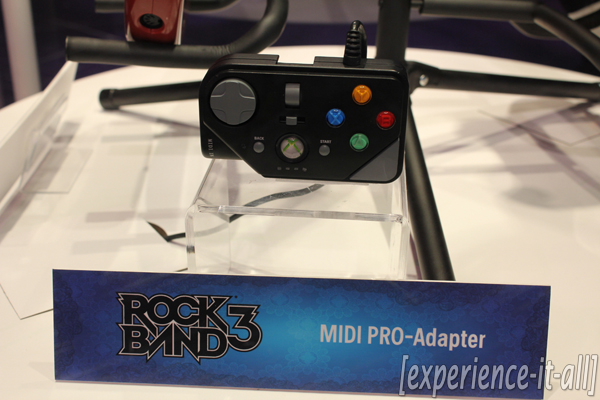
The layout of the MTV Games/Harmonix was pretty straightforward. The bulk of it was filled with the current Rock Band titles and they include The Beatles: Rock Band, Green Day: Rock Band, and Rock Band 3; a section of the booth contained Dance Central stations (that’s the Kinect-enabled dance party game). Speaking of RB 3, the brand spankin’ new keyboard was playable at the booth. It’s a very solid piece of hardware and a welcome addition to the guitar, drums, and mics. The new Rock Band Pro guitars, including the Fender Mustang and six-string Fender Squier Stratocaster, were on display. Man are they beautiful, and they look so real (in fact, the latter one is real)! But don’t take my word for it; look in the gallery to see for yourself.
Interview + hands-on: OnLive

OnLive is a gaming on-demand cloud-based service that’s able to stream video game titles from massive servers around the U.S. straight into your home. Man is that a packed sentence. Let me break it down for you. OnLive has three data centers in the country (east coast, central, and west coast) that house large servers; these servers act as hosts to a bunch of video games. If you sign up for the OnLive service and become a member of the community, the servers will pump video game content from the data center nearest you to your Internet-enabled PC or Mac. Again, it’s essentially gaming on-demand. After installing a plugin in your browser, you can launch OnLive and gain access to a growing library of video game titles. It’s that simple, really.
The OnLive interface is neat. There’s a game marketplace that allows you to choose from a wide selection of games. With a single click you can play a game; or you can find out more about the game before you dive in by watching game previews & trailers. You can even watch other OnLive members play the selected game in real time. The interface drags you into the action of other players, and this is a great way to get a glimpse of a game’s visuals and game style. Besides strictly being there for on-demand gaming, the service hopes to form a community of gamers with features like profiles, friends lists, and brag clips (you can record gameplay and share these moments with other OnLive members).
What’s most exciting about the OnLive service is that it does away with the need for over-the-top and expensive hardware requirements for games. Crysis, a game that is known to be hardware intensive, will play smoothly and look great playing off an old Macbook or PC laptop. The secret formula is OnLive’s proprietary video compression chips that pump out the games from the servers over the Internet and to your computer. As long as you have a 4-5 Mbps Internet connection you will have no problem playing what used to be hardware intensive games in HD (a 1.5 Mbps connection is recommended for SD quality). I really want to hit this point home as well: Since this is gaming on-demand, the service brings together games from all major game consoles (Xbox, PlayStation, PC) and enables you to play them right on your PC or Mac. No need for proprietary hardware and cables. All you need is an Internet connection, a computer, and a keyboard and/or Xbox-type USB controller.
There’s gotta be some lag, you’re thinking to yourself. I was skeptical at first, too. But I gotta say, after playing Just Cause 2 off an old Macbook over the OnLive service, I did not notice the slightest bit of latency between my controller button-mashing and the on-screen action. It truly felt as if I was playing the game locally off a computer or video games console. And what’s fascinating is that Just Cause 2 was running off a server more than 500 miles away in Santa Clara! Though there likely is some latency if you want to get all technical, I honestly did not pick up on it during my brief session of gameplay. I was told that as long as you are within a 1000 mile radius of an OnLive data center you should not experience noticeable latency.
Now let’s talk pricing and availability. OnLive is available to use today (in fact it was turned on a day after my interview took place). You sign up for the service at their website. The “OnLive Founding Members Program” is backed by AT&T and it offers the first year of use for free (!), followed by a $4.95/month fee for the second year. There’s no contract requirement which means if there’s a month you don’t feel like using the service just don’t for it that month. Right now it looks like the company is slowly opening the gates to the OnLive community; if you want to sign up to play you have to sit on a waiting list. Bummer, I know, but the service is still in its infancy and I’m sure the company does not want to overload its servers this early in the game.
And what about software partners? You will not be disappointed on this front. Just announced was partnerships with Sega, Capcom, Konami, and Square Enix. Popular publishers like EA, Ubisoft, THQ, Warner Bros. Interactive, and Disney Interactive are also bringing their titles to the service as well. I’m told new publishers are jumping on the OnLive bandwagon all the time, and this is great news for gamers.
Beside the addition of developer support, OnLive will be adding their MicroConsole to the mix later this year. Basically it’s a small (and I’m told inexpensive) piece of hardware that will allow members to play the streaming games on their HDTVs. It will support up to four wireless controllers, multiple Bluetooth headsets, and it packs two USB ports for wired controllers and keyboards.
Is OnLive the future of gaming? Though it’s too early to tell, you can definitely see the potential it brings to the table. With OnLive there’s no need for high-end graphics cards and to run to a store to purchase a game disc. No longer do you have to worry about upgrading hardware to play the latest and greatest games. If you’ve got the proper Internet connection and live within range of a data center, you are golden. I’ve experience it with my own two eyes and thumbs–the latency was non-existent on the show floor. Though my skepticism has been lowered down a notch, I’m still going to wait for a final verdict after I give the service a try on my own computer at home. Even if OnLive doesn’t catch on and become widely popular, replace game consoles and eliminate the graphics cards arms race, you can bet everyone from industry leaders to gamers will turn to this service as an example of how the next phase of video game distribution was imagined and first put into place.
Interview + hands-on: Tron: Evolution

Game: Tron: Evolution
Developer: Propaganda Games
Release date: Holiday 2010
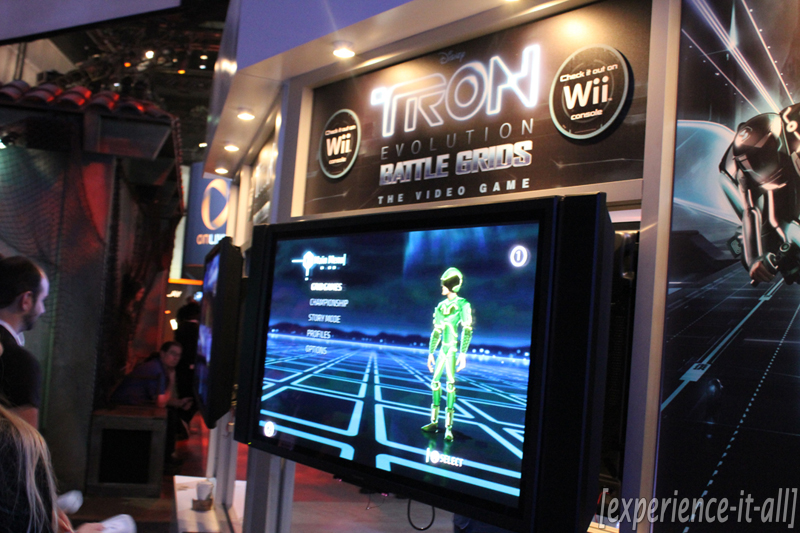
Tron is back, people. Coming soon to a theatre and video game console near you are all new experiences from the famed Tron universe. Tron: Evolution bridges the gap between the original Tron movie (1982) and the upcoming Tron: Legacy flick set to hit theatres later this year on December 17. In the game you play as a system monitor who investigates “mysterious goings-on” that’s happening in the digital Tron universe. The controls are best described by comparing them to Mirror’s Edge gameplay. You are a parkour champion and you move through the levels by completing wall jumps, among other high-flying, fast and fluid techniques. These are known as “mobility moves”. In combination with “combat moves” you will successfully defeat incoming enemies and move on through the game. Combat moves include typical melee fight style with punching and kicking, but you can also climb a wall and pounce your enemies from above. You wield a disc that can be thrown at top speeds towards enemies to knock them out. And if you have a few seconds to spare you can charge up your attacks and this results in a more powerful and effective combat move. In the demo above you can see all the different types of combo moves you can perform (there’s disc-disc-melee, jump-jump-disc, disc-jump-melee, and so on). Another neat gameplay features involves how you pick up health. Through the various environments there are glowing white lines that run along the walls. You can jump and vault along these lines to increase your health and energy meters. This encourages you to use mobility moves and always be aware of your surroundings.
And this wouldn’t be a Tron game without the use of Light Cycles. In the demo I hopped onto a Light Cycle and was being hunted down by enemies on their respective Cycles. These Cycles beat out the ones played in the original Tron arcade game; thanks to a full physics model the vehicles don’t just turn at 90 degree angles. Controls to accelerate and brake are simple. You can also throw your discs to hit enemies off their rides as you speed past them. This part of them demo was quite fun. As you’re trying to escape from your enemies the world is falling apart and collapsing around you. It’s you vs. the enemies vs. the environment. The only fault I have with the Cycles is that they’re not fast enough. If the devs bump up the speed this part of the game will be a whole lot more exhilarating.
A couple other odds and ends: Whatever you earn in the game can be used when you switch over to multiplayer, and vise-versa. When I asked about PlayStation Move support I was told “there’s still some issues to be resolved in that department.” We all know the movie will release in 3D, but what about that game? The dev I spoke to said “it would be fantastic if we could get the game in 3D” and he seemed a whole more positive about 3D support than Move capability. So we shall wait and see…
Overall Tron: Evolution is panning out to be one of the better game to movie to game adaptations I’ve seen in some time. The visuals are slick, the gameplay is fluid, and story should excite Tron fans to no end. Look for its release to coincide with the movie later this year.
Interview + hands-on: Epic Mickey

Game: Epic Mickey
Developer: Junction Point Studios
Release date: Holiday 2010
A while back I reported on a new Wii title called Epic Mickey. After playing the expansive demo at E3 I am so happy to report back that Epic Mickey is everything I hoped it would be. In fact, it was my favorite game of the show! The visuals, the controls, the characters, and the environments all blend together to make an exciting Disney experience with our good pal Mickey Mouse at the helm.
It’s hard to pinpoint exactly what type of game Epic Mickey really is. It takes cues from platformers, role-playing games, and third-person shooters, even. It meshes 2D and 3D gaming to produce stunning color and black/white visuals that stem from classic Disney history. The first part of the demo took us to Wasteland, a place where old, washed up, and forgotten Disney characters hang out. Characters like the pirates Smee from Peter Pan and Scurvy Pat are there to give you tasks to perform. In a beautiful cut scene that features 2D paper animation, Smee is crying because all of the pirates are being turned into robot monsters. It is up to Mickey to save the pirates from their demise. At the Wasteland I was instructed by Tiki Sam (he looks sort of like Goofy) to find three masks that are hidden throughout the area. There is a lot of trading and bartering that goes on between all these different characters; one decision leads to another and this all eventually lands Mickey in the appropriate situation to help stop the machine from destroying the pirates. Your decisions to either help or ignore the characters around you will affect the outcome of the game.
The game is split into three different areas: quests, transitions, and actions. Wasteland is a quest area; it’s a place where interact with other characters to complete certain tasks. Transition areas take place in-between quest and action areas and they usually contain special items and collectibles that will help Mickey elsewhere in the game. The transition area I jumped into was a movie reel and it transported me to a 2.5D sidescroller based on Mickey’s first appearance in 1928′s Steamboat Willy black-and-white cartoon. There are about 40 of these sidescrolling adventures in the game; they are all based on classic Disney cartoons. Playing through Steamboat Willy was a ton of fun. I am really looking forward to discovering all the other transition areas in the game. There’s nothing like classic Disney lore.
At the end of the Steamboat Willy level I jumped into another movie reel that brought me to a new area in the game called Skull Island. This is an action area where Mickey will run into enemies to defeat and conquer and it’s the place where I’ll find a way to stop the machine from turning the pirates into robots. My first mission is to find three anchors to save Smee’s ship from sinking into the ocean. There’s no better time to talk about controls then right now. In the game Mickey wields a magic paintbrush. Paint is used to create objects in the environment. If you stumble upon an area and you’re stuck, more than likely a spray of paint will reveal a bridge that connects the gap to crossover. Paint thinner is used to destroy objects around you. It can also be a helpful tool to find hidden objects that reside inside rocks or trees. Throughout the game there are clues guised under dark silhouette shapes; if you keep your eyes open for these subtle hints you can use your brush to uncover what’s there. When it comes to enemy interaction you have one of two options. You can use paint thinner to erase them or paint to strategically turn them into friendlies who will fight for you. Mickey can also collect objects called “sketches”. In the demo I picked up a TV sketch; at one point during the Skull Island sequence the TV sketch was used to distract an enemy. Mickey literally places a TV in front of an enemy and while he was distracted by a scene from the original Steamboat Willy cartoon I picked up a missing anchor piece. Humorous, fun, and effective.
At its core, Epic Mickey is a true-to-form roleplaying game where your decisions will effect the way other in-game characters perceive you. If you use paint thinner to erase elements from the environment around you more than you use paint to create, characters will take notice. In this case, they will be less friendly and willing to help you solve missions. In fact, a little green sprite named Terp follows you around and lets you know what type of “play style” you’re currently engaged in (too much thinner or paint or a mix of both). And since your decisions alter the game, you can literally play through it numerous way and every time will play out differently. With intuitive controls, an engaging story with fun and challenging missions, and spectacular visuals, expect Epic Mickey to take over your living room when it release this holiday season exclusivel for Wii. The game truly is a sight to behold. And and if you’re a fan of Walt Disney creations you will certainly not be disappointed.

Interview + hands-on: Super Scribblenauts

Game: Super Scribblenauts
Developer: 5th Cell
Release date: October 2010
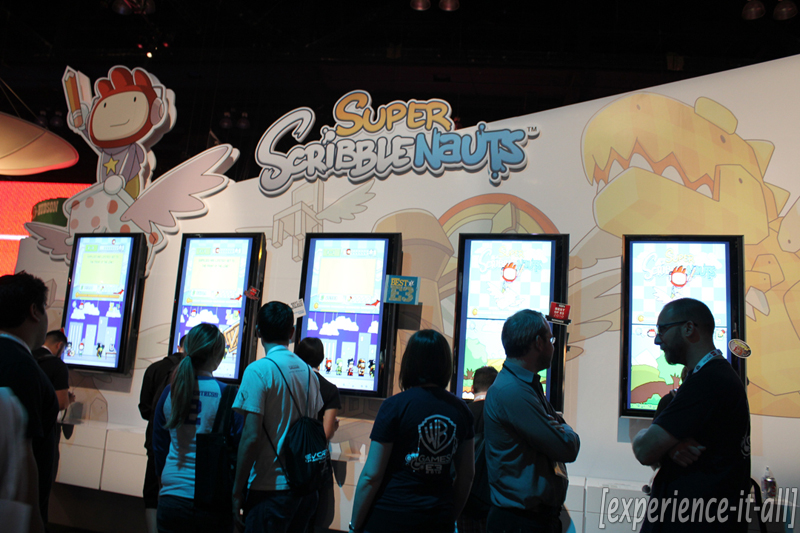
The concept of the original Scribblenauts that debuted at E3 2009 really blew my mind. It was a game that allowed you to type whatever you wanted and poof! the object would appear on-screen ready to be interacted with. Due to a number of control issues the game did not successfully execute where it should have. Super Scribblenauts leaps ahead of its predecessor with improved controls, adjectives support, and better levels. The most exciting controls update allows you to manipulate Maxwell’s position (including walking and jumping) on-screen with the D-pad and action buttons; you are no longer forced to use the stylus and touchscreen to make him move. The addition of adjectives greatly increases the number of objects that can be spawned into the world. In the first game you could easily produce a “pogo stick”. In the sequel you now spawn an “angry armed metal pogo stick.” (That’s right–you can assign more than one adjective to an object.) As you can see in the demo above, the angry pogo stick will annoy and bump into you. By adding a “protective metal box” to the environment, it will protect you from the pogo stick. So in other words, objects can enhanced with artificial intelligence by adding an adjective before its name. With the addition of thousands of adjectives, the game now supports over a whopping trillion different objects you can spawn. The only restrictions you have in spawning an object are inappropriate words and the 100 character limit.
With over 120 new puzzle-oriented levels to play through, tighter controls, and the ability to make all kinds of objects with adjectives, Super Scribblenauts will likely fulfill that promise of bringing unique gameplay on a portable platform when it releases later this fall for Nintendo DS.
Hands-on: Kinect Adventures! & Kinect Sports

Games: Kinect Adventures! & Kinect Sports
Developers: Microsoft & Rare
Release date: Fall 2010
Let’s start with Kinect Adventures!, shall we? This Kinect game includes a bunch of mini-games, and I got to step into two of them. ”River Rush” puts you and a second player inside a raft that you must navigate through heavy rapids. Controls are simple: lean left and right to guide the raft and watch out for obstacles like big rocks; lean forward to make the raft go faster; leap into the air with your partner to make the raft jump off ramps to collect tokens for extra points. During the demonstration, the Microsoft rep instructed us to side-step left and right to steer the raft; I’m told it can be navigated either way. The second “adventure” I played was a mine cart obstacle course. While you’re traveling at a steady speed atop a mine cart you must jump (for speed), duck, and side-step to watch out for obstacles like metal padded bars. Collect tokens along the way by configuring your body into various positions.
Kinect Adventures! also includes a “camera moments” that pop up a number of times during the mini-games. A small camera icon alerts you when the game is ready to snap a photo of you in action. At the end of each game you are shown a quick montage of your jumping and spinning motions during peak moments of gameplay. They come complete with captions that relate to the action; if it catches a big jump it might say “impressive air”. Think of it like the pictures that are taken at theme parks during big drops on a coaster. Once the photos are saved, you have the option to share them with friends via email or Facebook. That’s right–now you can embarrass yourself in new ways!
Next up is Kinect Sports. This game is a Wii Sports knockoff for sure, but is it a worthy contender? It packs six sports in total–bowling, ping pong, volleyball, boxing, soccer, and track & field. Within the track & field section I did some running-and-hurdling. Ready for the controls? Run in place to make your avatar go and jump to avoid the obstacle beams. The fast your run in place, the faster your avatar will run on-screen. It’s like using the NES Power Pad but without the pad! This mini-game was a lot of fun, though it was frustrating at times. I had some trouble leaping over the obstacles; it’s all about the timing and I just didn’t catch on. My partner, on the other hand, managed to make almost every jump. Guess I need some practice. Besides that minor issue, I was whole-heartedly satisfied with my experience because it resulted in a great workout! By the end of the race my partner and I were almost out of breath and on the verge of sweating (it was hot in the Microsoft cube!). The results screen shows you a sped up video replay of your running and jumping action and then shows your avatars too with some Chariots of Fire playing in the background. Since I only got to the play a track-and-field game it would not be appropriate to say Kinect Sports is better or worse than Wii Sports. The verdict will have to wait until we all get our hands on the game this fall.
Hands-on: Joy Ride

Game: Joy Ride
Developer: BigPark
Release date: Fall 2010
Joy Ride is a simplistic racing game made specifically for Kinect. Setup is easy: Stand up and hold your arms out like your holding a steering wheel. That’s it. You don’t ever have to worry about gas and breaking, the game controls that for you. To steer your car left and right, simply use your hands to steer an invisible wheel in front of you. This might sound kinda lame to you Gran Turismo and Need for Speed hardcore games, but it’s actually a decent amount of fun. Obviously Microsoft is going after the casual set of gamers and late adopters to the modern video game craze with Joy Ride, but with motion maneuvering via Kinect this game will likely get all types of gamers off the couch at least a couple times. Virtual steering works surprisingly well. Beyond just steering around a racetrack, Joy Ride comes complete with speed boosts and in-air tricks. For an extra boost, bring your arms to your chest (still in steering wheel configuration) and quickly thrust them back out to standard position. To perform a stunt, move and turn your body in different ways after you fly your car into the air off a ramp. The car will mimic your body movements; for example, if you lean forward the car will do a front flip and if you spin around the car will spin. You can combine all these different moves to gain bonus points. The game has two modes that both support up to two players: racing and Stunt Mode. In the latter mode, you and another player steer your cars on a half-pipe to pull off as many tricks as possible to collect points. Again, this game is tailor-made for people who rarely play traditional video games, but casual and even hardcore gamers will want to get in on the fun at some point, trust me.
Hands-on: Kinectimals

Game: Kinectimals
Developer: Frontier Developments
Release date: Fall 2010
Oh this might just the cutest game I have ever put my hands on. And thanks to the Kinect for Xbox 360 requirement, you can take that statement quite literally. Once the game boots up you are prompted to select from over 40 different virtual animals to interact with. I selected a cheetah pre-named Skittles. I’m told that players will have the option to personalize their pets with a name by speaking into Kinect’s built-in mic. After selecting the cheetah I called out “Skittles!” to bring it on-screen. By tapping my knees and calling out its name, Skittles recognized my presence, ran up to me, and left breath marks on the screen. I was able to use simple hand motions to wipe the foggy spots off the screen. If you hold your hands out towards the screen your pet comes closer to you for a scratching session. This part was particularly stimulating; it actually feels like you’re reaching out and petting an animal. Virtual hands appear on-screen to show the motions in real-time.
By holding your hand out for a prolonged period of time in the bottom right-hand side of the screen you can call up a menu. Scroll through the menu Minority Report-style with swipe gestures. Select an activity by holding your hand on an icon for about three seconds. Next up I entered tricks mode where you can make your pet mimic your every move and perform dozens of tricks. When I jumped three times in a row, Skittles jumped higher and higher; the third jump resulted in a Matrix slo-mo perspective sequence. When I held my arms up and stood on one leg, Skittles copied my exact positioning. Then when I fell to the ground Skittles played dead. Very neat!
The last activity in the demo was an obstacle course that involved jumping, running, ducking, and balancing movements to get Skittles from one end to the other. This section of the game plays out more like a workout if you ask me. And of course, to get Skittles to run the course faster continually scream his name.
All in all, Kinectimals is the perfect game for little girls who always wanted a pet but could never have one for some reason or another. With Kinect support, players will have a blast raising their own virtual pet by speaking its name and interacting with it by means of simplistic hand and body gestures. Oh, and there’s this: At the Project Natal Experience, Microsoft reps gave out tiny stuffed animals with scannable codes attached. Instructions reveal that players will be able to hold up their stuffed animals to the Kinect camera and transfer their tangible pet inside the game to play with it. Again, little girls will go crazy over this game. Look for Kinectimals to release alongside the Kinect this fall.
Interview + hands-on: Fable III

Game: Fable III
Developer: Lionhead Studios
Release date: October 26, 2010
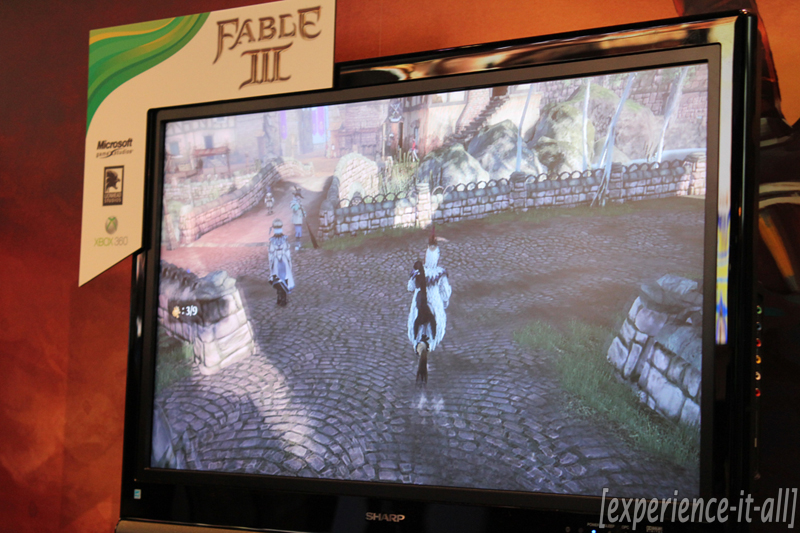
Familiar, yet different. That’s the best way to describe the next game in the Fable series. Fable III take place 50 years after the events in the previous game. In the single player campaign you play as either the son or daughter of the Fable II hero. Your brother is the King of Albion and he is an evil tyrant who supports slave labor and as a result the people of the land are oppressed. As the game starts you are finally at the ripe age to do something about this; the throne must be reclaimed. In order to do this you must become a rebel and gain followers to your cause to take down your evil brother. Eventually at some point you will defeat your brother and become the next king (or queen) of Albion. And in Fable RPG style, it is up to you to decide (by your actions) if you want to rule the land as a terrible dictator like your brother or change things for the better by acting benevolent and kind.
The demo I played had two parts. In the first, I was plopped into a foreign land called Aurora where I was teamed with my mentor Walter Beck. Your mission is to gain followers to the cause. This demonstration showed off some combat moves; you can wield a sword, gun, or use some magic spells to fend off enemies. Discovering and controlling spells is a lot easier this time around thanks to a “spell gauntlet” that gives magic a physical representation. Other new features: your sword can be customized based on your decisions in the game and you can complete finishing moves to defeat enemies.
In the second part of the demo I was introduced to the new villager interaction experience. Now you can walk up to villagers and interact with them by shaking their hand, grabbing their hand and take them for a run, and even farting in their faces! Yeah, that’s a bit much but it’s quite humorous.
So, although the game looks and feels very much like the past Fable games, this one is definitely enhanced and differentiates itself thanks to a tighter story and refined gameplay. For the first time in a Fable game, characters are now more emotionally connected to the player thanks to voice acting. Also, the main menu has done away with the mess of the past and gives players a 3D portal to access various game options. There to greet you is a butler named Jasper voiced by none-other-than John Cleese. Co-op play is coming, too; the second player can also play as a hero and you have the option to marry each other, have children, share funds, and complete the game together. Have you been yearning for a more robust version of Fable? Well your wish will certainly be granted come October the 26th.
Live demo: Halo: Reach (Parts 1, 2 & 3)

Game: Halo: Reach
Developer: Bungie
Release date: September 22, 2010
OK, so if you’re reading this I’m sure you know all about the next game in the coveted Halo franchise. Halo: Reach is a prequel that tells the story of the fall of planet Reach and it takes place before Halo: Combat Evolved and before the life and times of Master Chief. You play as Noble Team and your enemy, as usual, is the devout alien tribe known as The Covenant. Reach was not available to play at the Microsoft booth, however there were private screenings of live demonstrations of the single and multiplayer gameplay. Not only did I attend one of these live demonstrations, I managed to record the entire live demo!
In Part 1 (see above), a Reach producer plays through a mission called “The Long Night of Solace” and it takes place about half-way through the game. Watch as Noble Team kicks some Covenant ass. Part 2 (look after the break) takes you deep into space for some combat in the sky, spaceship-style. Part 3 (also after the break) features Firefight mode gameplay. Three people in the crowd were asked to join the Bungie reps to help show how this multiplayer mode works in Reach. Firefight mode is simple co-op fun; it’s just you and up to three other players joining forces to fight off Covenant attack. And now this mode supports match-making; so if your friends are not available to play with you the game will find others with similar skill level to help you beat up some Covenant, no problem. You will also be able to highly customize the gameplay in this mode. For example, you can control the number of rounds, where enemies show up, how they are killed (head-shots only, for example), and what happens when they killed (they can explode into confetti!). You can even save and upload your customized game rules to the Bungie servers so other Reach players can jump into your creation. Lastly, another addition to Reach multiplayer is the ability to rack up credits and use them to purchase upgrades in the armory; these are used to customize your own Spartan avatar.
So what are you waiting for? Watch the splitscreen mayhem unfold in the video embedded after the break!
Interview + hands-on: The Fight: Lights Out (w/ PlayStation Move)

Game: The Fight: Lights Out
Publisher: Sony Computer Entertainment
Release date: November 2010
Another PlayStation Move launch title is The Fight: Lights Out, or Wii Sports Boxing on steroids. Using two Move controllers you are in control of a street fighter. Though motions are not 1:1 (your on-screen character does not imitate every action you make), the game does a good job at picking up specific boxing moves like punches, uppercuts, and body and elbow shots. The more fluid and deliberate you make your punches the better PS Eye transfers your motions on-screen. By holding down the main Move button on the controller you can control the direction in which your character moves. Predefined “dirty moves” can be called up by pressing the trigger button. Check out that double-hammer fist special move! The game is also physics-based; in the demo this means that you can use one Move controller to push your opponents arm out of the way to make room for a clean punch with the other controller. If you defeat your opponent you get the opportunity to “finish him” with a special move. In the demo I played this involved my character lightly tapping the opponent to make him fall over and pass out on the floor. I’ve also heard that another finishing move will involve blowing your opponent over by physically blowing into the PS Eye’s built-in mic. After the fight is over a results page lets you know how many calories you burned during the length of the fight.
Overall I really enjoyed playing The Fight. When I first picked up the controllers I wanted to beat up my opponent to a bloody pulp with frantic punch gestures and flicks of the wrist. Quickly I learned that fast movements resulted in poor feedback on the PS Eye’s end. Once I settled in and started to strategically produce counter-punches the experience became a whole lot more realistic and fun. I also like the black-and-white style with splashes of red when blood is drawn. With the promise of a character customization studio, a single player campaign, an online multiplayer mode, and the ability to bet on games and use your winnings to purchase in-game items, The Fight is panning out to be a solid launch title for the Move.
Interview + hands-on: TV Superstars (w/ PlayStation Move)

Game: TV Superstars
Publisher: Sony Computer Entertainment
Release date: November 2010
TV Superstars is a party game that places a customized avatar into a number of mini-games based on reality shows. Before you jump into a game show, you are required to customize an avatar using the PS Eye. You step up to the camera and take three pictures of yourself with neutral, smile, and angry faces. After your face is placed on the head of the virtual avatar, you can play around with the size/shape of the head, hair color/style, and skin tone. Then you are asked to record a personal message to go along with your avatar by speaking into the mic (which is built into the PS Eye). Once your character is complete you can jump into one of three game shows, Let’s Get Physical, Frokstar, and Big Beat. Due to time constraints I only played the first game.
Let’s Get Physical resembles a Japanese physical challenge show and places your avatar into the challenges. In the “Wheel of Heroes” mini-game you hold the PS Move controller in one hand a shake it back and forth in a running motion to make the avatar run and jump over obstacles. In “Airheads” you pull back the Move controller to spring yourself out of a slingshot and you have to position the controller to match the silhouette figure on screen. If you match it up correctly your avatar will fly through the window and you’ll move on to more challenging orientations.
Though the customization aspect of this game is intriguing and quite comedic, the controls were a bit irritating. In “Airheads” I had trouble matching the controller position to the silhouette figures. I had to keep reminding myself that PS Move (in combination with the PS Eye) does not track your entire body like Microsoft’s Kinect. The PS Eye camera only detects the glowing orb atop the Move controller. So as hard as you try to position your body to match the silhouette configurations on screen you won’t get anywhere unless the Move controller is maneuvered the right way. Simply put, this game would be a lot more fun if it was made for Kinect, not for PS3.
Interview + hands-on: SOCOM 4 (w/ PlayStation Move)

Game: SOCOM 4
Publisher: Zipper Interactive
Release date: November 2010
The SOCOM franchise is one I hold very close to my heart. After going through an obsessive phase with SOCOM II on PS2, I have been looking for that same fantastic experience to make its way to the PS3. After getting some hands-on time with SOCOM 4 (which is developed by SOCOM II publisher Zipper Interactive), I am excited to share with you that this next iteration in the SOCOM franchise is going to be a winner.
With TV Superstars and The Fight: Lights Out Sony is branching out to the casual set of gamers who just want to grab their Move controllers and jump into a quick and easy to maneuver game. SOCOM 4 exists to prove that even hardcore gamers can get in on the Move action without sacrificing traditional strategic gameplay that SOCOM is known for. With the Move controller in one hand and the Navigation (sub) controller in the other, you control a character called Ops Com who leads a squad into a war-torn Southeast Asian environment. Wait, this doesn’t sound like SOCOM, you’re thinking. Well, it is! In addition to a robust online multiplayer mode that supports up to 32 players, SOCOM 4 packs a true single player story-driven campaign that places you in command of a squad. The demo dropped me into a battle with lots of gunfire. With a tap on the D-pad I can rally the squad around me and direct them where to go. Overall the Move controls add a level of precision that goes way beyond what the DualShock 2 controller allowed for in SOCOM II. The subcontroller’s analog stick moves your character around, and the Move controller is used to line up the reticle, set up a shot, and take it. Although SOCOM 4 will be playable with a standard DualShock 3 controller you’d be crazy not to want to at least try the Move controls. It’s really not a gimmick in this game; after sitting down with it for a nice chunk of time I’m confident in saying that Move support is going to help SOCOM develop into a better and truly immersive game. Calling in an airstrike has never been this much fun.
I’ve been talking so much about the single player and motion control goodness that I haven’t even touched upon the stunning graphics yet! SOCOM 4 looks amazing. The environments are highly detailed and quite destructible. If you shoot at a car window glass will shatter into tiny pieces and the shards will gracefully fall to the ground. All new intense single player; 32-player online gameplay we know and love; precise Move support; and gorgeous graphics–SOCOM 4 will become my next gaming obsession.
Note: Sorry about the degraded sound quality in the video above. Our mic was having some trouble during this interview.
Interview + hands-on: Metal Gear Solid: Peace Walker

Game: Metal Gear Solid: Peace Walker
Publisher: Kojima Productions
Release date: Available today (PSP)
Metal Gear Solid: Peace Walker takes place after the events in Metal Gear Solid 3: Snake Eater. The game controls are different from Portable Ops, the last MGS title made for PSP. Thanks to ad-hoc and WiFi support, Peace Walker allows for co-op experiences within the campaign mode. Check out the brief demo above to see how the analog nub and D-pad control Snake in this game. Since the demonstration only featured the tutorial level found at the start of the game, I was unable to go through all the motions of the game. However, from what I saw and was told, Peace Walker is not only a great PSP title, it is being considered one of the best MGS games in the franchise. As a big fan of creator Hideo Kojima and all the work he’s put into the MGS games over the years, I am very much looking forward to picking up a copy of Peace Walker and advancing the back story of Solid Snake.