This is an ad for Tiger Beer called “Zip” by Saatchi & Saatchi.
[Via KanyeBlog]
This is an ad for Tiger Beer called “Zip” by Saatchi & Saatchi.
[Via KanyeBlog]
Features Eminem & Jay-Z. DJ Hero is available now.
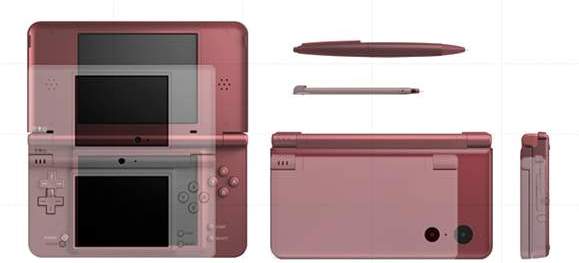
Rumor has turned to reality: Nintendo will be releasing an updated version of its handheld gaming platform with the Nintendo DSi XL (DSi LL in Japan). The screen size is jumping from 3.5 inches to a noticably larger 4.2 inches. Nintendo has confirmed that the DSi XL will be released in the first quarter of 2010. Although there was no statement of price, take this and make what you will of it: The LL version releases in Japan on November 21 for ¥20,000 (or about $221).
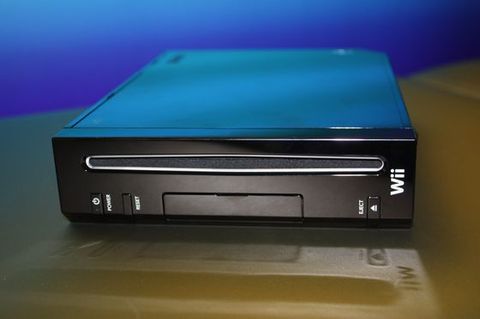
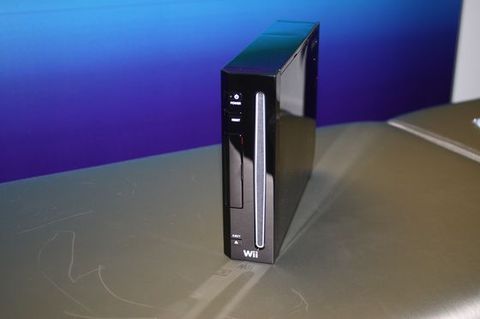
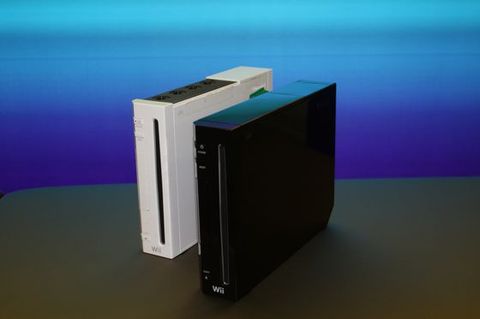
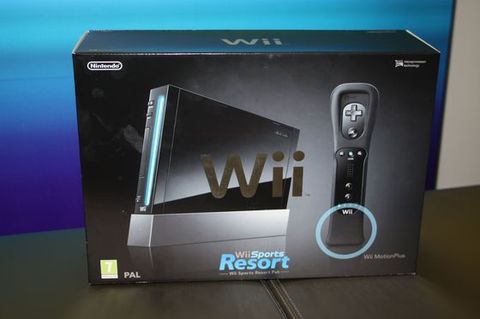
Too bad there are no plans for bringing this limited edition model of the Wii to the states. We’ll just have to make due with black Wii-motes and nunchucks which are due out November 16.
[Via Gamespot]
We’ve already seen a video of the purported Sony Ericsson “Rachael” user interface at work. A new video has been released this week and it reveals the media playback capabilities. Watch out Apple; SE’s concept (hopefully -turned real) Android user interface looks very, very good.
[Via Gizmodo]
Pavegen Systems at interbuild exhibition. Flexible paving slabs that generte energy from people’s footsteps to power street lighting, wayfinding solutions, and other low energy applications.
Basically, these “paving slabs” can generate “as much as 2.1 watts of electricity per hour” simply by having people walk on them. This kind of tech is very impressive and surely stands out in the “be green” world we live in today. Pavegen Systems is currently testing it out in East London and they plan to have them installed more widely sometime in 2010.
[Via Engadget]
Ideum’s 100-inch multitouch table has 86 viewable inches, a 16 x 5 aspect ratio, and a 2,304 x 800 resolution. The coolest feature? It supports 50 simultaneous touch points; most surface tables like these can only recognize a few touch points. It also has the ability to show images in radio, microwave, infrared, visibile, ultraviolet, x-ray, and gamma rays. It currently sits at Space Chase Gallery at the Adventure Science Center.
[Via Engadget]

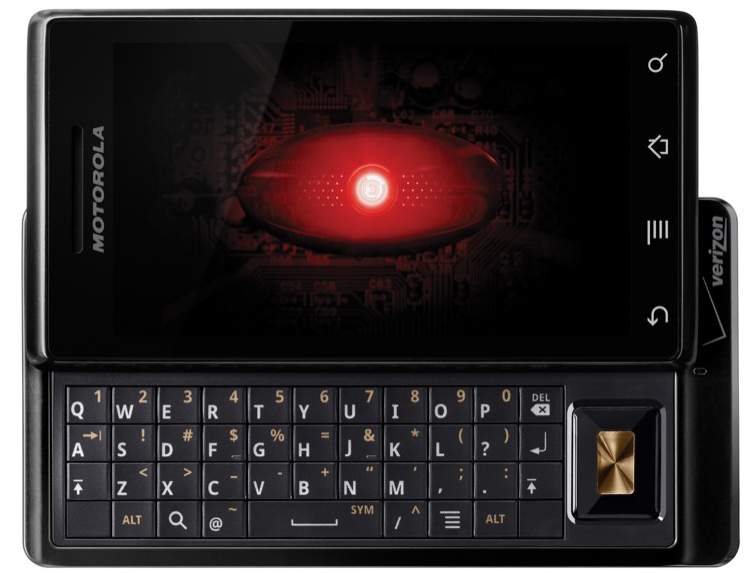
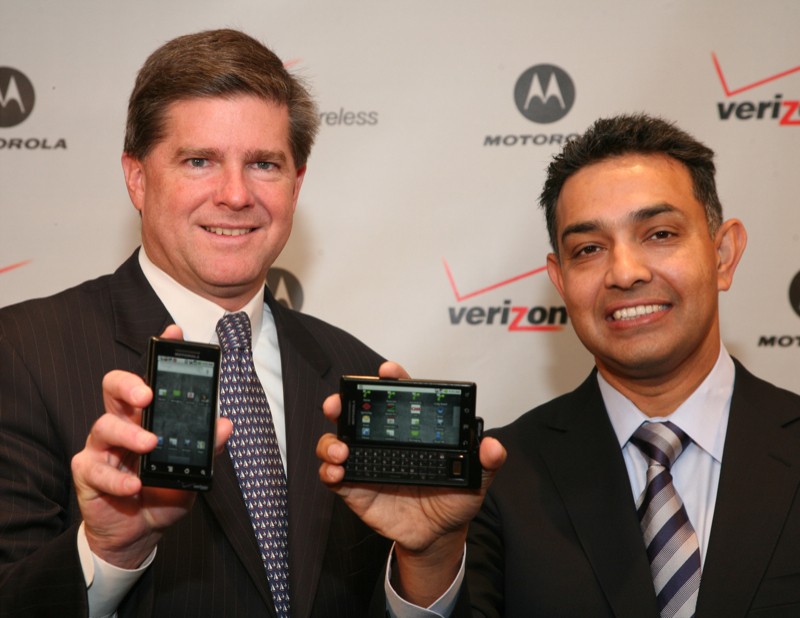
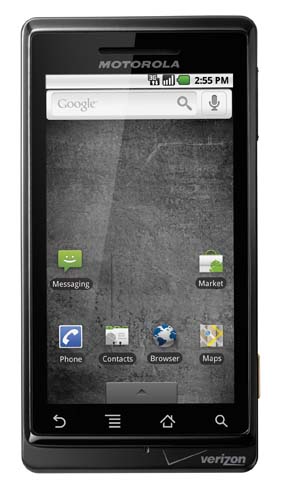
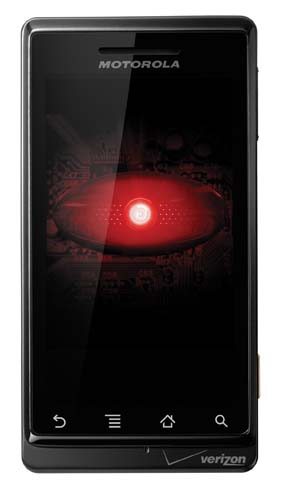
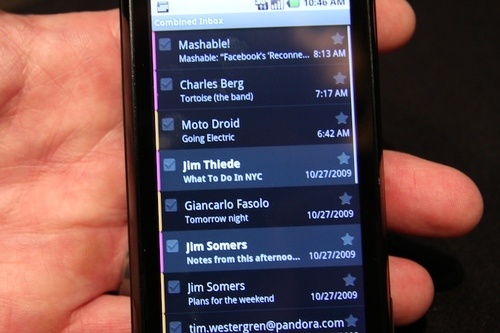
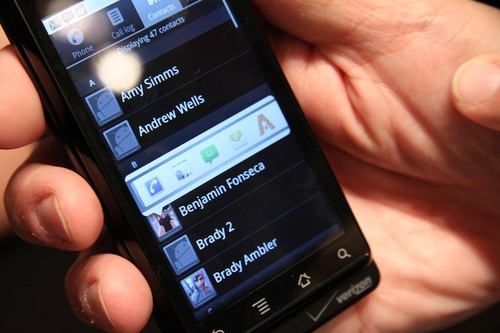
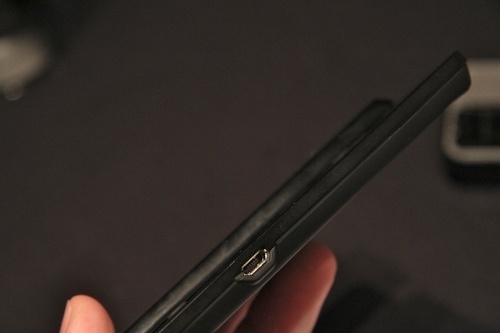
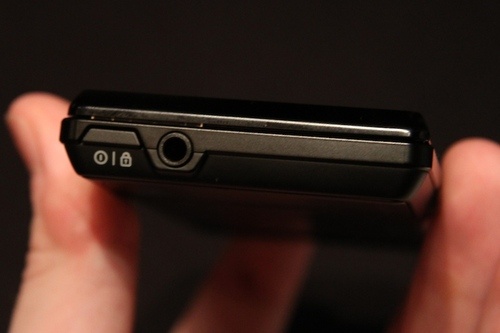
Today Verizon finally released solid information about the first Android 2.0-powered device, Droid by Motorola. The Droid is a Verizon Wireless exclusive and will be made available to purchase on November 6 for $199 (with a two year contract, after a $100 mail-in rebate). So it costs as much as an iPhone; is it worthy of its price tag? Seeing the handset in pictures and specification on paper alone make it look like a strong competitor. We already knew this but here are a bunch of the official specs: 3.7-inch display (854 x 480 resolution), 5 megapixel camera with dual-LED flash, a bundled 16GB memory card, and a full slide out QWERTY keyboard (Verizon notes that it is the world’s thinnest slide out QWERTY), 3G, WiFi, and over-the-air Amazon MP3 downloads. A home dock accessory will also be available to purchase. Oh, and it’s also the first phone to support Google’s brand new Maps Navigation software. Get learn’d and preorder Droid here. Look after the break for the official press release and a hands-on video from Engadget.
At today’s press conference Verizon also confirmed that Droid is indeed a family of phones, though there was no mention of the oft-rumored Droid Eris by HTC.
All in all the Droid by Motorola looks great on paper and even better in pictures. Once it releases this November it will have to face the test of real usage. Who knows, this may be the competition the iPhone has been craving for over three years.
[Via Engadget, here & here; Gizmodo]
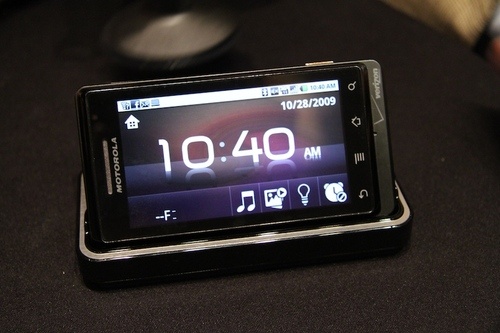
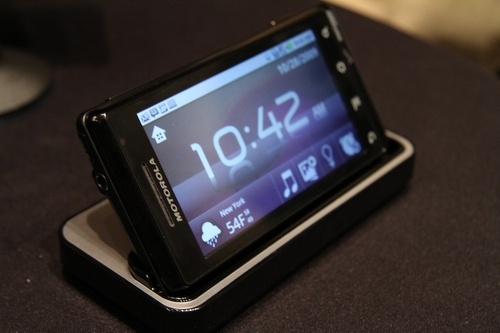
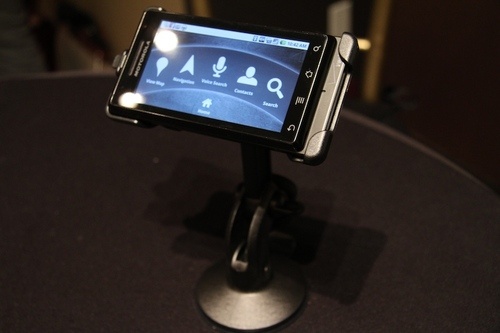
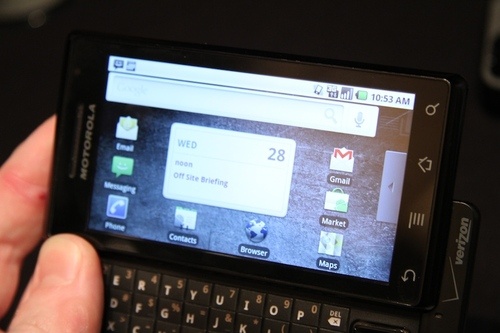
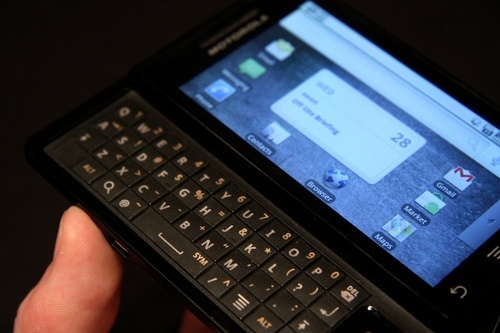
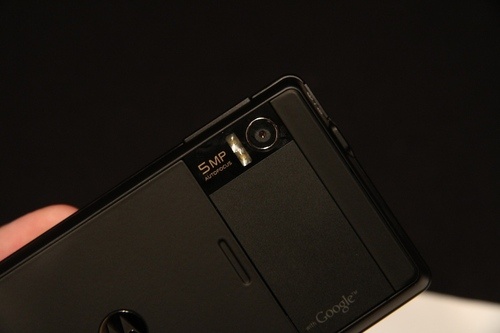

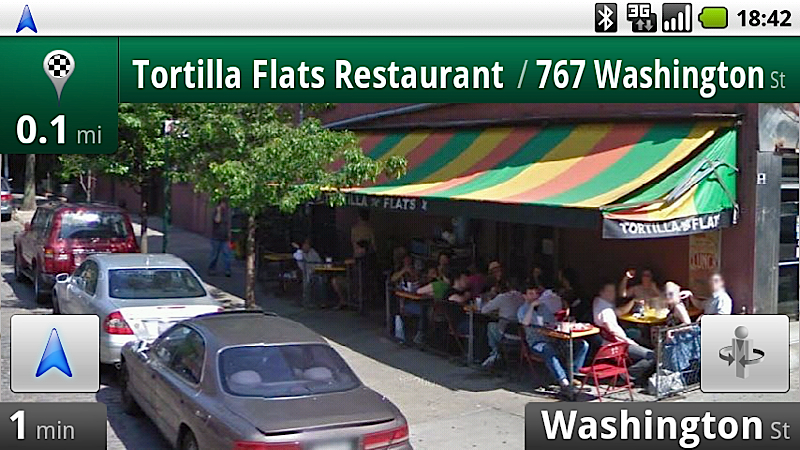
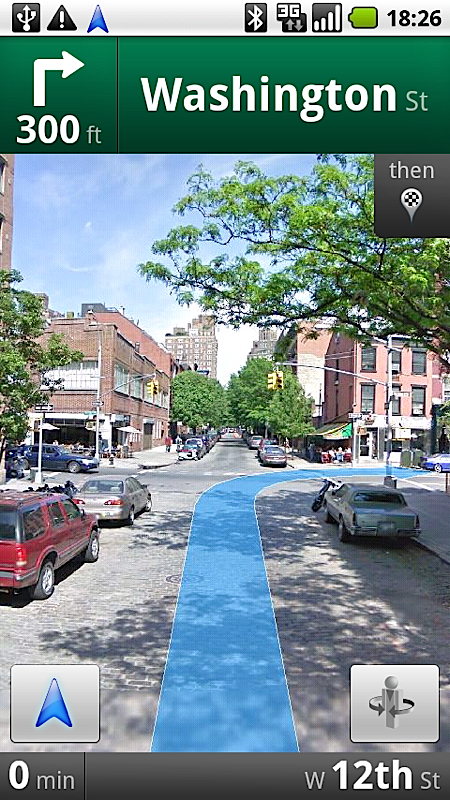
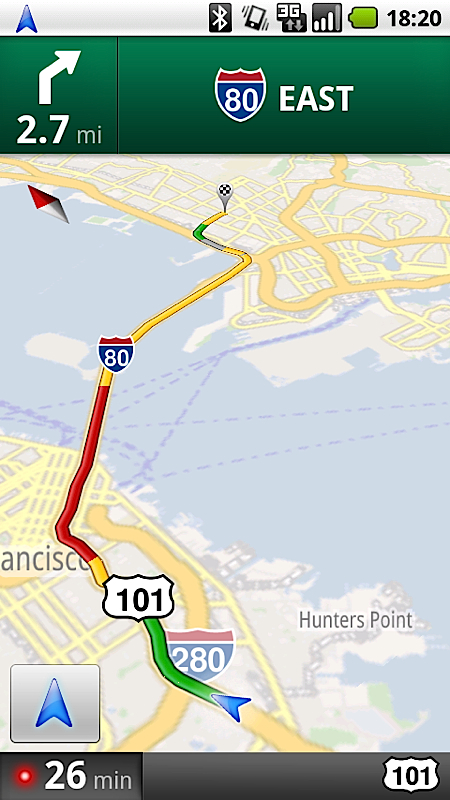
Today Google announced a major upgrade to its mobile Google Maps software with the introduction of Maps Navigation. Everything you’re used to with Google Maps is still there–search (by name of business), directions, traffic data, the three views (map, satellite, hybrid), etc. Maps Navigation brings full-blown turn-by-turn directions, including our friend the female robotic voice. New features included: address input by text or voice; text-to-speech (reads street names aloud); Street View (when you are making a turn or getting off a highway, an intelligent satillite view of the street will appear with directional arrows embedded on top); search along a route (it can point out and direct you to gas stations or resturants that fall on your route path); hold a finger down on any point of the virtual map and it will guide you there; layers (features like traffic and points of interest are “layers;” Gizmodo acknowledges that this may hint towards Google offering developers to create their own layers on top of the map (Wiki notes, etc.)); landscape and portrait modes. A docking station for car use was demoed. When a compatable phone is placed in the dock, an “arm’s length away” user interface takes effect (larger icons, etc.).
One of the most distinguising features of Maps Navigation as a navigation system is that it relies on the Internet to gets its information (maps, traffic, etc.) instead of actual satillites like most other navs. There are major advantages and some disadvantages to this. Gizmodo appropriately labels the single most important advantage “maps that never age.” In essense, you will never have to worry about updating your maps because the software is constantly updating itself via the carrier’s cell service. The disadvantage? If you happen to enter a dead zone and lose all cell service you might find yourself stuck in lost, unfamilar territory. However, it is worthy to note that the software sort of works offline in that it will cache (or save) your route once it is entered in a cell signal area. So if you happen to stumble upon a dead zone you may not SOL after all.
For now, Maps Navigation will only be available on Android 2.0 cell phones. The first cell phone to feature it will be Verizon’s Doid by Motorola. Eventually this upgraded version of Google Maps will make its way to other carriers and devices. In fact, Gizmodo reports that Google is in close talks with Apple about porting it to the iPhone.
One final, very significant point: Maps Navigation is f-r-e-e, that spells free. This is going to make a heavy impact not only on other cell phone nav applications that are not free, but it is definitely going to negatively affect major companies like TomTom and Garmin (it already has) who rely on people purchasing their standalone GPS units. If people have the choice of using a free (ad-free too, mind you) nav application on their cell phones or choosing to buy a separate typically expensive device, what do you they are going to choose? What would you choose? Share your opinion in the poll below.
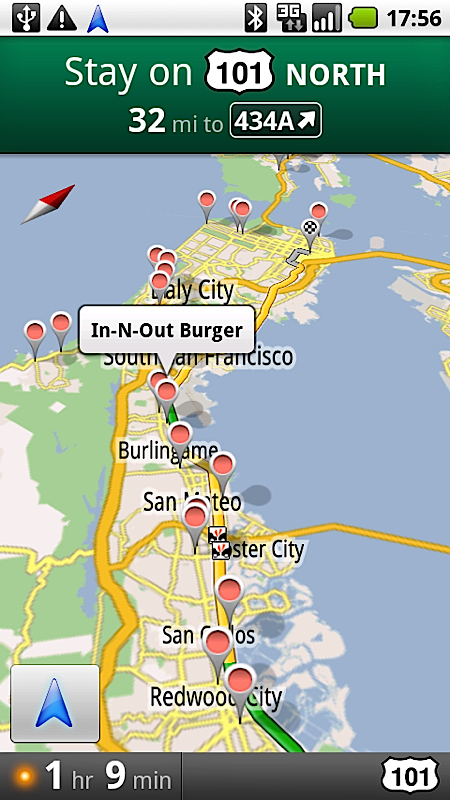
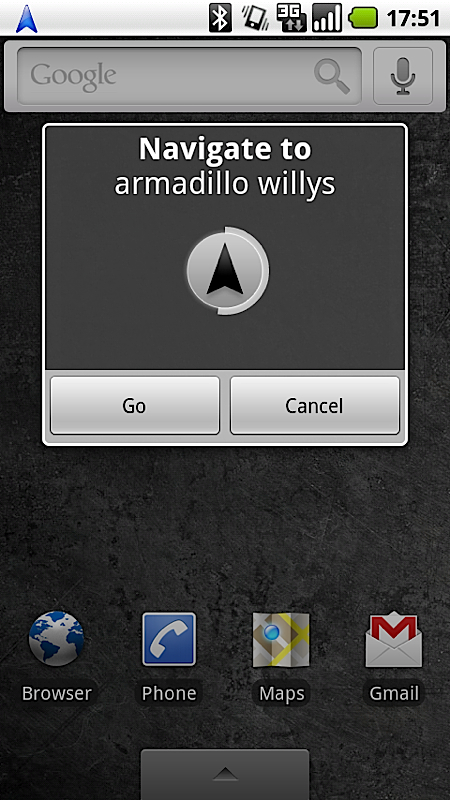
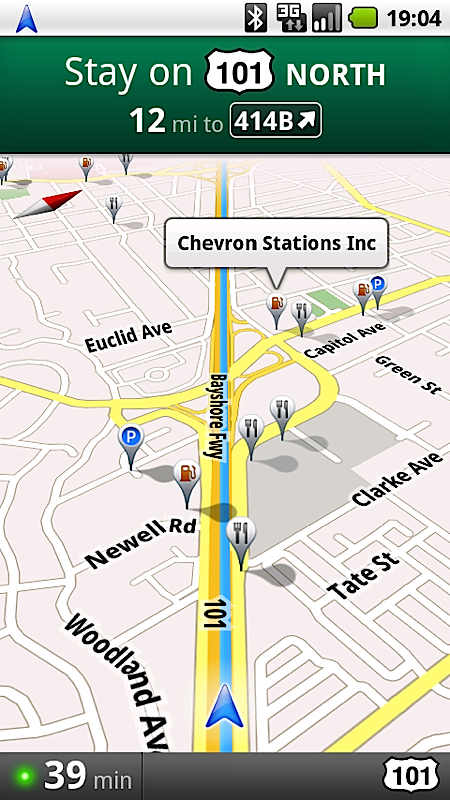
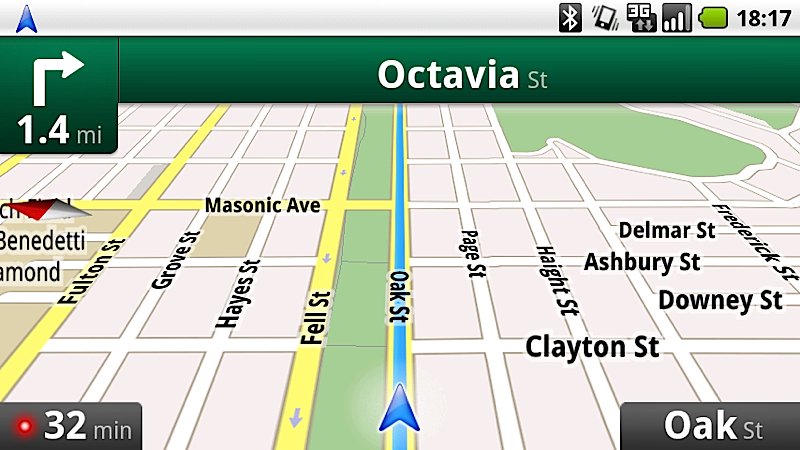
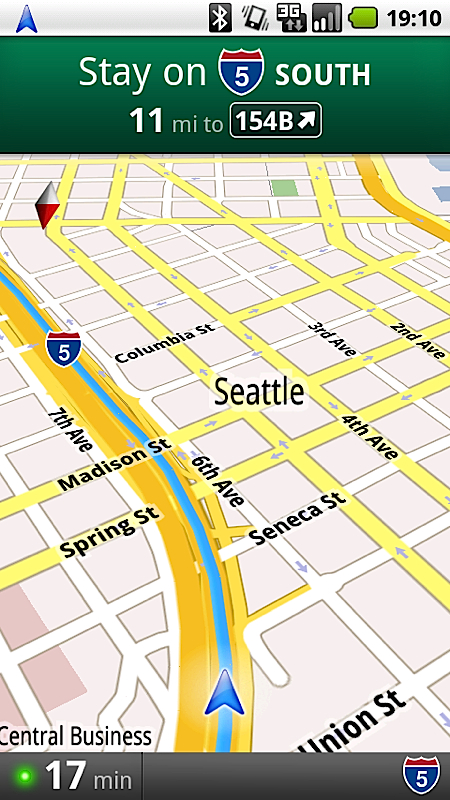
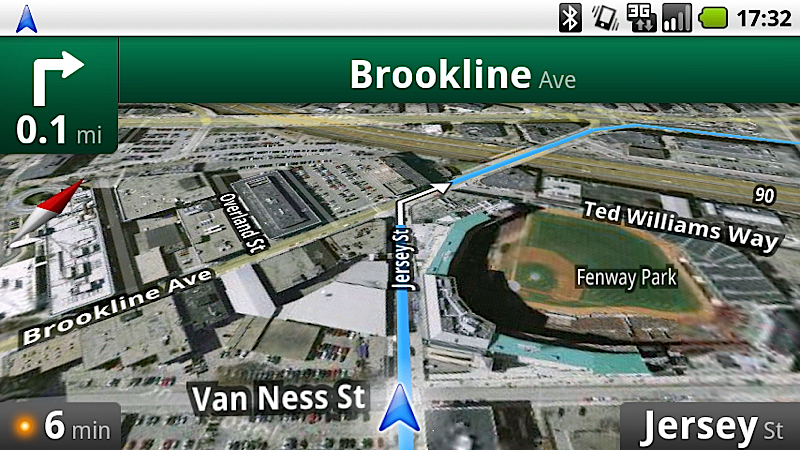
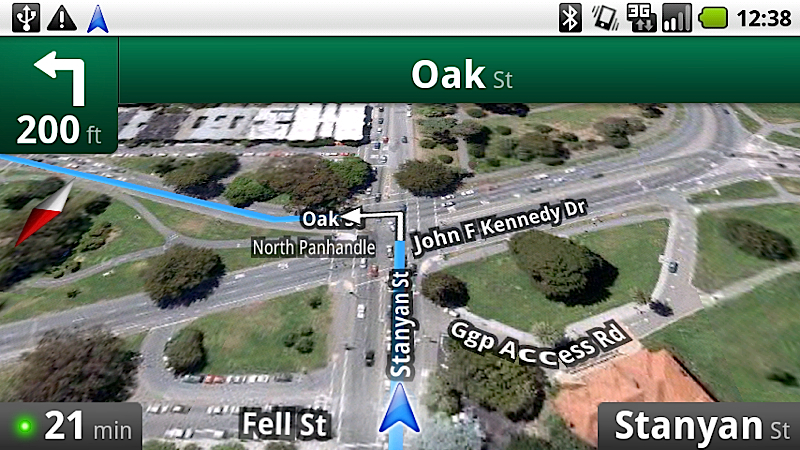
[Via Engadget, here & here; Gizmodo]
[polldaddy poll=2182711]
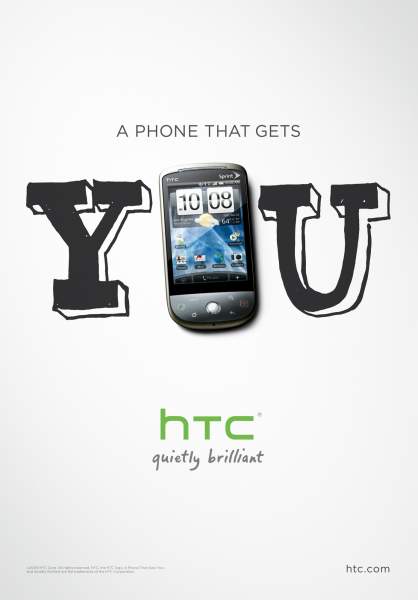
Now that HTC is becoming more of a household brand with its slew of sleek cell phones coming out for AT&T (Pure, Tilt2), T-Mobile (G1, myTouch 3G), and Verizon (Touch Diamond, Imagio, O-Zone, Droid Eris?), it deserves an ad campaign to further integrate its brand image and make a name for itself in the consumer world. And you know what, it works for me. The “HTC You” campaign commercials and print ads are clean, sleek, and catchy (“You don’t need to get a phone. You need a phone that gets you”). And most important of all they get the HTC name out there and get people talking. And talk people should do–HTC, their partnerships with companies like Google, and their self-concocted Sense UI really do pay off their great, user-friendly handsets. Check out one of the commercials below, and look after the break for another one.
[Via Engadget]
Continue reading HTC ad campaign is just what the consumer ordered
Johnny Chung Lee, everyone’s favorite modder-turned Microsoft employee, is back in action, bringing us yet another insanely awesome and innovative interface. This time it’s a muscle-computer interface. He explains: “We face many situations where we need to interact with technology without a physical artifact, because a physical control is not accessible or because hands are already busy.” The video is just over two minutes long. Just watch it. It features a demo of the interface using what would be best called “air” Guitar Hero, showing how the technology allows you to control on-screen action from mere “hand and finger-based input” without a separate material device. Although this is not so practical, it shows how the technology works. Lee goes on to explain how a muscle-computer interface canwork practically, in situations when you need to control a device (ie. a car) when your hands are full (ie. carrying groceries). Can’t wait to see what you have in store for us next time Mr. Johnny Chung Lee.
[Via Engadget]
With the help of wall-mounted vibration sensors and a large fretboard projection, athletes can control on-screen action of a modification of the ever-popular Guitar Hero. Check out the impressive action above and peek after the break for a behind-the-scenes video of how it was done.
[Via Engadget]
Continue reading ‘Football Hero’ orchastrated by young talented soccer players