Category Archives: Images

Kid Cudi college concert @ Bucknell University [video + pictures]

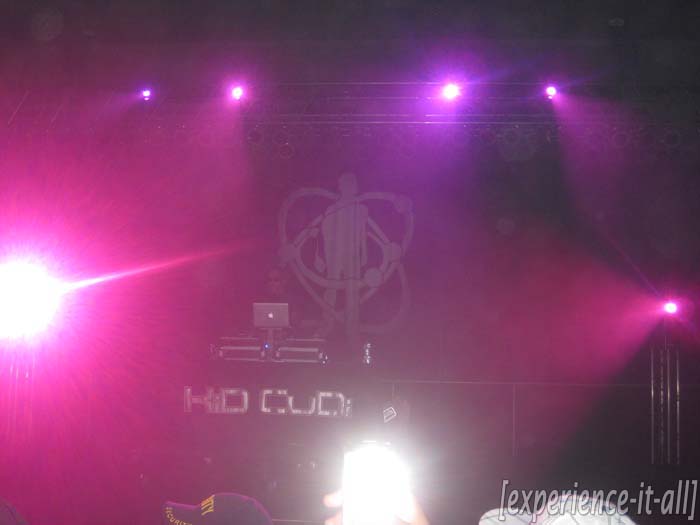
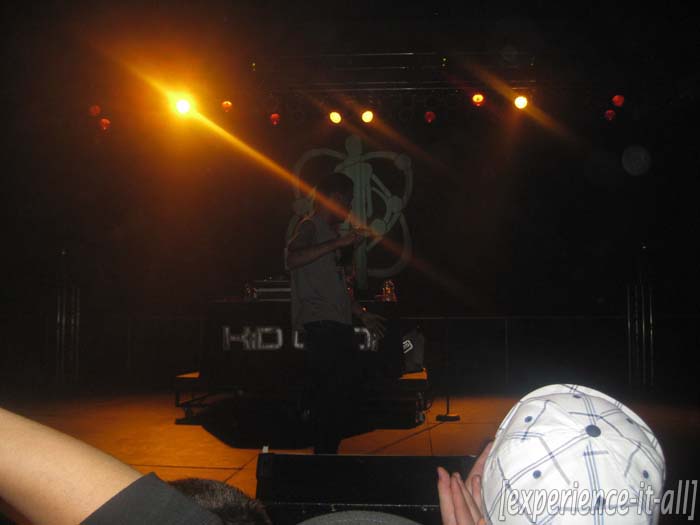
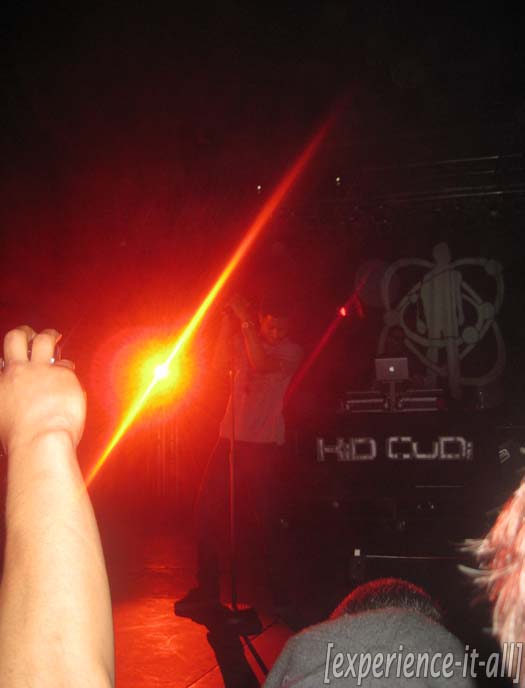
On April 9 Kid Cudi visited Bucknell University in Pennsylvania, another stop on his nationwide college tour.  I was there, so naturally I took videos and pictures to share with you.  Cudder knows how to put on a concert.  He really draws in the entire crowd and interacts with some of them.  He feels the music when he’s performing and you can tell; that’s a special quality only few artists have.  If you get the opportunity to see him live, don’t miss out.

Cudi performed 17 songs total, including tracks from his debut album Man on the Moon: The End of Day and his mixtape A Kid Named Cudi.  He also performed Groovin’, an unreleased track he said we’ll find on his next album tentatively titled Cudder and the Revolution of Evolution.

The video below is Part 1 of 3; look after the break for Parts 2 & 3.  Or you can visit my YouTube page.  While you’re there, check out my coverage from this year’s Consumer Electronics Show at Las Vegas.  In June I’ll be traveling to Los Angeles to cover E3, the biggest video games trade show in the world, so be on the lookout for that.

Continue reading Kid Cudi college concert @ Bucknell University

Are you a Gleek? There’s an app for you.

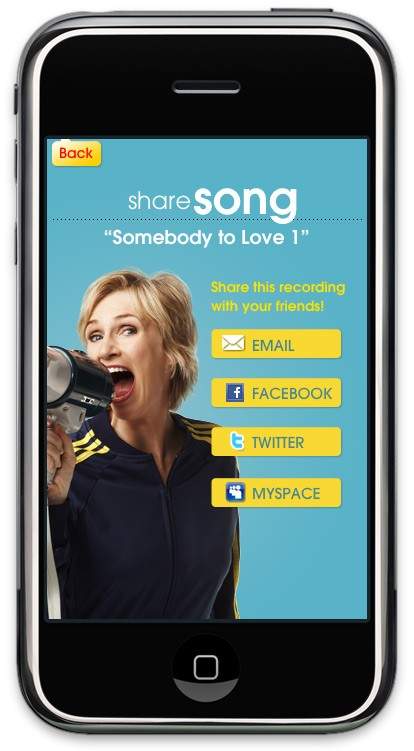
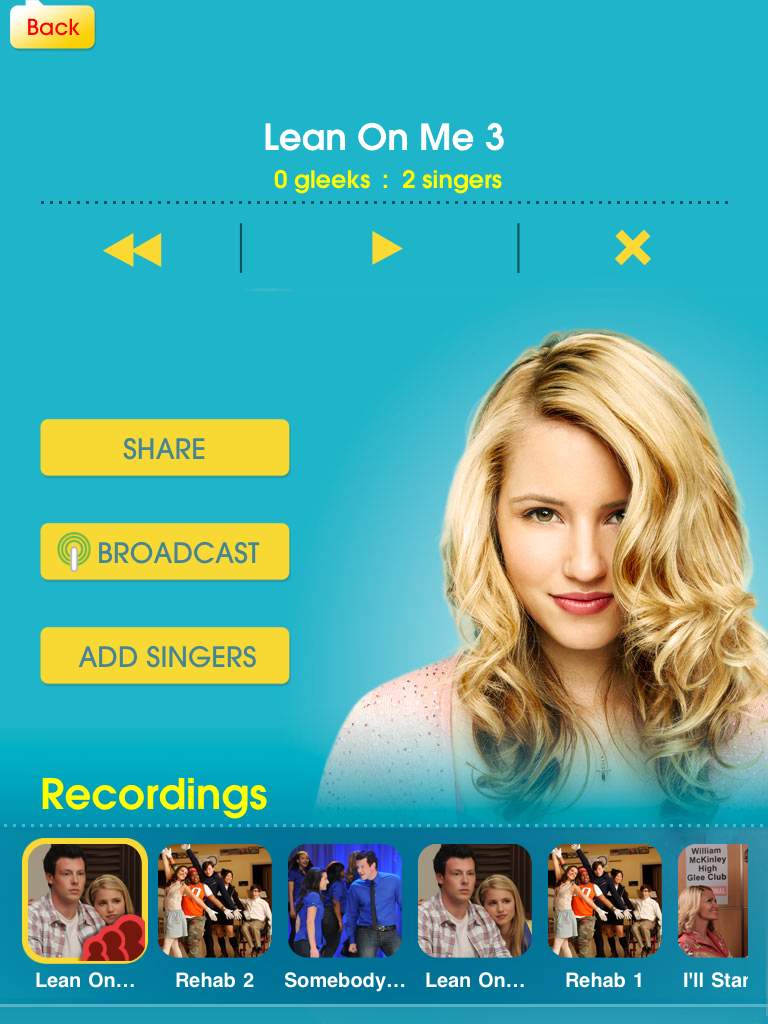
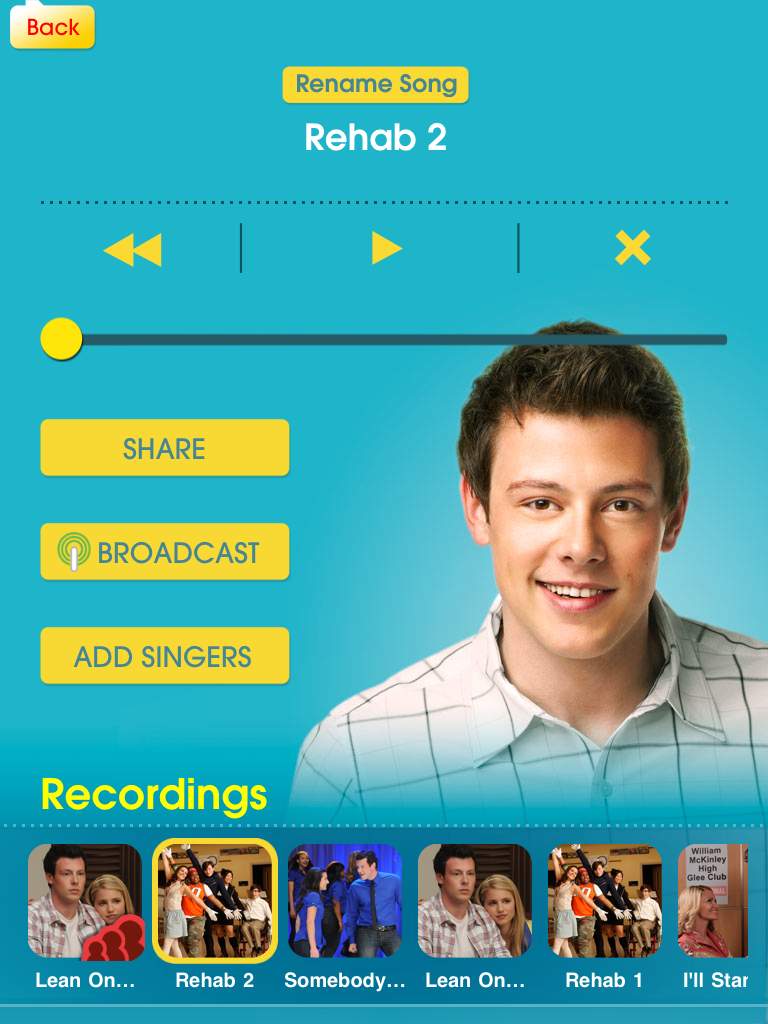
Designed by Smule (the musical geniuses behind Ocarina, Leaf Trombone, I Am T-Pain, and Magic Piano apps), the Glee music app puts you behind the mic and lets you belt out your favorite songs from the FOX hit show.  Here’s how it works.  You got your iPhone or iPad, right?  Plug in some headphones to get the background music pumping.  Hit start and music plays in the ‘phones while the lyrics scroll across the screen.  Now sing.  There’s a live pitch meter that let’s know if you’re in tune or not.  But it doesn’t end there.  Say you can’t sing all-natural and need some help.  The app automatically auto-tunes your voice and generates harmonies from your voice.  Neat-o, right!?  Once you’re done recording a song, you can share it with friends on Facebook, MySpace, Twitter, or email (or the entire Glee app network) and listen to other Gleeks rocking out.  Everything is stored on Smule’s servers for easy access right from the app.  If you choose to “broadcast” your recorded song, other app users can find the track and sing on top of it, creating a band-like experience.  A world-wide Glee Club, if you will.

The Glee app is available at the App Store today for $2.99.  It comes with three tracks (“Rehab”, “Somebody to Love”, and “You Keep Me Hanging On”) and Smule promises to add new tracks every week.  They will appear as in-app purchases.  So far, the Glee “music store” includes the following additional songs: “Can’t Fight This Feeling”, “Imagine”, “I’ll Stand By You”, “Lean On Me”, and “No Air”.  The social aspects work over WiFi and 3G.  Well, what are you waiting for!? Gleek out!  (See how it’s done after the break.)

[Via TUAW; Gizmodo]

Continue reading Are you a Gleek? There’s an app for you.

Microsoft Kin: the device for “Generation Upload”

On Monday Microsoft finally lifted the covers off ancient rumored devices dubbed “Microsoft Pink” by introducing their next foray into the mobile space called Microsoft Kin.  Microsoft recently aquired Danger, the company behind the Sidekick; created with Sharp, the Kin devices are essentially next-generation Sidekicks.  At its core, and well all around it, Kin is a social networking phone aimed at tweens.  Microsoft is calling its target market “Generation Upload”, 15-30 year olds who are all about chatting, texting, taking and sharing photos, and constantly updating their favorite social networks like Facebook and Twitter.  Note that Kin is not a smartphone; smart dumbphone is more like it.  Although it’s built upon Windows Phone 7 and shares similar UI aesthetics, it can’t run apps and it’s closed off to many other WP7 features like Xbox Live.  This is all by design, really, since Microsoft is really pushing it strcitly as a social networking device.  Kin contains two family members, Kin One and Kin Two.  Both devices contain three unique features: Kin Loop, Kin Spot, and Kin Studio.

Kin Loop: This is your home screen.  It’s the place where all your social network content gets aggregated and displayed.  Loop aggregates information from four selected services: Facebook, Twitter, MySpace, and Windows Live.  Information is updated in real time (well, every fifteen minutes unless you manually hit refresh).  So what you need to understand is this: the device does not run apps for these services; they live on the phone at all times.  Your profile picture and current status is visible at the top of the screen.  The rest of Loop is covered in recently updated statuses from the friends you converse with most often.  If you want to delve deeper into their page, simply tap their picture and you’ll be transported to their standard profile page.

Kin Spot: There’s a small green spot located at the bottom center of the screen at all times.  This dot allows you to collate all kinds of stuff and share it all with your friends.  For example, if there’s a picture, video website, status update, or map you want to share with one of your contacts, simply drag and drop the content into Spot and you’re one tap away from sending it off to your friends.  Enter Spot by tapping it and select the contact and content you want to share.  Content can be shared over SMS, email, or social networks.

Kin Studio: This is where all your device’s content is stored online.  Everything that you have on your Kin (contacts, pictures, videos, etc.) is backed up to “the cloud.”  In this case the cloud is Kin Studio, a website based on Silverlight that can be accessed on any computer.  So if you lose your Kin, all the data that’s on it continues to thrive online at Studio.  Also, Studio makes for a great way to watch and enjoy your Kin’s content on a larger display.  Studio’s UI is impressive; it features a visual timeline and supports geotagging in a map, allowing you to pinpoint exactly when, say, a photo was taken, and where it was taken, respectively.  It’s a very seamless experience; if you update something in Studio (for example, add a video), the change will take effect on your Kin device, and vice versa.

Kin also comes loaded with a custom IE web browser.  The display is capacitive with multitouch support, enabling pinch-to-zoom in the browser, but there is no Flash or Silverlight functionality.  Also included is a fully functional Zune player (hrm, minus Zune gaming), allowing for music,video, and radio playback.  Zune on Kin will provide the same experience found on Zune HD players and (soon) WP7 devices.  You can stream music over WiFi and 3G and there’s full support for Zune Pass, meaning you will always have access to your entire Zune library.  For Mac users, Microsoft will be providing software to sideload your iTunes music and iPhoto pictures to a Kin device.  Note, this is not a Zune client for Mac, it just a way to get a Mac user’s content from Mac to Kin; no Zune Marketplace access for you!  Now let’s distinguish between the two members of the family. Continue reading Microsoft Kin: the device for “Generation Upload”

Art exhibit plays around with your sense of perception

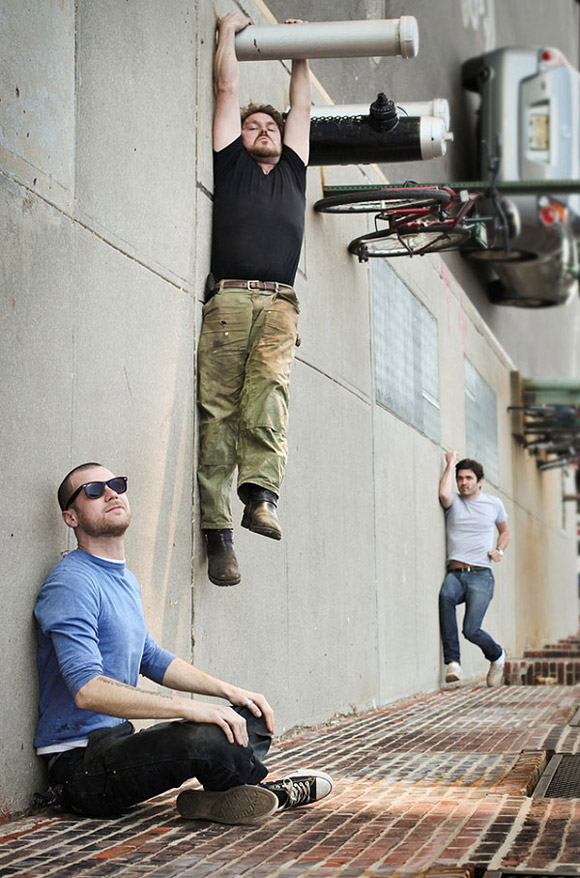
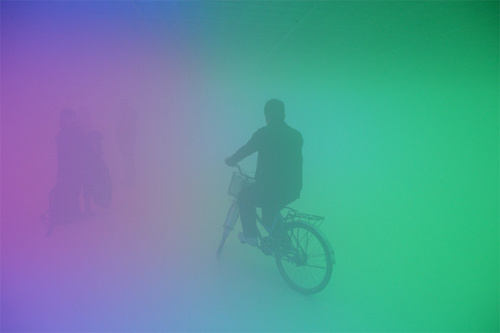
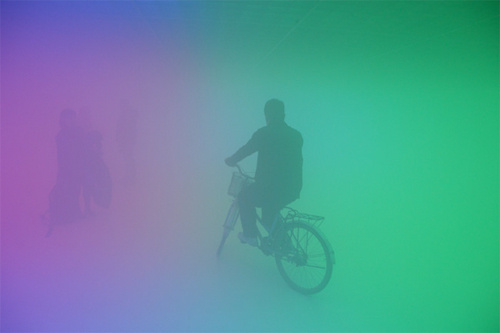
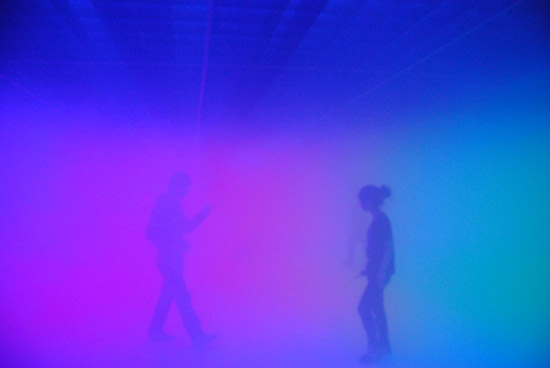
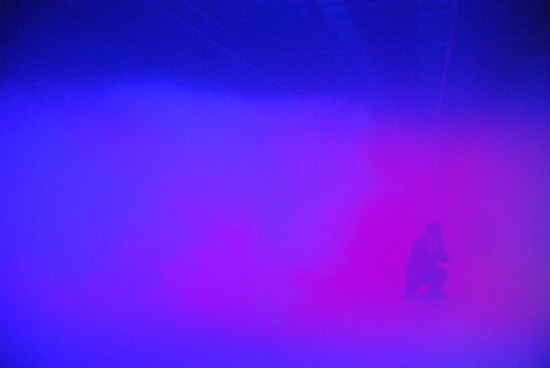
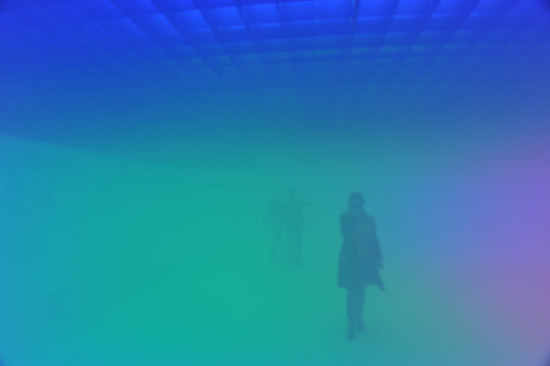
Feeling Are Facts, designed by Danish-Icelandic artist Olafur Eliasson and Chinese architect Ma Yansong.

“Feeling Are Facts” is an art exhibition located at the Ullens Center for Contemporary Art in Beijing.  Eliasson and Yansong created a disorienting environment inside an art gallery using artifically produced colored fog, a lowering ceiling, and a sloping floor.  Walking through this exhibit must be challenging and exciting as it forces you to question and reinvent new modes of perception.

[Via DesignBoom; Gizmodo]

Lost case mod is detailed to fandom perfection

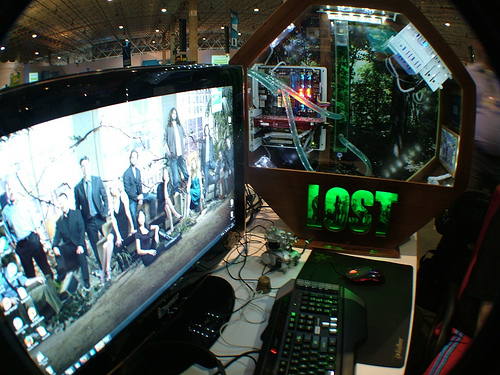
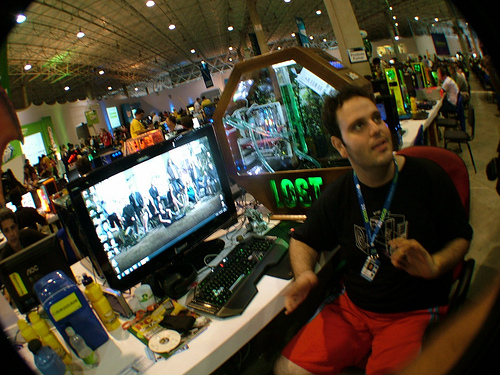
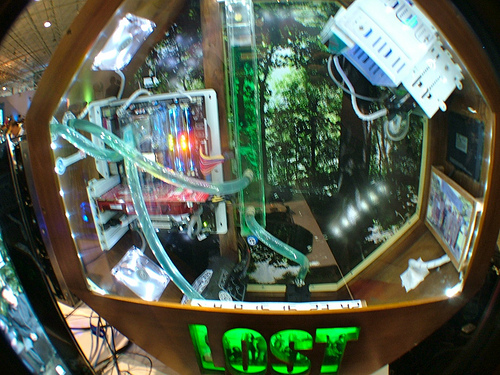
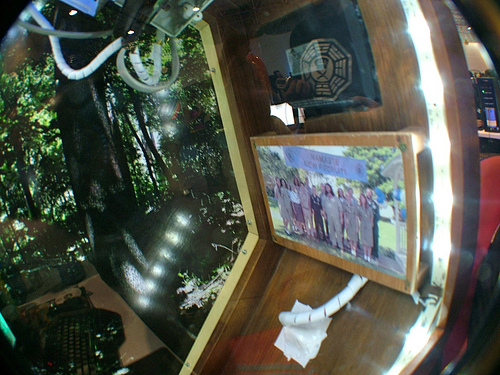
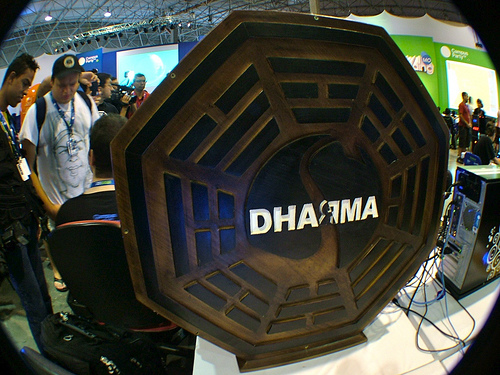
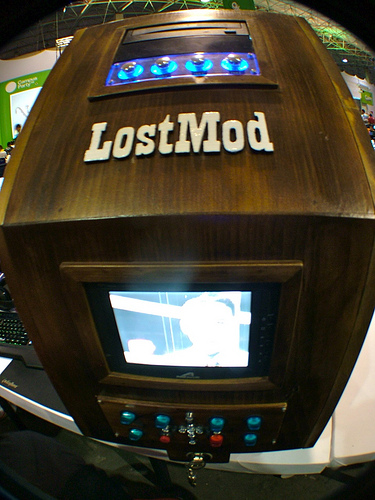
A bunch of Brazillian Losties have gone ahead and created this awesome Lost mod case.  The amount of detail is tremendous, really.  The PC case is octagonal shaped, a la the Dharma Initiative logo; it has a green and is decorated in a jungle theme; it’s got the 1977 Dharma Initiative team photo stored inside, along with plastic tubes and other instricases; and there’s even a video screen on the outside that plays loops of Dr. Marvin Candle/Pierre Chang’s Dharma orientation films.  The only thing that’s missing is the requirement to type in The Numbers every 108 minutes to save the world from destruction by an electromagnetic force.  Take a closer look at this beauty in the gallery below.

[Via Gizmodo; Flickr]

Concept watch relays Facebook, Twitter updates to your wrist

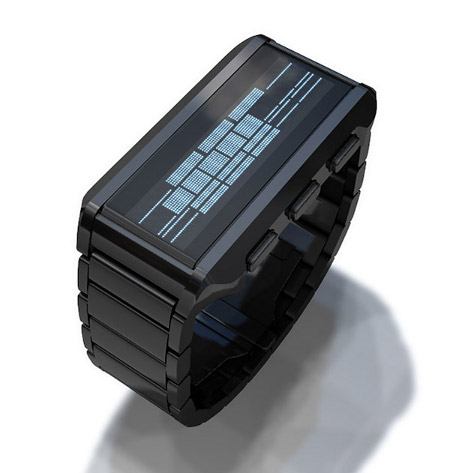
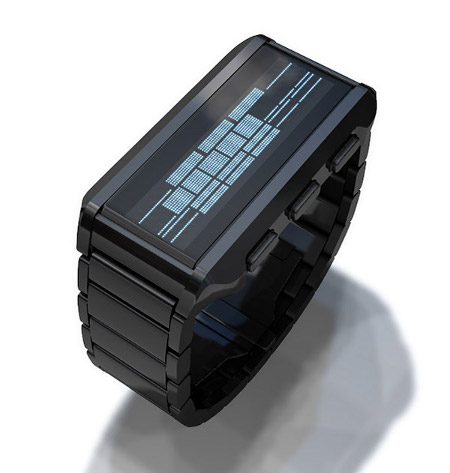
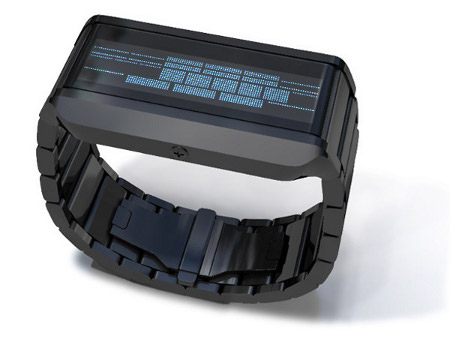
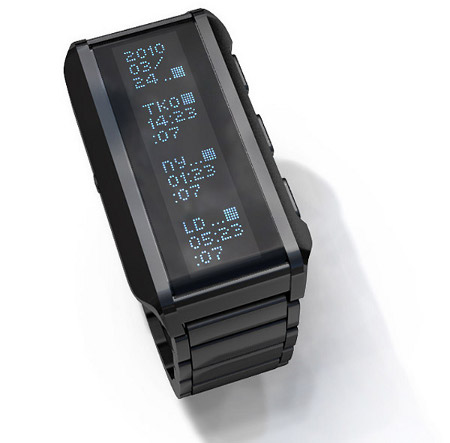
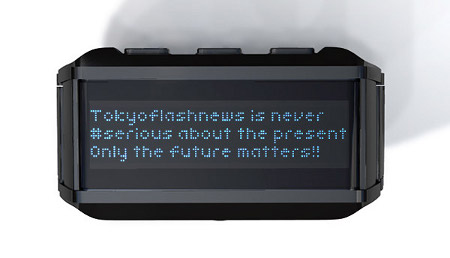
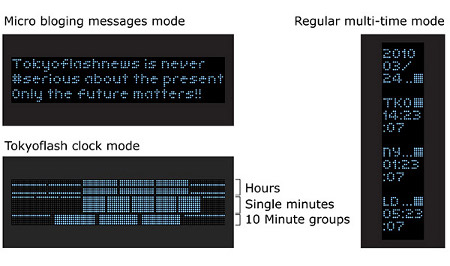
The stainless steel Instant Trend concept watch receives Facebook and Twitter notifications by hooking up to your smartphone via Bluetooth.   Buttons on the side of the watch let you scan through the messages.  And if you think that’s neat, listen to how bizarre reading the actual time is: the pixelated bars you see in the image above represent the time in hours, minutes, and 10-minute blocks.  “Reading the time is simple, just add the blocks; 12 blocks for hours, 5 blocks for groups of 10 minutes and single minutes 1-9.”  Did I mention this is a concept device?

[Via TokyoFlash; Gizmodo]

MIT students watch Minority Report, make the “glove mouse” a reality

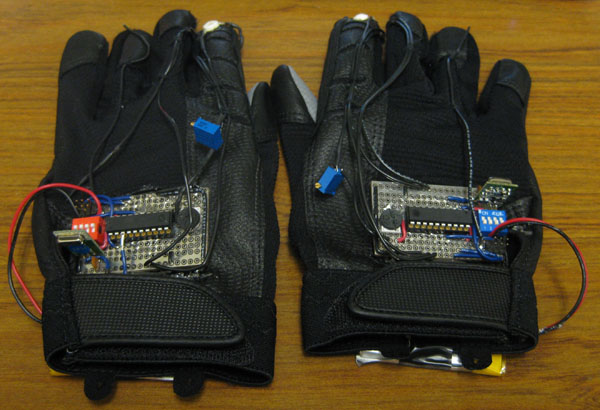
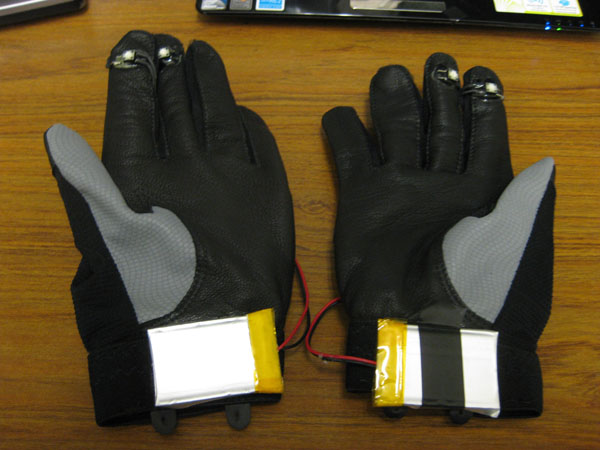
Controlling a computer using nothing but your hands.  A feat we’ve all seen done before by Mr. Cruise in Minority Report.  As part of a final project in a digital media course, a couple of MIT students have created an extremely crude version of what we saw in the sci-fi movie.  Using gloves with LED tips and a webcam, the students demo how an on-screen image can be manipulated with various hand gestures.  So we’re not there yet, but at least we’re moving forward.  Take a look at the gloves in the gallery below.

[Via MIT; Engadget]

Olympic landmark coming to London in 2012

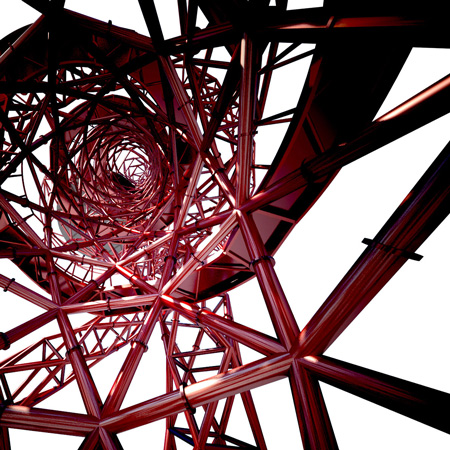
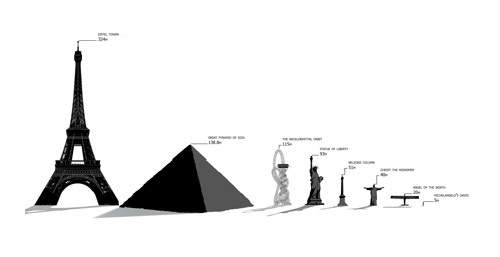
The ArcelorMittal Orbit, designed by artist Anish Kapoor, is “set to become UK’s largest sculpture.”  The Orbit is being built as an attraction site just in time for the 2012 Olympics at the Olympic Park site in London.

[The sculpture] will consist of a continuous looping lattice of tubular steel. Standing at a gigantic 115m, it will be 22m taller than the Statue of Liberty in New York and offer unparalleled views of the entire 250 acres of the Olympic Park and London’s skyline from a special viewing platform. Visitors will be able to take a trip up the statuesque structure in a huge lift and will have the option of walking down the spiralling staircase.

Don’t you think this would make for one hell of a rollercoaster?  Addtional images in the gallery below.

[Via Dezeen; Gizmodo]

‘Stellar’ lamp harnesses the power of crystals to emit bright light

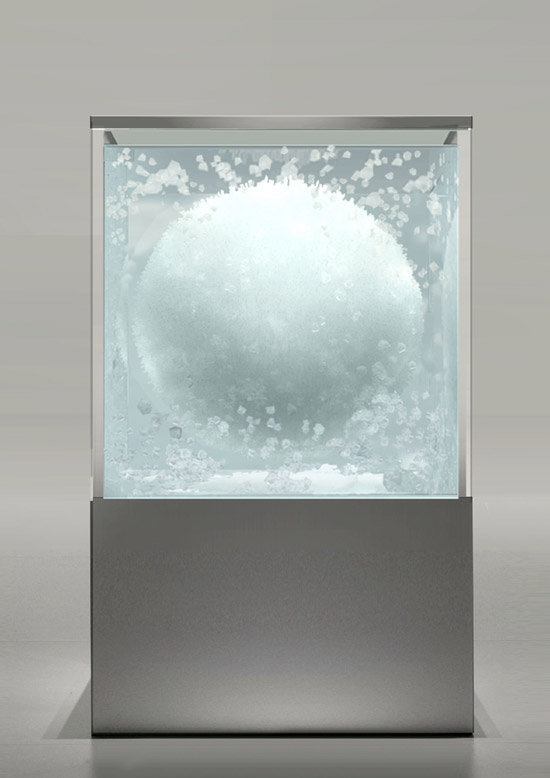
From Japanese designer Tokujin Yoshioka comes Stellar, a lamp of sorts…

For ‘stellar’, Tokujin has brought together the explorations made in his previous work, with the intentions of creating a ‘star’, a large spherical illuminated crystal mass, descending from the sky, emitting rays of light into the exhibition space.

Essentially it’s an extremely bright lamp.  It just happens to be beautifully crafted.  And it’s made of Swarovski crystals.

[Via DesignBoom; Gizmodo]

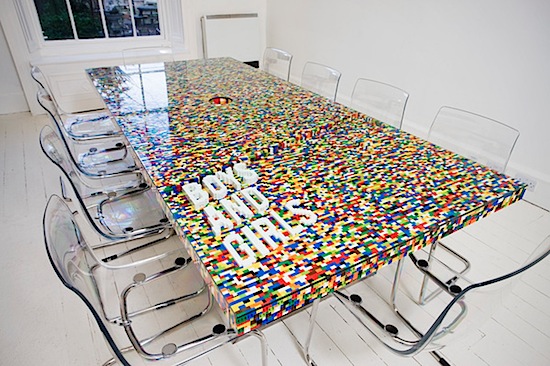
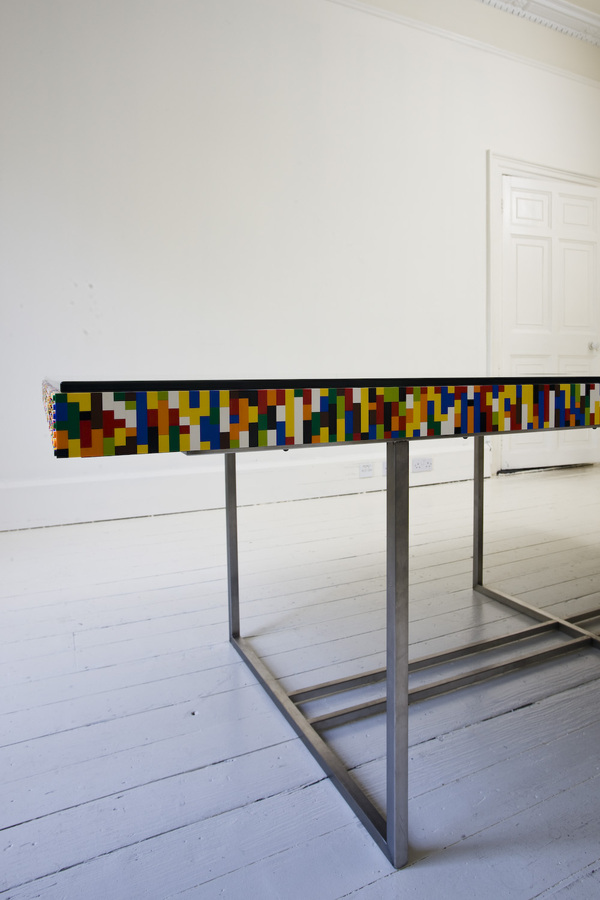
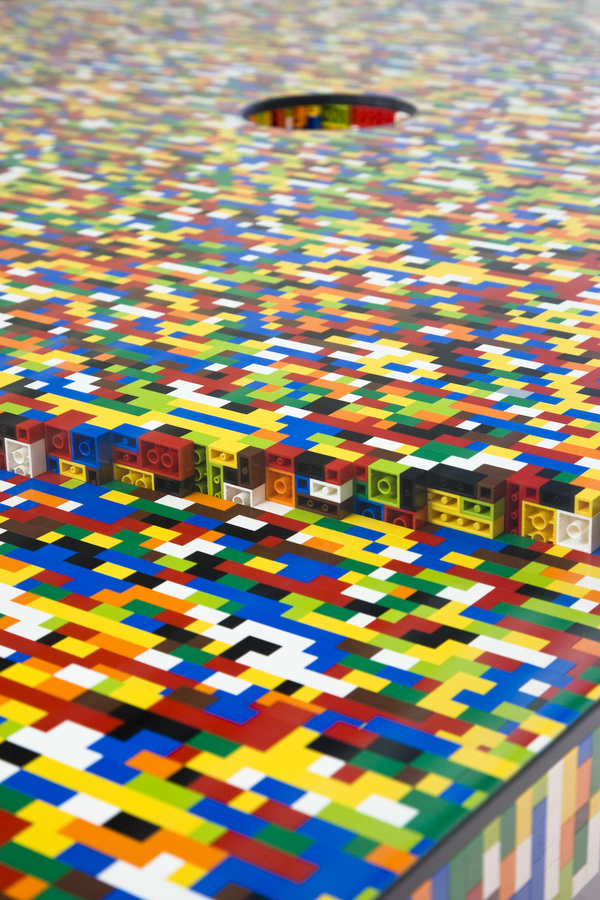
Lego Boardroom Table

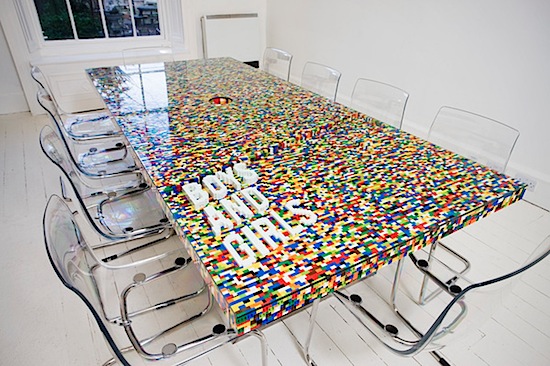
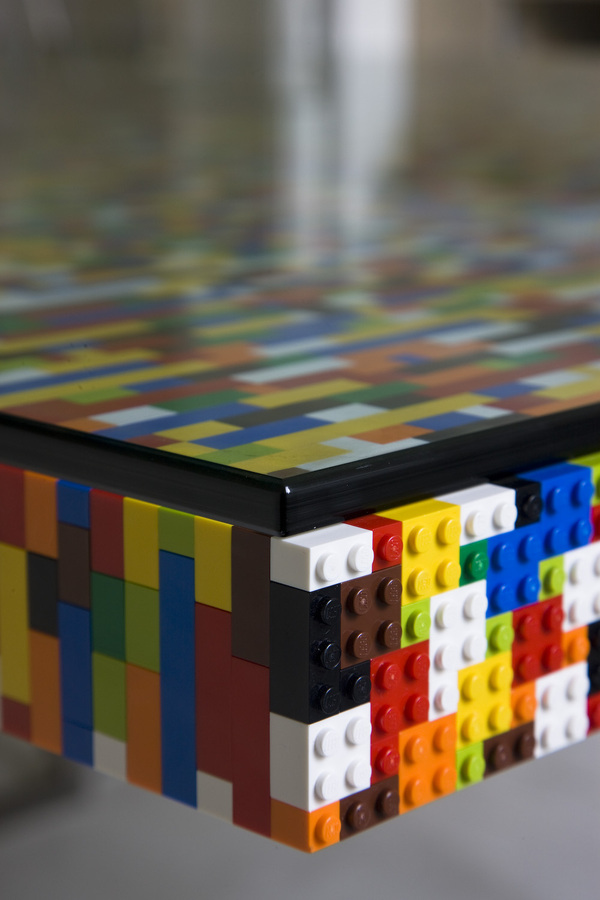
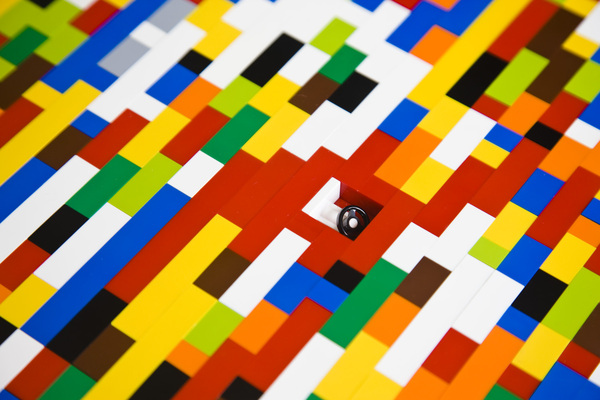
The table consists of 22,742 pieces clicked together with traditional lego construction techniques (no glue), a 136mm grommet is located in its centre. It sits on a polished Stainless Steel square hollow section structure built by B.A. Engineering of Prussia St and is topped with a 10mm sheet of toughened glass manufactured by Action Glass.

Ah, to sit at the head of a Lego boardroom table.  Imagine…

[Via Behance; Likecool]