Tag Archives: Apple

Apple tablet rumors aflutter

According to the latest round of rumors the reveal and shipping date of the Apple tablet device will be delayed until the second half of 2010 due to component switches.

The source says Apple will ship two versions of the tablet; one with a 9.7 inch LG OLED display that may cost around $2,000 and one with a larger 10.6 inch TFT LCD display costing between $800-$1,000.

…gotta love rumors.

[Via Gizmodo; Digitimes]

David Pogue sings “Apps!…I Did it Again”

New York Times tech columnist David Pogue is known for showing off his show-tunes background in funny tech-based gags.  Check out his latest titled “Apps!…I Did it Again,” a song about the iPhone’s ability to run a myriad of (pointless) apps to the tune of Britney Spears’ hit song.

[Via Gizmodo]

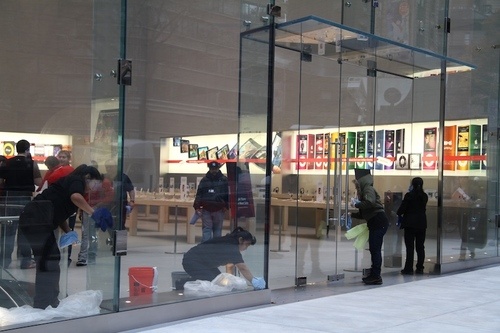
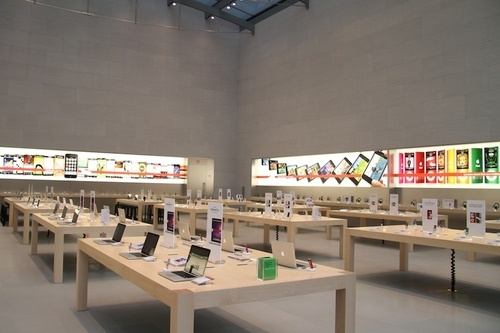
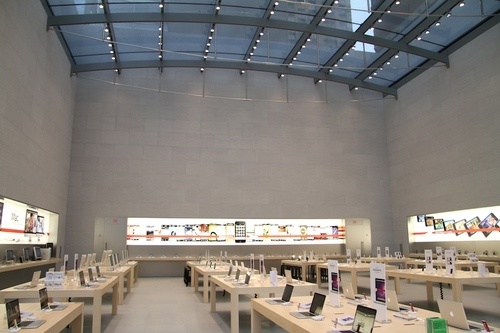
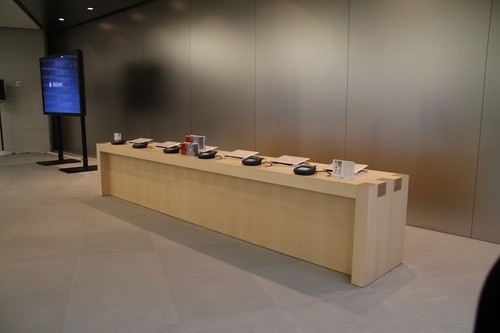
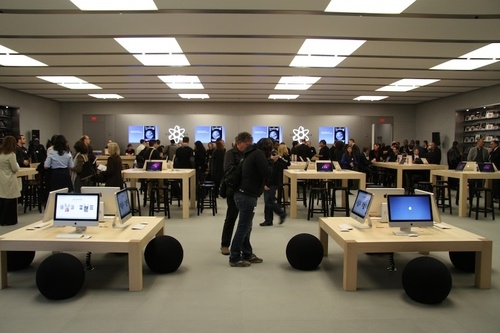
Apple constructs another architectural masterpiece in new NYC Apple Store


On November 14 the glass doors will open to a brand new Apple Store located in the Upper West Side.  It will be the fourth (and largest) Apple Store placed in New York City.

During today’s official announcements, Apple made it clear that “customers can now reserve their favorite Apple product” online and pick it up in-store between December 15-24.  Also, for the first time ever Apple Store employees will giftwrap “any iPod or portable Mac for just $5.”

Oh, and for all you Apple fanboys and collectors listen up: “The Apple Store Upper West Side is located at 1981 Broadway, on the corner of West 67th Street. The first 2,500 visitors to the store will receive a limited edition, commemorative t-shirt.”  Doors open at 10AM; what are you waiting for?

Be sure to check out some shots of the gorgeous Apple Store in the gallery below, courtesy of Gizmodo.

[Via Gizmodo]

Apple Store EasyPay system gets a long overdue upgrade

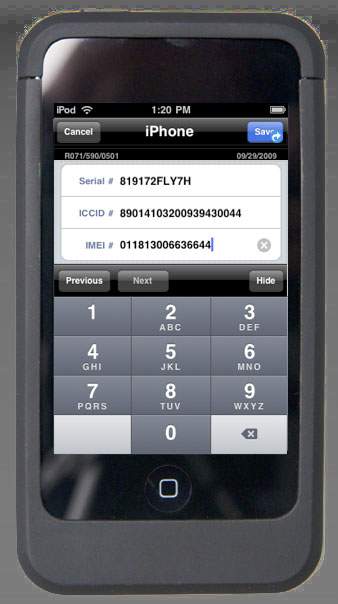
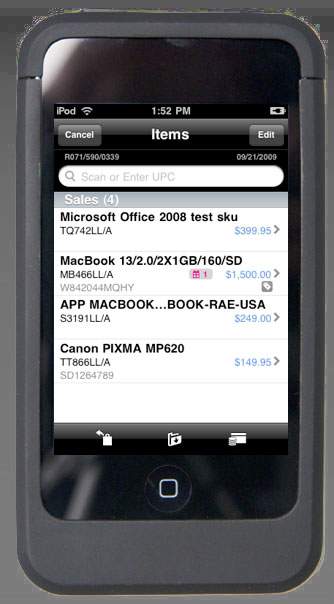
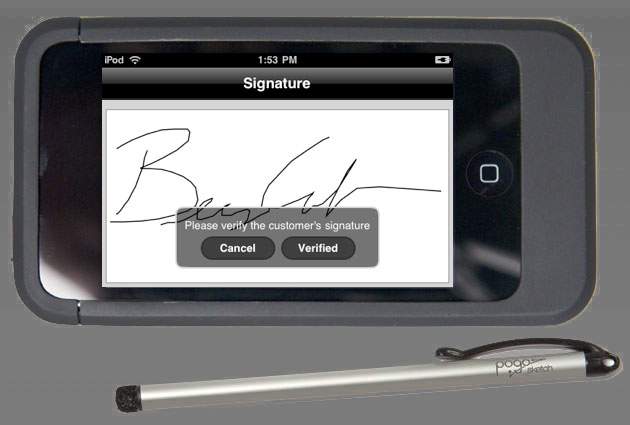
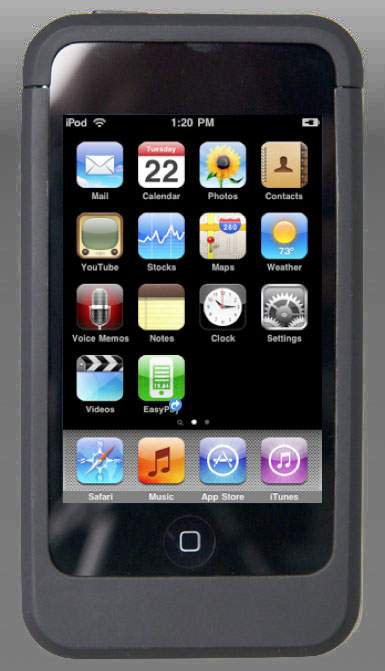
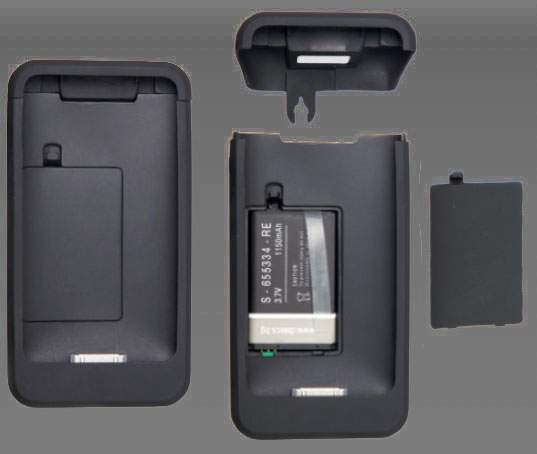
If you have ever shopped at an retail Apple Store you have surely noticed their transaction system.  If you are paying for an item with a credit card you simply approach an Apple employee and they can scan your item(s), swipe your credit card, and print out (and/or email) your receipt from a bulky, Windows CE-powered (oh, the irony) device called EasyPay.  In the near future Apple will transition from the old (circa 2005) EasyPay system to a brand new system that will smartly be implemented into custom-designed iPod touches.  With the help of the OS 3.0 hardware accessory support, Apple will dress the iPod touch in a large plastic case-like enclosure, complete with a barcode scanner at the top, a card reader on the side, and an extra battery.  It’s all powered by a mini USB port that’s located on the bottom of the case.  The iPod touch will run an Apple “EasyPay” application that will get the transaction process done.  And just like it’s Windows CE predecessor, customers will be asked to sign the device with–wait for it–a stylus.  Who knew such an archaic instrument would ever come in contact with an iPod touch, a modern tech beast with a multitouch screen to-boot.  But hey, it does “allows finer entry and control.”  And if you have cash, no worries; an iPod touch-equipped employee can take care of you on the spot and transfer the almost completed transaction to a nearby cash register.  It’s all about streamlining the transaction process and making things easier for the employees and customers.  And customer satisfaction is what matter most.  Those guys at Apple are forward thinkers, and I like it.

[Via Gizmodo; AppleInsider]

Microsoft unabashedly rips on Apple’s App Store

Some of my favorities include The Sun Dial (“Oh, what time you got?” “Ah Chip, it’s 3:15.” “3:15, just like that. That’s great.”  “Oh, actually, it’s 5:30.”), The Germophobe (“so people can shake hands without actually touching”), and lastly, “the phone that shocked you every third ring.”

Gizmodo makes a good point.  As humorous as this is, I don’t really see Microsoft’s point here.  It is true, Apple’s App Store does contain tons of stupid and unnessary apps and their process of allowing (and dis-allowing) apps into the store is wacky.  But, taken as a whole, the App Store has proven extremely successful.  Paid apps are bringing in a lot of revenue and an open market gives well-known and lesser-known developers much opportunity to shine.  This is a funny poke at Apple, sure.  But what have you proven, Microsoft?

[Via Gizmodo]

Windows 7, the day after: Apple fights back, gigantic burgers are eaten

Here’s a couple treats for you.  Apple has already started the anti-ad war against Windows 7 with this latest (and in my opinion, one of the greatest) “I’m a Mac, I’m a PC” advertisement.  Look after the break for two more new Windows 7 bashing ads.


Nerd alert: Remember the picture  of the Windows 7-branded burger from Burger King?  Well here’s proof that it existed and that people paid the premium to eat it.  Gross.  Look after the break for a second burger video.

[Via Engadget here & here; Gizmodo]

Continue reading Windows 7, the day after: Apple fights back, gigantic burgers are eaten

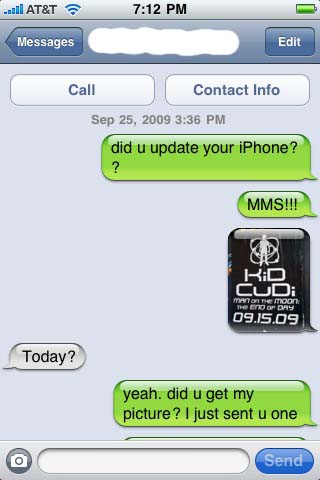
AT&T gives in, MMS on the iPhone for all!

The day has finally come, people.  AT&T has enabled MMS, the ability to send and receive pictures and video, on the iPhone.  (iPhone 3G & 3GS customers only, sorry original iPhone owners.)

The steps to getting MMS running on your iPhone are simple.  First open up iTunes and make sure you are running iTunes 8.2 or later.  Next, connect your iPhone to your PC or Mac.  The update window should pop up automatically after iTunes recognizes the connection.  If it does not, go to the iPhone device tab and select “Check for Update.”  If you have not updated your iPhone to version 3.1 you must do this first.  The actual MMS update is installed via a “carrier settings” update; this means that it is not an iPhone software update, and it should install on the phone within seconds.

[Update Settings Screenshot]

Once you’ve completed the update, disconnect the phone from your computer and RESTART the phone.  The MMS feature will not show up until the phone has been restarted by holding down the power button.  After the phone turns back on, check that the update installed by opening the Messages application and looking for the small camera button next to the text input bar.  It looks like this:

[Text Field Screenshot]

And there you have it.  MMS on the iPhone.  One small step into the 21st century, one giant leap for AT&T.

[Via Apple]

Lexus concept car accomodates your iPhone

The Lexus LF-Ch concept car sports headrest mounts for iPhones.

According to the press release:

“The LF-Ch has four sport seats that feature trim lighting along the cushion’s edge for cabin illumination. Rear passengers can enjoy headrest-mounted iPhone® docking capability for audio and video entertainment. In addition, the LF-Ch has storage in the rear seat armrests for small items such as iPods®, PDAs and cell phones.”

Very cool indeed.

[Via Gizmodo; Jalopnik]